How to create an online product catalogue
How to organise a web catalogue for artisans, shops and professionals: categories, product sheets, CTAs and SEO.

An online product catalogue lets you present what you sell in an orderly, searchable and professional way — even without a complete e-commerce with a cart and integrated payments. Artisans, producers, local shops, B2B distributors and professionals with price-list packages can start with carefully made product pages, clear categories and paths towards a quote request, an order by email or WhatsApp contact. In this guide we look at when a catalogue is needed, how to organise content and photos, how to optimise it for local SEO and mobile, and how to publish it step by step with the builder.
An online catalogue: what it is and when it is needed
Not every business immediately needs Shopify or WooCommerce. A well-made catalogue answers: “What do you sell?”, “For whom?”, “How much does it cost (if relevant)?”, “How do I order or ask for info?”. It is the digital shop window that precedes — or sits alongside — direct sales on the site. Many SMEs in Tuscany start this way: visibility and qualified leads first, then payment integration when volumes and internal processes are ready.
It is different from a portfolio (focus on works and skills), from a blog (focus on editorial content) or from a generic business site (services and team at the centre). The catalogue puts the product — physical or digital — at the centre of the navigation, with a categories → list → detail-sheet hierarchy.
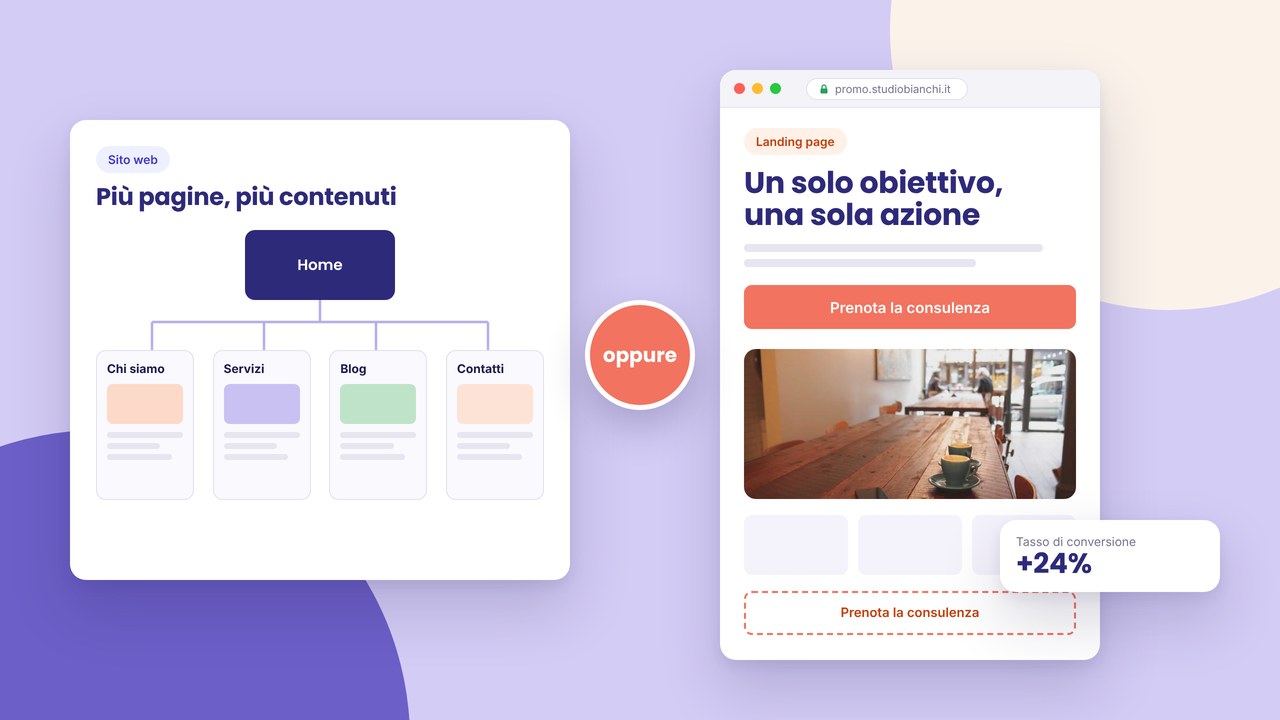
Consider a multi-page structure when you have more product families; a one-page with sections by category can be enough for a very narrow range (e.g. five artisan references).
A showcase catalogue vs an e-commerce shop
A catalogue with contact
A product list, a sheet with photos and a description, “Request a quote”, “Order by email”, “Write to us on WhatsApp” buttons or a short form. No cart: you manage the order and payment offline or with a separate link. Ideal for artisans, B2B with negotiated price lists, made-to-measure products.
A catalogue with a simplified order
A structured form for product and quantity, sending to management software or email. Still without online payment, but a more orderly flow than only “contact us”.
Complete e-commerce
Cart, payment, shipping, warehouse: a greater investment in processes and regulations. You can evolve starting from catalogue + contact without redoing the whole architecture if the product pages are already well structured.
For initial costs and choices, read how much a website costs in 2026 and builder vs made-to-measure project if you expect complex integrations.
Content organisation and architecture
Categories and navigation
Group by customer logic, not only warehouse: “For the kitchen”, “Gifts”, “Professionals” beat incomprehensible SKU codes. Every category has a short intro (100–200 words) with natural keywords, useful for SEO. Avoid categories with a single product: merge or rethink the structure.
List sheets (product cards)
A consistent image, a readable title, the price if public, a two-line excerpt, a CTA. A responsive grid: two columns on mobile often read better than thumbnails that are too small. Use reusable components for identical cards on all categories.
The product detail page
An image gallery, a complete description, technical specs in a table or a list, variants (size, colour), availability if useful, short FAQs on the single item, a CTA repeated mid-page and at the end. Cross-links to related products and to the parent category.
Do not replace pages with heavy PDFs: on mobile they are uncomfortable and not indexed like HTML. A PDF as an additional download yes; the core content stays on-page.
Photos, copy and conversion
Sharp images, a consistent background (white or a context of use), the same aspect ratio in the lists. More angles, a material detail, the product in use. Descriptive alternative text (“Cognac vegetable-tanned leather bag short handle”) for accessibility and image search.
In the copy answer: what it is, who it is for, problems it solves, sizes/materials, care/maintenance, indicative delivery times. Avoid descriptions copied from the supplier identical to competitors. An explicit call to action: “Request a sample”, “Book pickup in store”, “Add to quote”.
Social proof: reviews, certifications, “chosen by…”, sales numbers if verifiable. For restaurants or food retail, connect patterns from a restaurant site; for limited editions or seasonal collections, take inspiration from event sites for urgency and dates.
SEO for the catalogue and local visibility
Every category and main product deserves unique meta title and description — a guide in meta title and description. Speaking URLs: /catalogo/borse/pochette-pelle-cognac. One H1 per page; specs in H2/H3.
Businesses with a physical point of sale: combine the catalogue with local SEO (name, address, hours, a map, schema where applicable). Avoid brochure SEO mistakes: generic product titles (“Model A”), thin content duplicated between variants, an absence of text on the categories.
After launch, run a free SEO audit and fix broken links, missing metas, images that are too heavy.
Mobile, speed and UX
Anyone looking for local products often browses from a smartphone. Simple filters, a sticky contact button, tappable numbers, WhatsApp with a pre-filled message (“Hello, I am interested in product X”). Fast loading: lazy-load images where supported, controlled file weight.
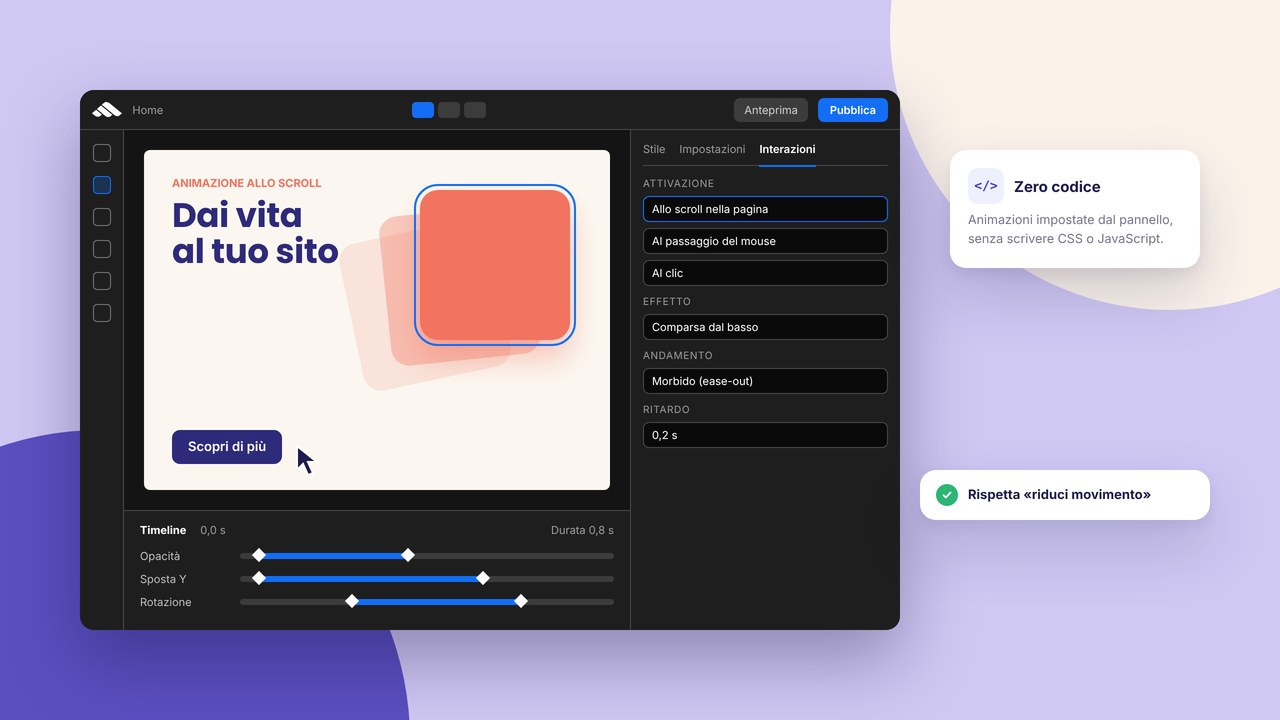
Micro-interactions on card hover or image zoom improve the perception of quality — configure them with builder animations without overdoing it. A test on a real device before go-live.
Step by step: creating the catalogue with the builder
- A product inventory — a list of SKUs, categories, public prices or not, available photos.
- URL architecture — a catalogue page, categories, a product-sheet template.
- Card and detail templates — reusable components for visual consistency.
- Upload and optimise images — the same style, alts, uniform sizes.
- Write category copy — an SEO intro for every product family.
- Complete priority sheets — bestsellers or high margins first, then the rest.
- CTAs and forms — a send test, a destination email, a confirmation message.
- On-page SEO — metas, slugs, internal links among related items.
- Privacy, cookies, HTTPS — see GDPR and HTTPS.
- Publish — 10 steps + the go-live checklist.
Start from templates oriented to catalogue or business if you want to accelerate the layout, then personalise: a professional site requires real content.
Domain, trust and compliance
Selling — even only on request — requires a reliable perception: your own domain (the DNS guide), verifiable contact details, a clear privacy policy if you collect order data. VAT-inclusive prices where obligatory, linked terms of sale if you accept binding orders.
Cookies and analytics only with a compliant banner; track form conversions after appropriate consent.
Catalogue + blog + landing: a content ecosystem
“How to choose…” articles, a “size guide”, “recipes with…” bring informational traffic towards product sheets. A landing page dedicated to a collection launch or a seasonal promo can live next to the structural catalogue. The blog does not replace product sheets but feeds them with internal links.
Case studies on clients who use your products recall the case study format — adapt it to a before/after of product use.
Common mistakes to avoid
- An empty or incomplete catalogue — better a few complete products than hundreds of “coming soon” sheets.
- Inconsistent photos — different lights and backgrounds look amateur.
- Absent prices without an explanation — if it is B2B, say so; if on request, a clear CTA.
- No mobile path — a phone number that is not tappable, extremely long forms.
- SEO duplicates — the same description on colour variants: differentiate the text.
- A PDF instead of the web — it penalises mobile and indexing.
- Forgetting stock updates — sold-out products still featured frustrate people.
- Generic CTAs — “Send” is less effective than “Request a quote for product X”.
A checklist for a catalogue ready for launch
- A catalogue page with an intro and access to the categories
- Categories with descriptive text and at least one product each (or merged)
- Complete sheets: photos, description, specs, a CTA
- Forms or contacts tested end-to-end
- Meta title/description on the catalogue, categories, top products
- Optimised images with a descriptive alt
- Navigation and filters usable on mobile
- A link to privacy, a cookie banner, HTTPS active
- Related products or “you might also like”
- Search Console and the sitemap updated post-publish
- A documented plan for updating prices/seasons
Frequently asked questions
How many products are needed to start?
There is no rigid minimum: you can launch with 5–10 representative references if they are complete. Expand the catalogue over time without blocking go-live.
Do I have to show the prices?
If the audience compares and the price is stable, yes — it increases transparency. B2B or made-to-measure price lists often use “request a quotation”. Consistency between the site, the shop and offline quotes.
Does a catalogue without online payments make sense?
Often yes at the beginning: lower costs, less tax and logistics complexity. Consider e-commerce when you have volume, customer support and a digitised warehouse.
How do I manage size/colour variants?
A single sheet with a selector and an image per variant, or separate URLs only if the content and SEO differ significantly. Avoid thin duplicates.
Is multilingual needed?
If you sell across the border or to tourists, yes — at least English on the top categories. Start from the most visited pages, not unreviewed automatic translation.
WhatsApp or an email form?
WhatsApp speeds up conversation on mobile in Italy; a structured form archives the lead in the CRM. You can offer both with pre-filled messages.
Catalogue and Google Shopping?
Shopping requires a product feed and often a checkout; a showcase catalogue can prepare titles, descriptions and GTINs already formatted for a phase two. Meanwhile well-optimised HTML sheets compete on informational and brand searches.
How do I manage sold-out products?
Do not delete indexed URLs without a redirect: mark “Not available”, propose alternatives or a restock-alert sign-up. That way you do not lose acquired rankings and you keep trust on transparency.
How do I update seasons or price lists?
With product components and templates you duplicate and edit in batch; save revisions before massive price changes.
Integration with external tools (an advanced phase)
At the beginning email and an Excel sheet are enough for orders from the catalogue. As you grow, consider form export towards a CRM, stock sync from management software, a feed for Google Merchant Center if you move to online sales. Plan these integrations without blocking a useful showcase catalogue already today: stable product URLs and structured data simplify every later step.
If you sell in a physical shop and online, keep photo, price and availability consistency: misalignments generate negative reviews and time lost on the phone.
Filters, search and sorting
With dozens of references, filters by category, price, material or tag simplify discovery. On mobile prefer filters in a collapsible panel rather than a narrow sidebar. If the builder does not offer native full-text search, organise clear categories and well-visible “See all” links. Avoid filters that return zero results without a fallback message.
Default sorting: bestsellers, new arrivals or alphabetical — communicate it. B2B often appreciates sorting by product code; B2C by popularity or price. Test that filter + sorting combinations do not involuntarily hide featured products.
Accessibility and an inclusive product sheet
Text contrast on the card background, visible focus on order buttons, explicit form labels (“Requested quantity”, not only a placeholder). Technical-spec tables with clear headings; if you use only an image for a size table, duplicate the data in text for screen readers and SEO.
Logistics, times and expectations
Even without an online checkout, indicate indicative fulfilment times, delivery areas, shipping costs if known, in-store pickup modes. It reduces repetitive requests and filters clients outside the area. Linked return and warranty policies increase trust on considered purchases.
For made-to-order or artisan products, explain the lead time (“delivery in 10–15 working days”) and what happens after the form is sent — a confirmation email, a commercial call, a quote within 24 hours.
Informational packaging: technical sheets and downloads
Besides marketing copy, offer a technical-sheet PDF, a safety sheet or a user manual where needed — as an optional download, not instead of the HTML page. Name files in a clear way (marca-modello-scheda-tecnica.pdf) and link from the product page with descriptive text. B2B clients and installers appreciate it; it reduces repetitive requests to customer care.
A short assembly or use video embedded in the sheet increases conversion on complex products, always with an indexable textual summary under the player.
For lines with many colour variants, a gallery with clickable thumbnails avoids separate duplicate pages; update the alt text for every variant so specific searches still find the right sheet.
Maintenance and post-launch growth
A catalogue is not static: seasons, suppliers, price lists, new lifestyle photos. Plan quarterly reviews, alignment with the warehouse, promotions on dedicated landings. Monitor Search Console queries (“product name + city”) and create targeted sheets or content.
Integrate verifiable reviews when possible; update blog articles that link to discontinued products.
If you add new product lines, duplicate the category + card + sheet structure instead of inventing a layout every time: visual consistency communicates a mature catalogue and makes habitual navigation easier for returning clients.
Conclusion: a shop window that sells, even without a cart
An orderly online product catalogue saves time for you and the client: fewer “how much does model 3 cost?” emails, more qualified requests. Start with a solid structure, honest photos, useful copy and easy contact; add payments and integrations when the business is ready.
Want to build it step by step? Sign up, explore templates, read other guides on the blog or ask for a consultation. An overview of accompaniment in services. Connect the catalogue to your portfolio or to the business site for a complete experience.
Start with the category that sells the most: a carefully made section beats an enormous but empty catalogue. Publish, collect feedback from clients and expand references and filters in the following weeks, without postponing go-live while waiting for the complete price list.