
Animations on elements and sections
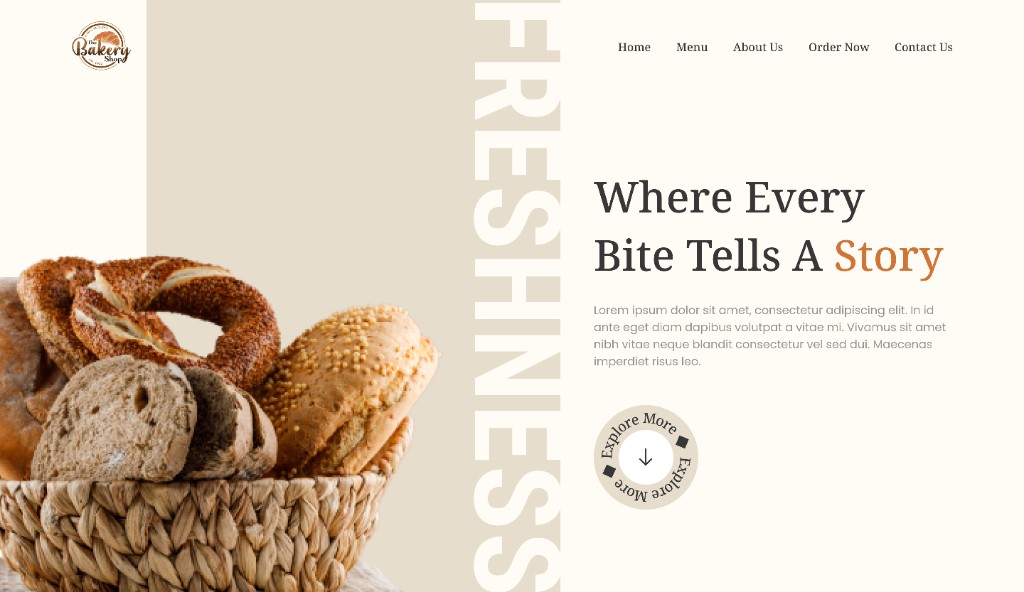
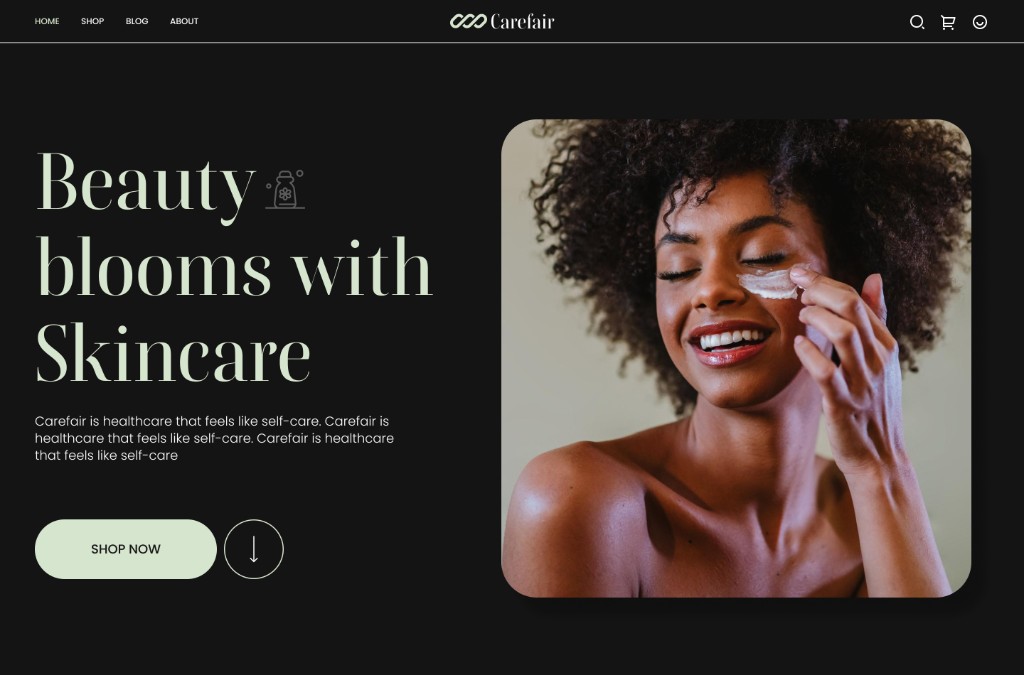
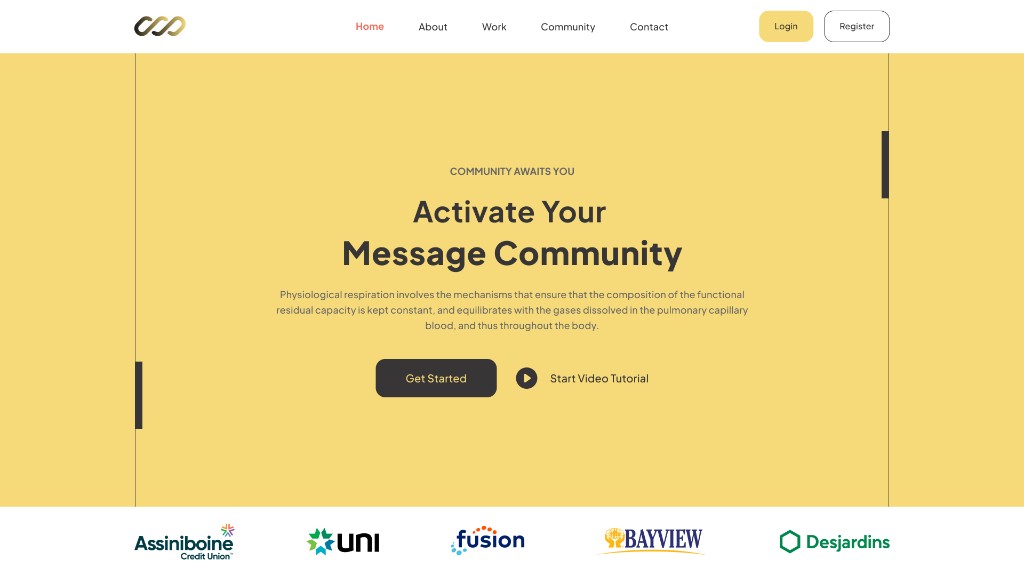
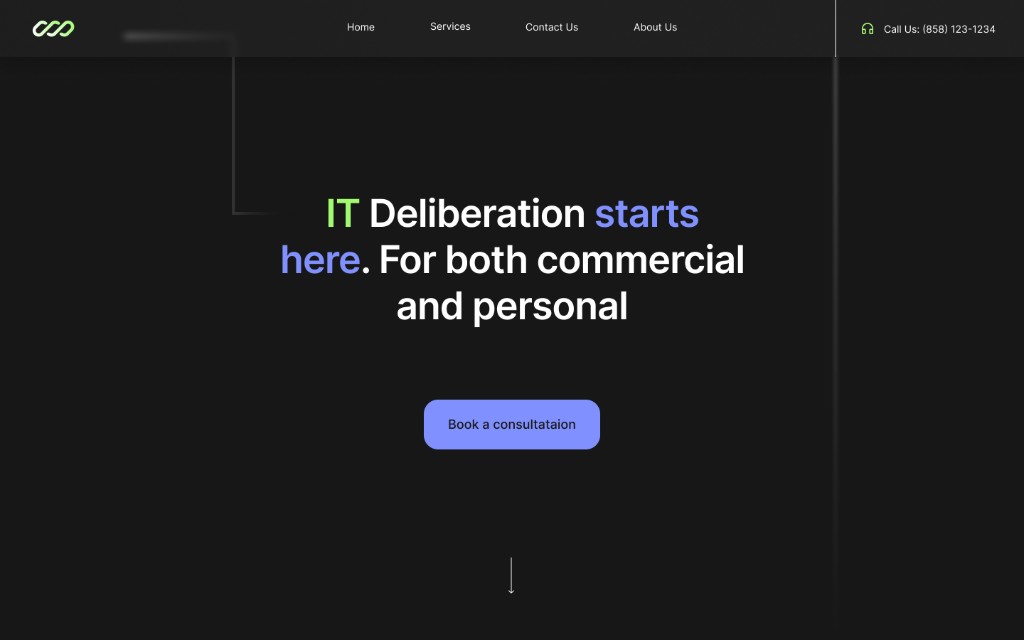
Apply fade, slide and progressive transitions to blocks and sections to give your pages rhythm while keeping a clean, readable design.
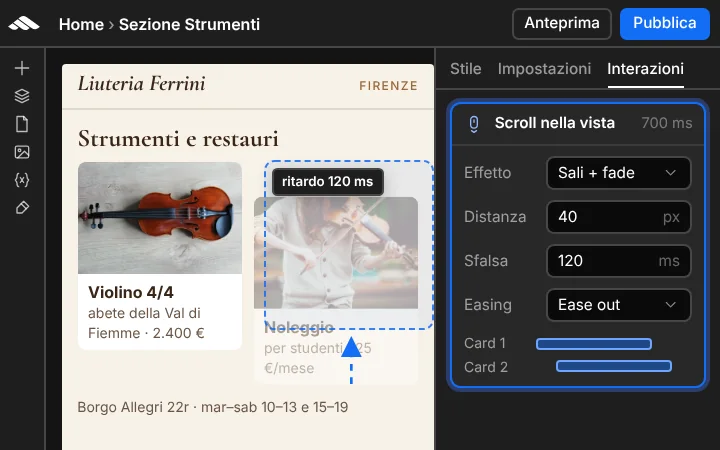
Add animations, triggers, and transitions to your site directly in the visual builder: click, hover, and scroll effects, overlay panels and micro-interactions, with instant preview and smooth results on desktop, tablet, and mobile — no code required.
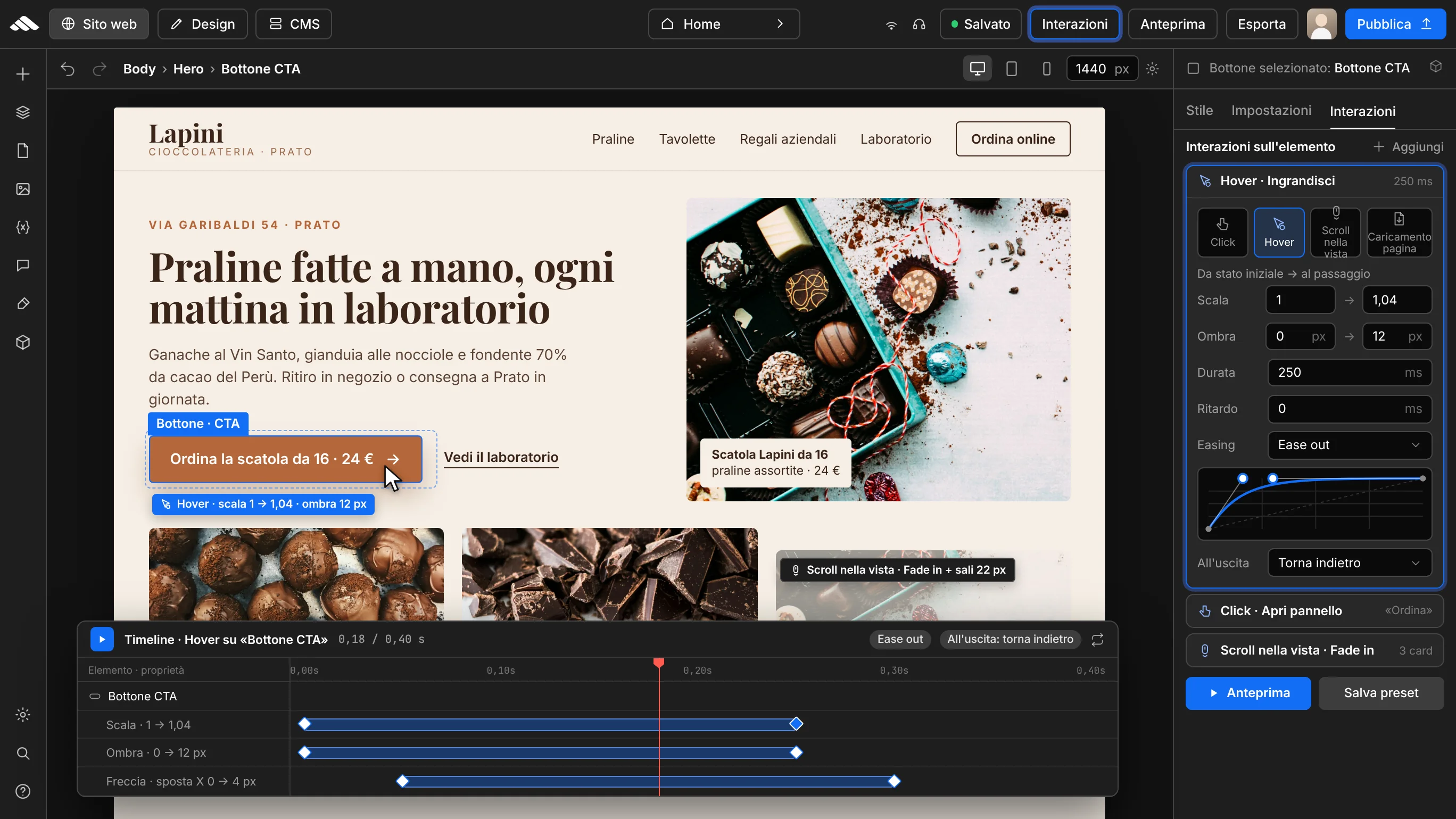
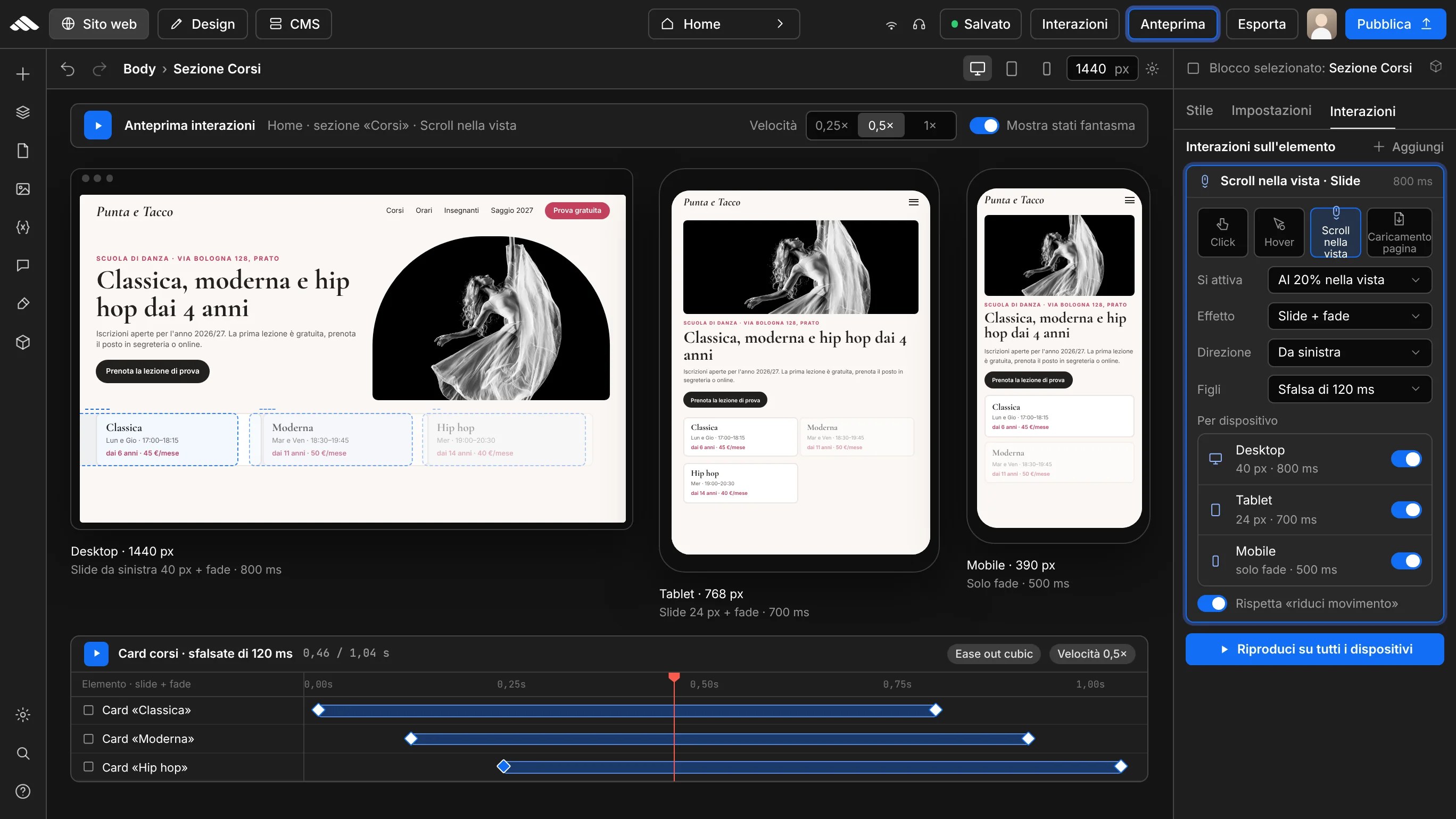
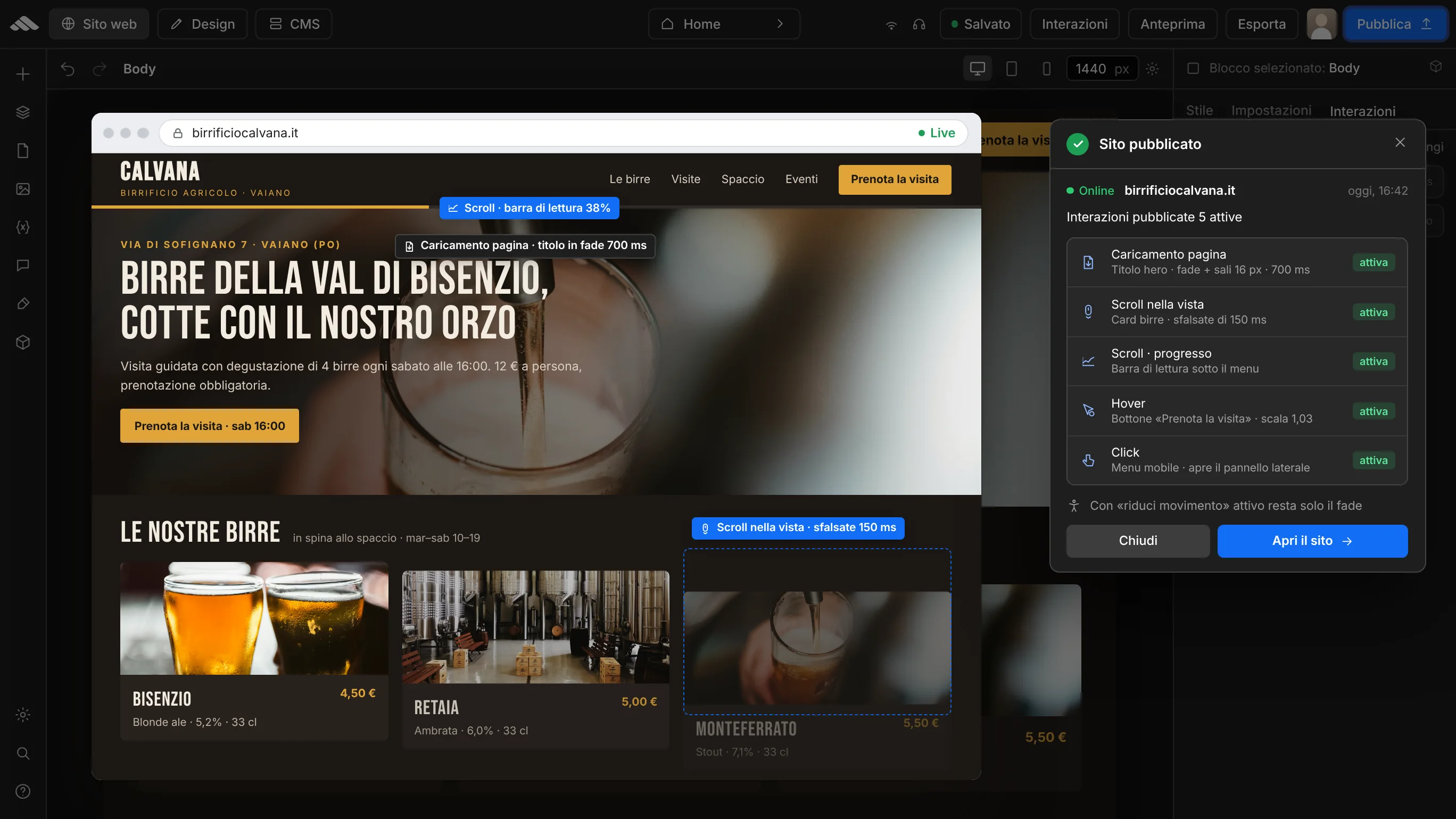
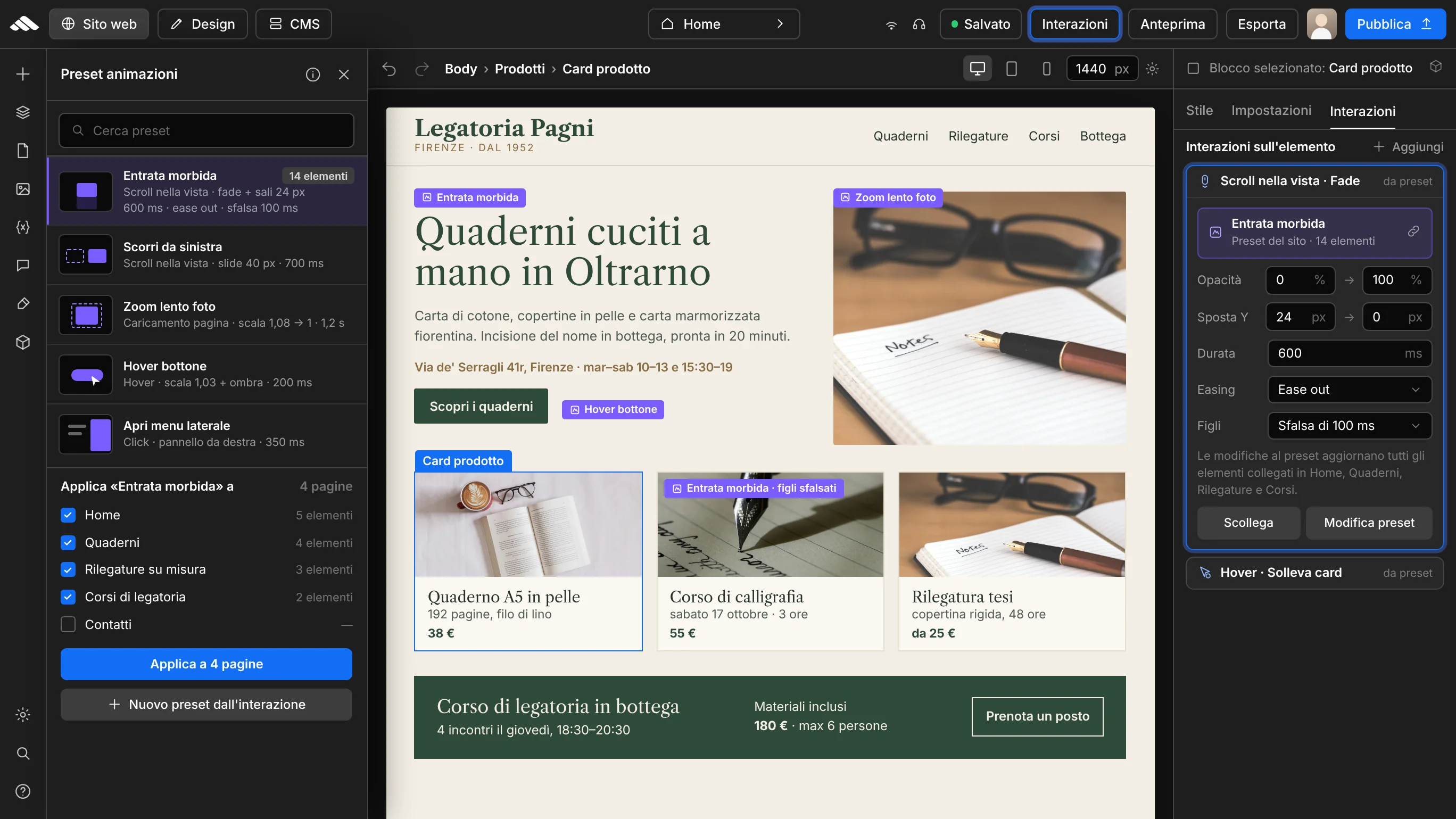
Apply fade, slide and progressive transitions to blocks and sections to give your pages rhythm while keeping a clean, readable design.
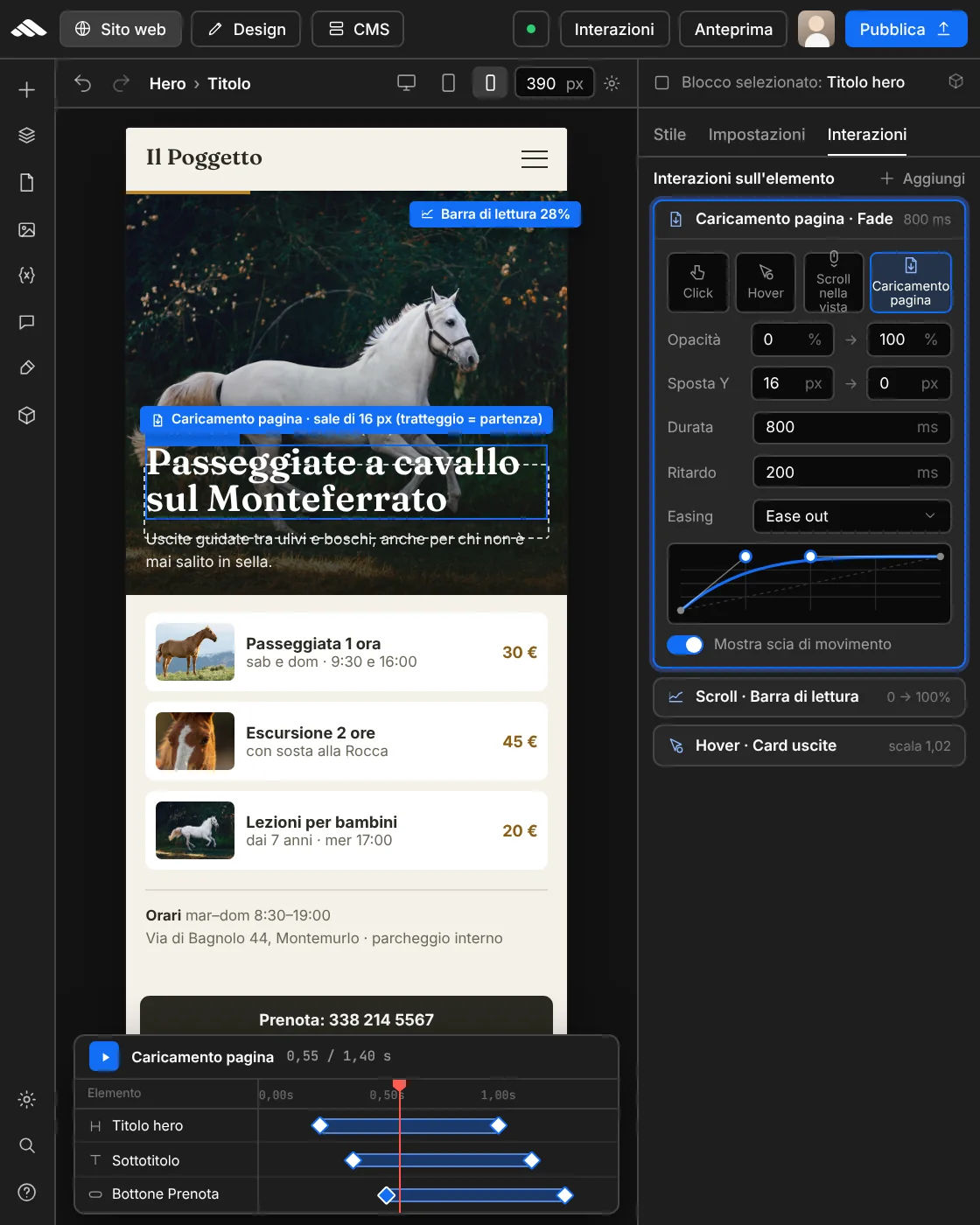
Run animations on the events you choose — click, hover, page load or scroll — and use them to open overlay panels and interactive menus too.
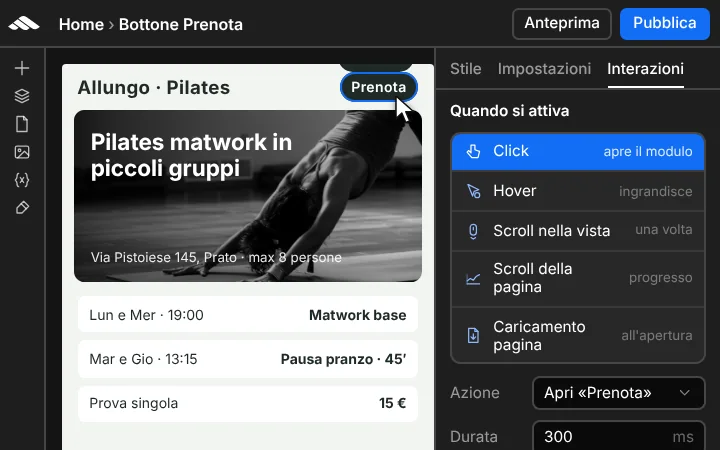
Adjust duration, direction and easing from the advanced controls in the right panel, then check the result right away with responsive preview in the stage.
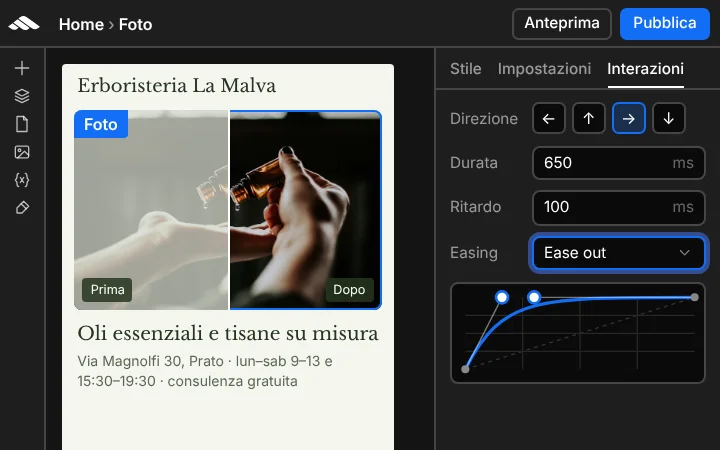
Apply fade, slide and progressive transitions to blocks and sections to give your pages rhythm while keeping a clean, readable design.
Run animations on the events you choose — click, hover, page load or scroll — and use them to open overlay panels and interactive menus too.
Adjust duration, direction and easing from the advanced controls in the right panel, then check the result right away with responsive preview in the stage.
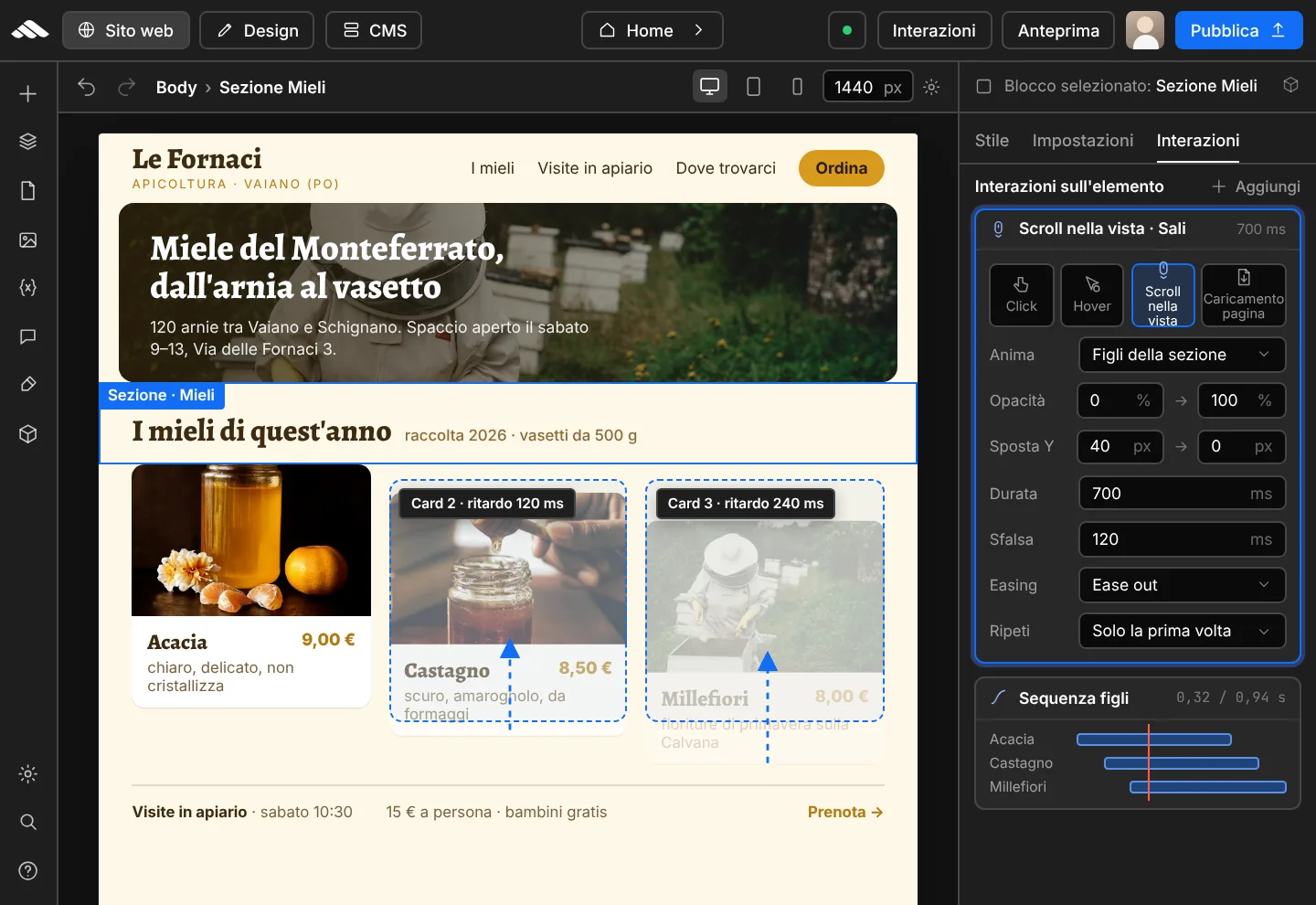
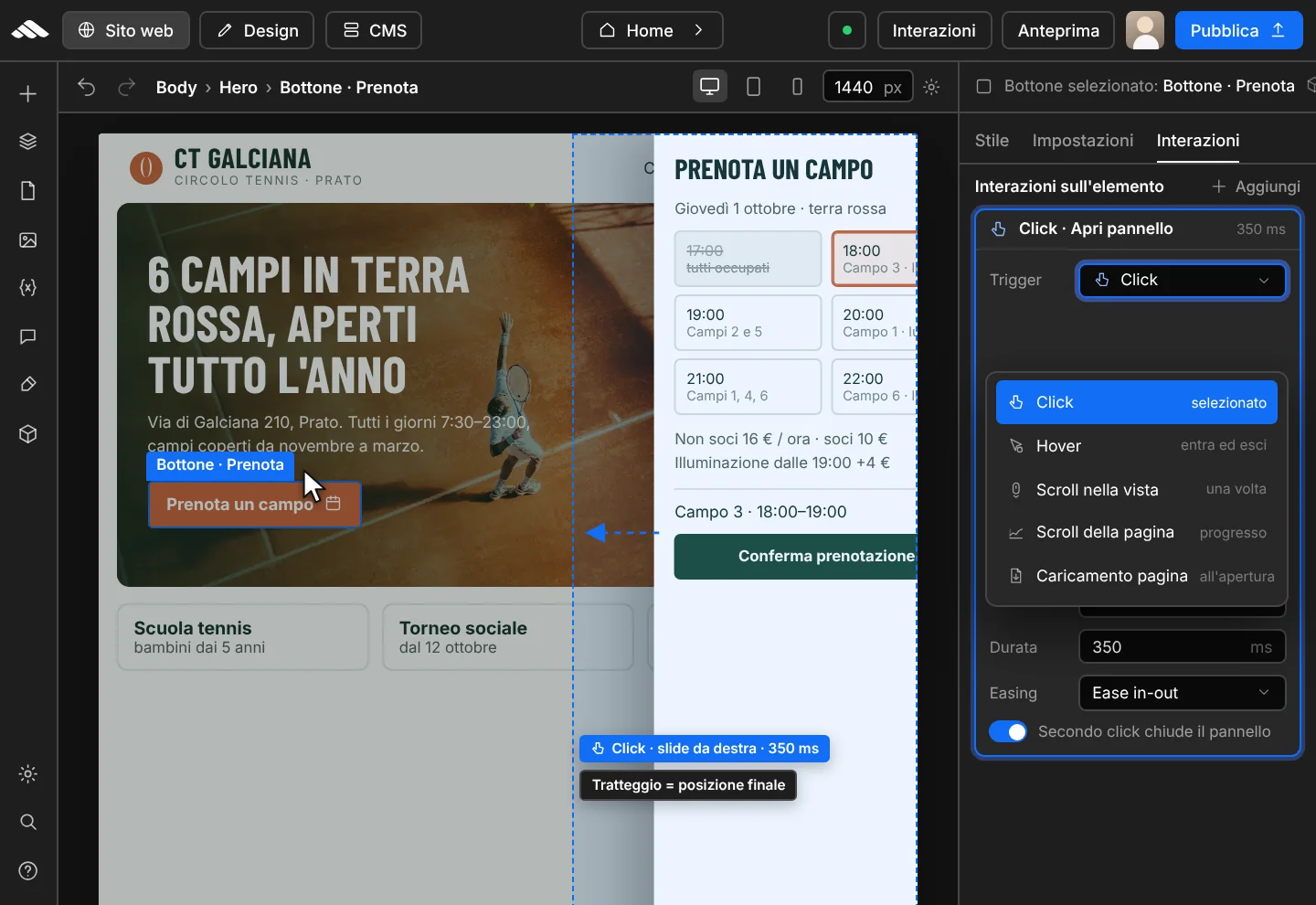
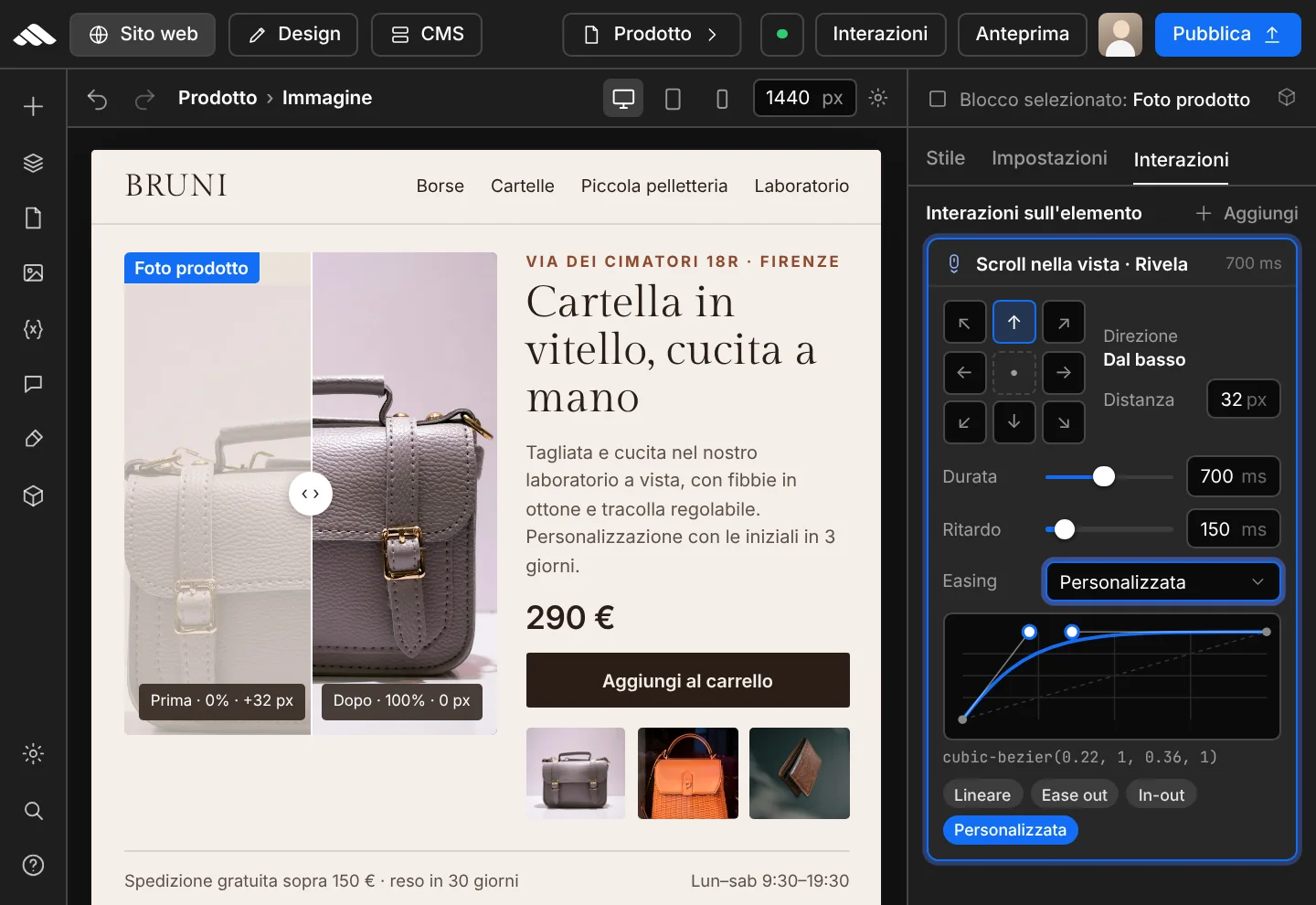
Six steps to add professional animations to your website—without writing code.
01
Choose the element or section from the navigator or directly on the canvas.
02
Set the event—click, hover, scroll, or page load—from the Interactions tab in the inspector.
03
Define effect, direction, duration, and easing for smooth, natural motion.
04
Check the interaction immediately in the stage on desktop, tablet, and mobile.
05
Balance transitions for a light, fast, consistent experience.
06
Confirm the result and take your site animations live in one click.
Target elements, classes, and sections to apply animations exactly where you need them.
Adjust duration, easing, direction, and CSS properties for every effect from the advanced panel.
Activate interactions on click, hover, scroll, or page load.
Create overlay panels, menus, and content that appears at the right moment.
Adapt interactions to breakpoints for perfect results on desktop, tablet, and mobile.
Respect reduced motion preferences and keep the site fast and smooth for everyone.
Create animations that capture attention, bring your brand to life, and turn visits into concrete results.