How much does a website cost in 2026 (with a builder)
A realistic budget for a brochure website with a builder: plans, domain, content and items you often forget in the quote.
“How much does a website cost?” In 2026 the answer depends on who builds it, how many pages you need and what you include (copy, photos, domain, maintenance). With a builder + integrated hosting, the economic model is different from a full-service agency or from DIY WordPress.
Typical cost items
- Platform subscription (builder, hosting, publish) — see pricing
- Domain (.it, .com) — usually tens of euros a year
- Content — professional copy, photos, video (often the most underestimated item)
- One-off consulting — strategy, copy, SEO audit
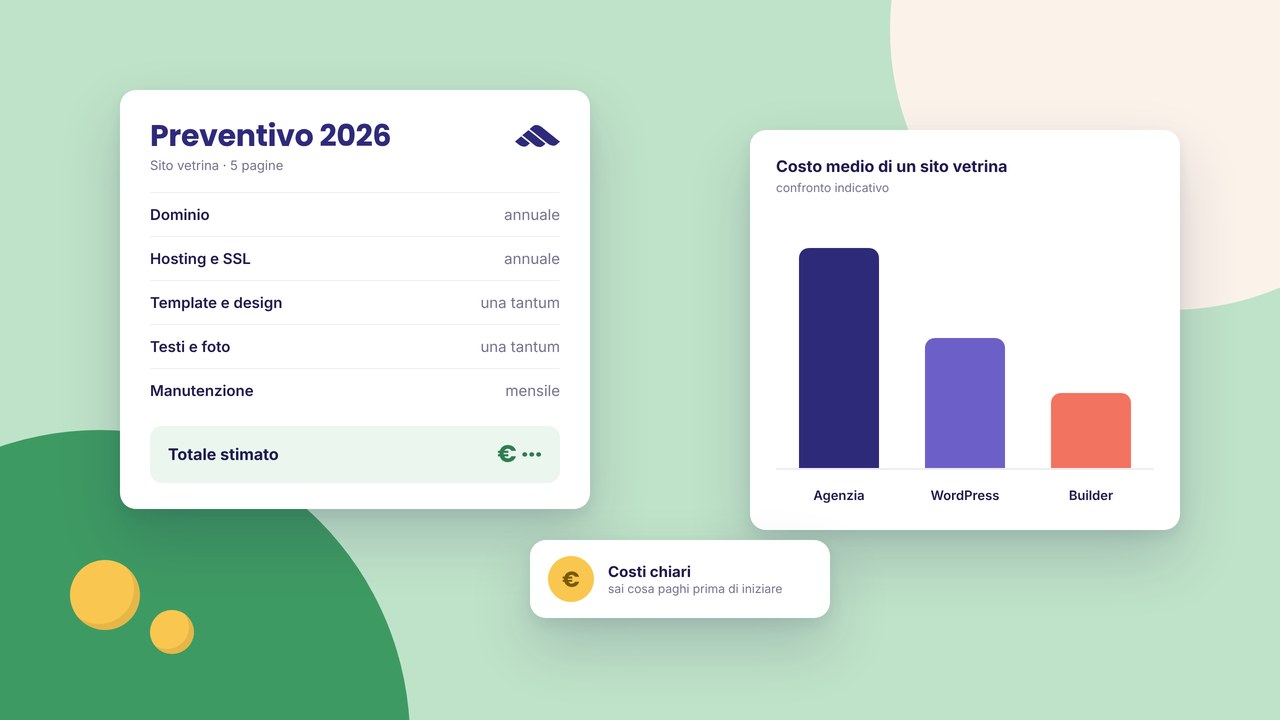
An indicative comparison (a 5–8 page brochure site)
Traditional agency: often €2,000–8,000 one-off + yearly hosting + optional maintenance. Timelines: weeks. DIY WordPress: hosting €50–150/year, a premium theme/plugins, and your own time for updates and security. Martini builder: a predictable subscription, less technical overhead; you work visually and publish in the same flow — details on hosting.
What not to put in your mental quote
- Generic stock photos that do not set you apart
- “Filler” pages with no SEO or conversion goal
- Plugins or integrations you will never use
When a builder makes economic sense
Freelancers, SMEs and creative studios that update the site often and do not want a technician for every change. Less suitable if you need an enterprise e-commerce setup with a complex ERP — there the budget and the team are different.
Cutting costs without lowering quality
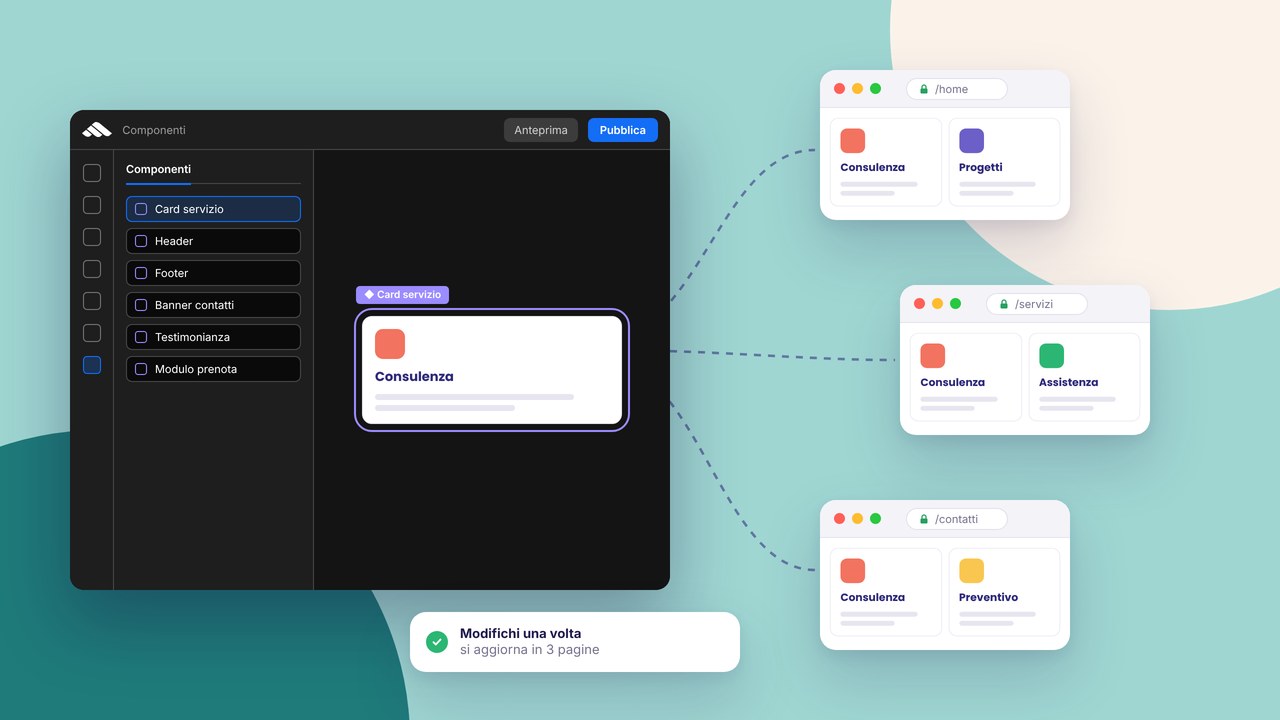
- Use components so you do not redesign every page
- Write the drafts yourself, and have the copy reviewed only on the key pages
- Publish an essential version 1.0, then expand after launch
A simple ROI
If the site brings you even one client a month above the yearly cost of the platform, the investment is paid back. Track forms, clicks on email and, after a few weeks, Search Console.
Want a tailored quote? Consulting or compare the plans in pricing. For the structure of the site, read multi-page vs one-page.
Go deeper
SMEs in Tuscany: what a website really needs. Builder or agency? which path to choose. Tailored services: website design.
The quote nobody writes down in black and white
Many costs surface after you sign: unlimited revisions that are not included, copy “to be supplied by the client”, stock photos billed separately, local SEO only as an extra. When you compare offers, ask explicitly how many pages, how many feedback rounds, who buys the domain, whether forms and analytics are configured, and what happens after go-live (training, maintenance).
In Prato and in Tuscany the ranges vary with competition and complexity — useful guides: costs and timelines for a site in Prato and how to read a quote. Nationwide, the comparison WordPress vs a builder explains the recurring items that differ.
The cost of time (yours)
DIY WordPress
You save on the agency invoice but you pay in hours: theme, plugins, updates, backups, debugging conflicts. For an entrepreneur with a high hourly rate, the “savings” evaporate.
Self-service builder
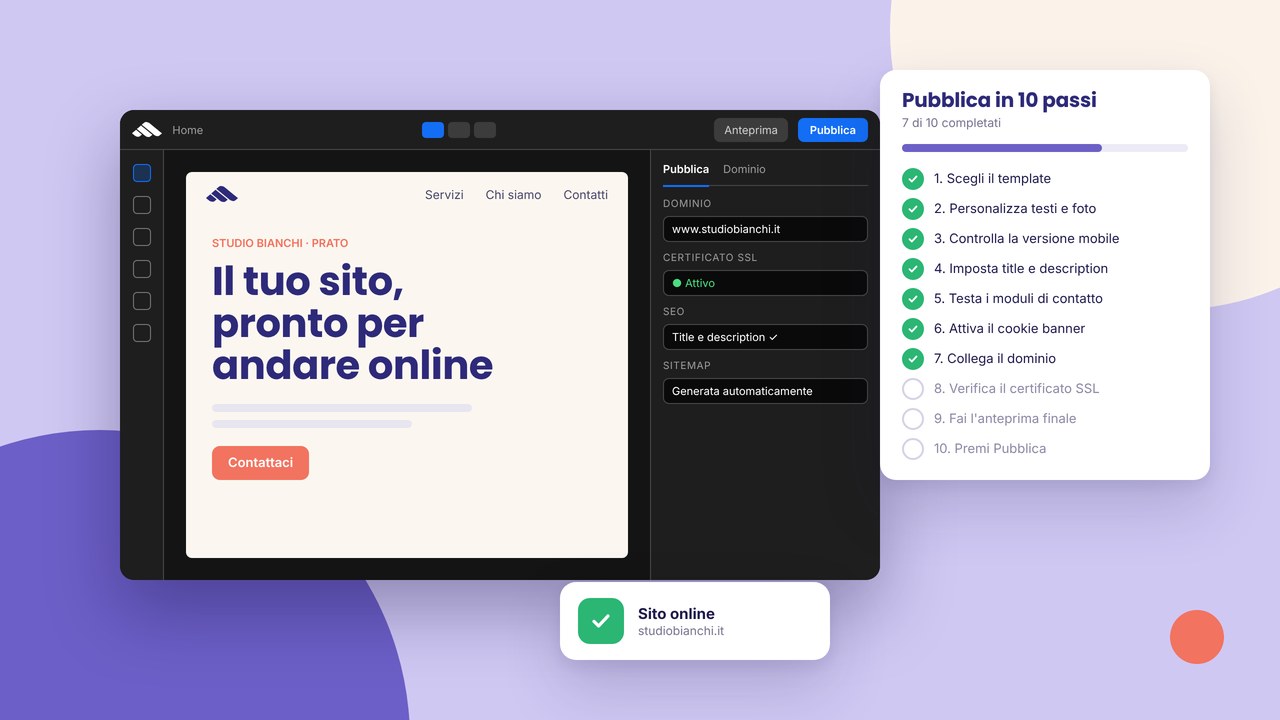
A short initial learning curve if you accept the visual model. Routine changes (copy, photos, a new section) stay in-house. A guided publication flow: 10 steps.
Full-service agency
A high upfront cost, but it includes strategy, custom design, sometimes copy and photos. Suitable if you do not want to touch anything for years.
What a “serious” brochure site includes in 2026
- Responsive design and basic accessibility
- A working contact form and clear messaging
- HTTPS, a cookie banner, legal pages
- On-page SEO on the main pages (title, description, heading structure)
- Acceptable performance on mobile
- Analytics or Search Console connected after launch
Extras that increase the budget: a photo shoot, a copywriter, aggressive local SEO (local guide), a blog, campaign landings (an effective landing), e-commerce.
Strategies so you do not overrun
Use a template as a visual accelerator, not as an excuse for empty content — why a template is not enough. Limit v1 pages to the essential ones: home, services/about, portfolio or cases, contact. Add a blog or a catalogue when you have the resources to keep them fed.
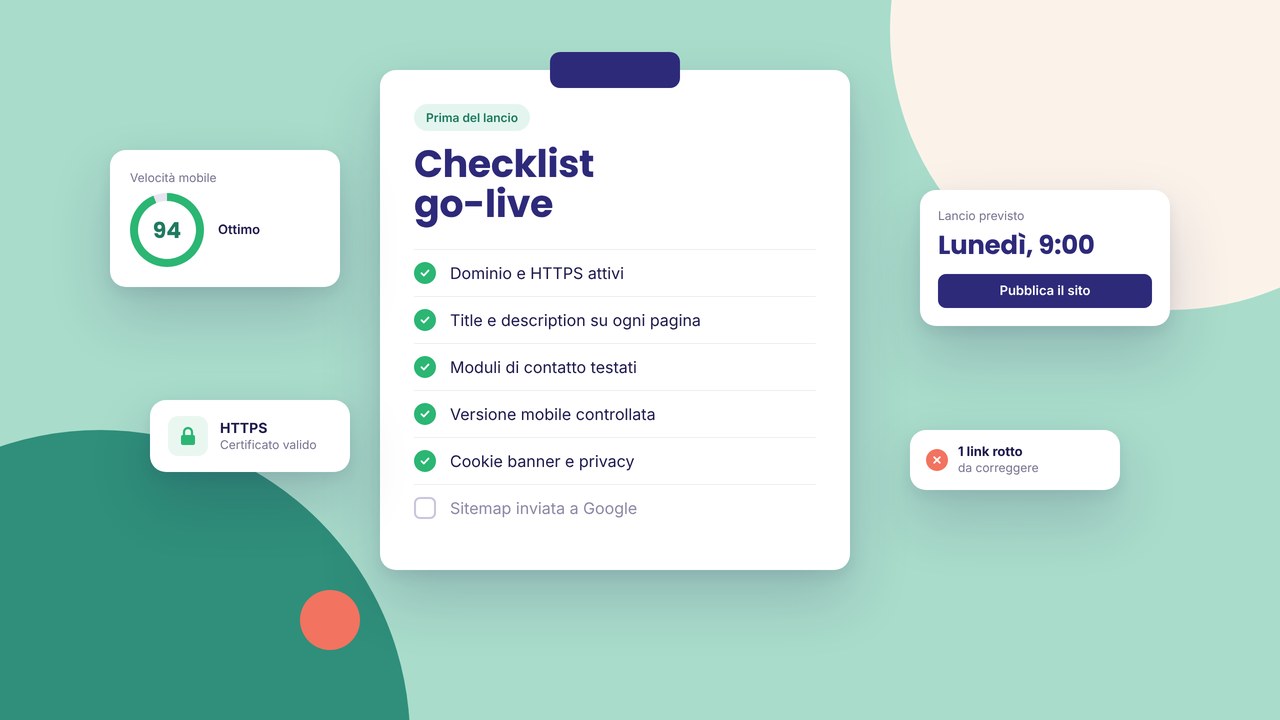
Reusable components cut hours of repeated design. Before you publish, the go-live checklist avoids costly rework after launch.
Yearly maintenance: the forgotten item
Domain renewal, the platform or hosting subscription, optional technical support, content updates (blog, portfolio). WordPress often adds €200–800/year between managed hosting and maintenance if you do not do it yourself. The builder includes hosting in the subscription model — check what the plan covers on pricing.
When investing more makes sense
Regulated sectors, e-commerce with logistics, custom CRM/ERP integrations, complex multilingual setups or award-level design justify a higher budget and often a made-to-measure project. For local artisans and SMEs, a clear brochure site + local SEO is often enough — a site for artisans and SMEs.
FAQ
How much does a one-page site cost in 2026?
Usually less than a multi-page site because there is less layout and copy, but it is not “free”: count the quality of the hero, the form and the mobile experience. Compare one-page vs multi-page and website vs landing page.
Is the domain included in the builder subscription?
It depends on the plan: often you buy it yourself or as an add-on. See domain and DNS.
Is it worth paying for SEO every month?
It makes sense if there is an editorial plan and measurable local goals. For one-off audits: a 15-minute audit or SEO consulting in Prato.
Can I start for free and pay later?
Sign up and try the demo and the templates; for a custom domain and a production publish you will need a paid plan.
How do I calculate ROI?
Estimate what an average lead is worth for your business; if the site generates one a month beyond the yearly platform cost, the calculation is simple. Track forms and calls from the Google listing.
A concrete next step
Define the scope (pages, languages, forms, blog yes/no), choose whether to start from a template or a guided project, then allocate budget for real content — photos and copy — not just software. Compare plans on pricing, try the flow with registration, and use the go-live checklist when you publish version 1.0. That way the cost of the site in 2026 stays predictable and aligned with measurable results, not with hidden items discovered when the project is already finished.