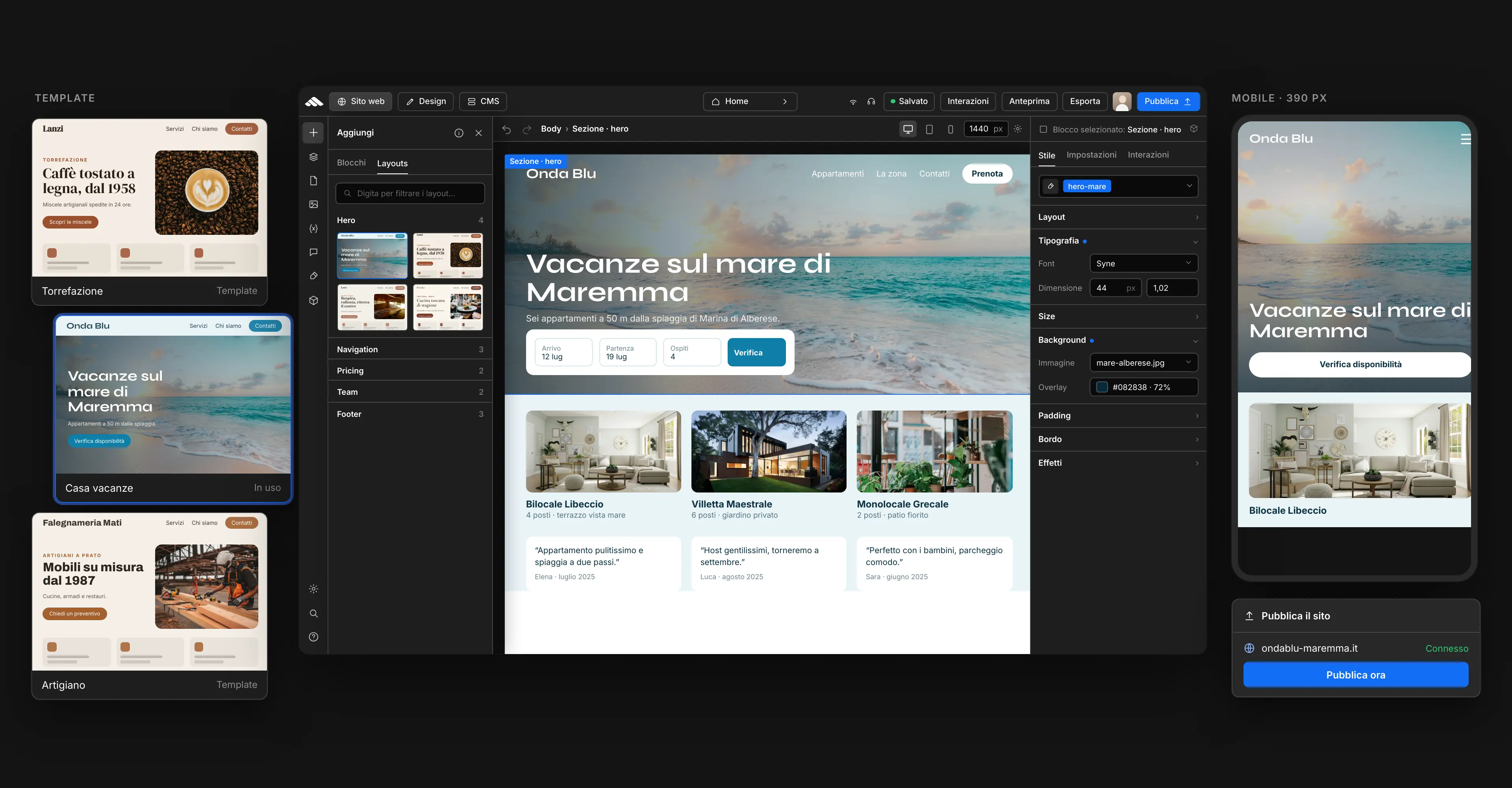

Visual canvas
Compose page by page
Drag blocks onto the canvas, adjust styles in the inspector, and navigate with the navigator. Desktop, tablet, and mobile stay under control at all times.
Open the builderVisual canvas, inspector, and navigator: compose pages, adjust colors and layouts for desktop, tablet, and mobile, then save revisions and publish when you're ready.


Let me guide you!
Visual canvas
Drag blocks onto the canvas, adjust styles in the inspector, and navigate with the navigator. Desktop, tablet, and mobile stay under control at all times.
Open the builder
Templates in the builder
Choose a template, import it into the canvas, and customize copy, images, sections, and styles. The structure is yours — the starting point isn't.
Choose a template
Dedicated support
Complex project or short on time? I'll guide you from builder design to launch, with a clear process and no surprises.
About me01
From canvas to launch: compose pages, reuse components, track revisions, and go live with tools built into the Martini Francesco builder.
Present services, team, and contact details with organized canvas sections and clear CTAs built to convert.
Create a showcase siteShowcase projects and case studies with grids and composable blocks, always editable from the inspector.
Create a portfolioOne goal, one page: a direct message, focused sections, and CTAs designed for leads, sign-ups, or contact.
Create a landing pageMultiple pages in one site, consistent navigation, and revisions saved with every builder edit.
Explore multi-pageOpen a template in the canvas and adapt layout, colors, and content without starting from scratch.
Browse templatesTriggers, overlay panels, and micro-animations configurable from the inspector — guide visitors without leaving the builder.
Explore interactionsColors, typography, spacing, layered backgrounds, and effects — control everything in the styles panel. Your site takes the shape you envision.

Save a section as a component and reuse it wherever you need it. CSS classes, effects, and variants stay aligned as your project grows.

Tracked saves, undo/redo, media library, and a streamlined publish flow — work with confidence without leaving the builder.

Meta title, description, and semantic structure directly in the inspector. Optimize visibility and content without external plugins.

Switch viewports in the builder and adjust layout and styles for each breakpoint. The result stays consistent on every screen.

Design, development, and optimization — useful articles to improve your site and get the most out of the platform.
Visit our blog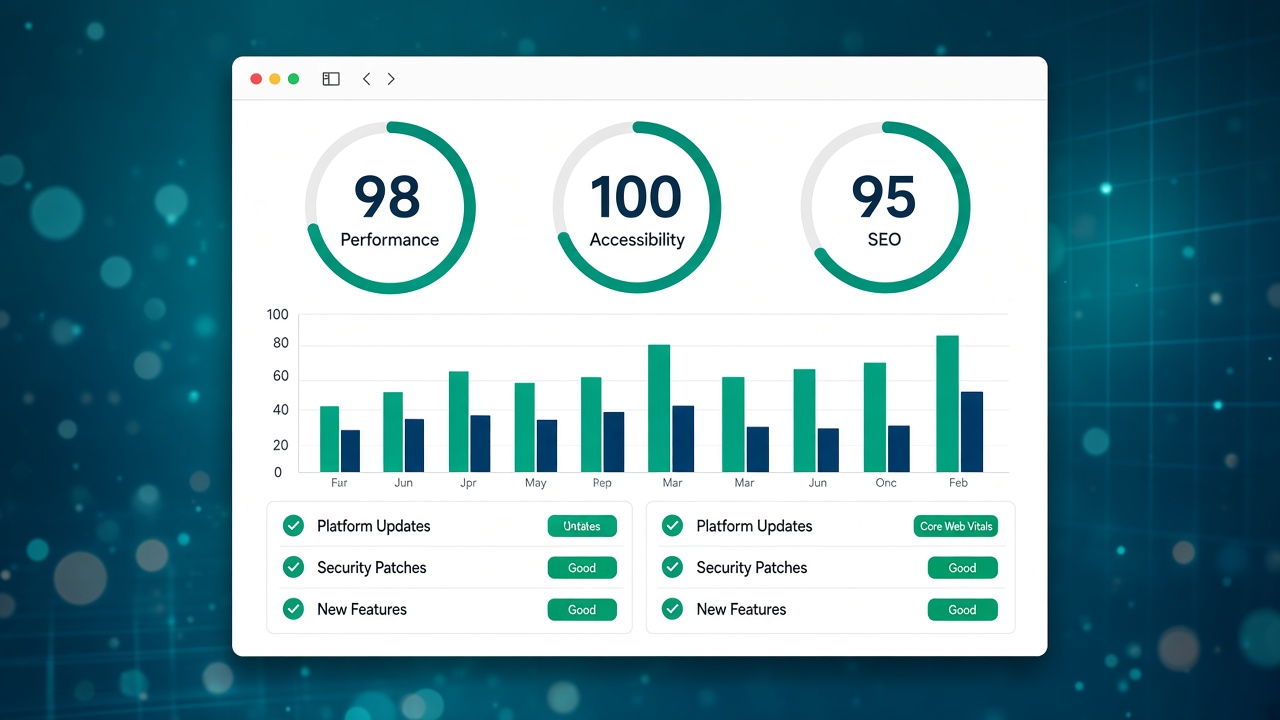
Commento in italiano al digest web.dev di Google: perché conta per performance, browser e SEO opera…
Novità web platform (maggio 2…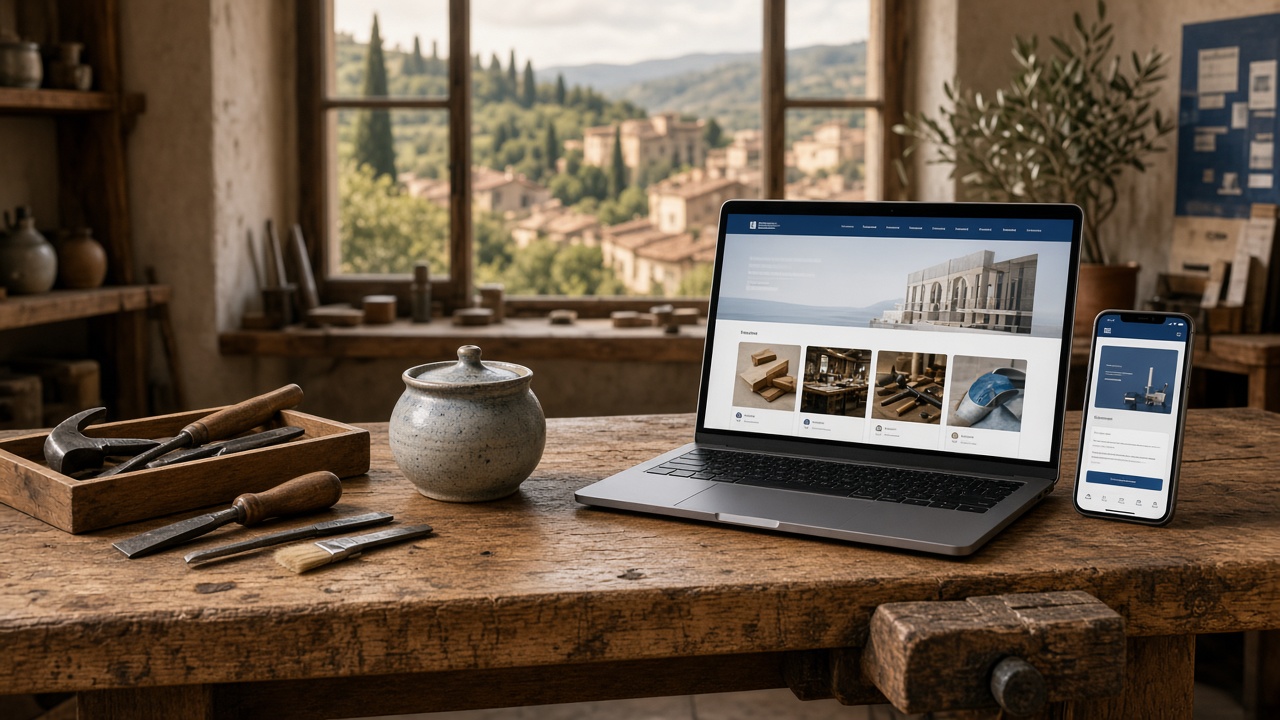
Pagine, progetti, SEO locale, contatti e manutenzione: guida pratica al sito web per artigiani e pi…
Sito web per artigiani e PMI …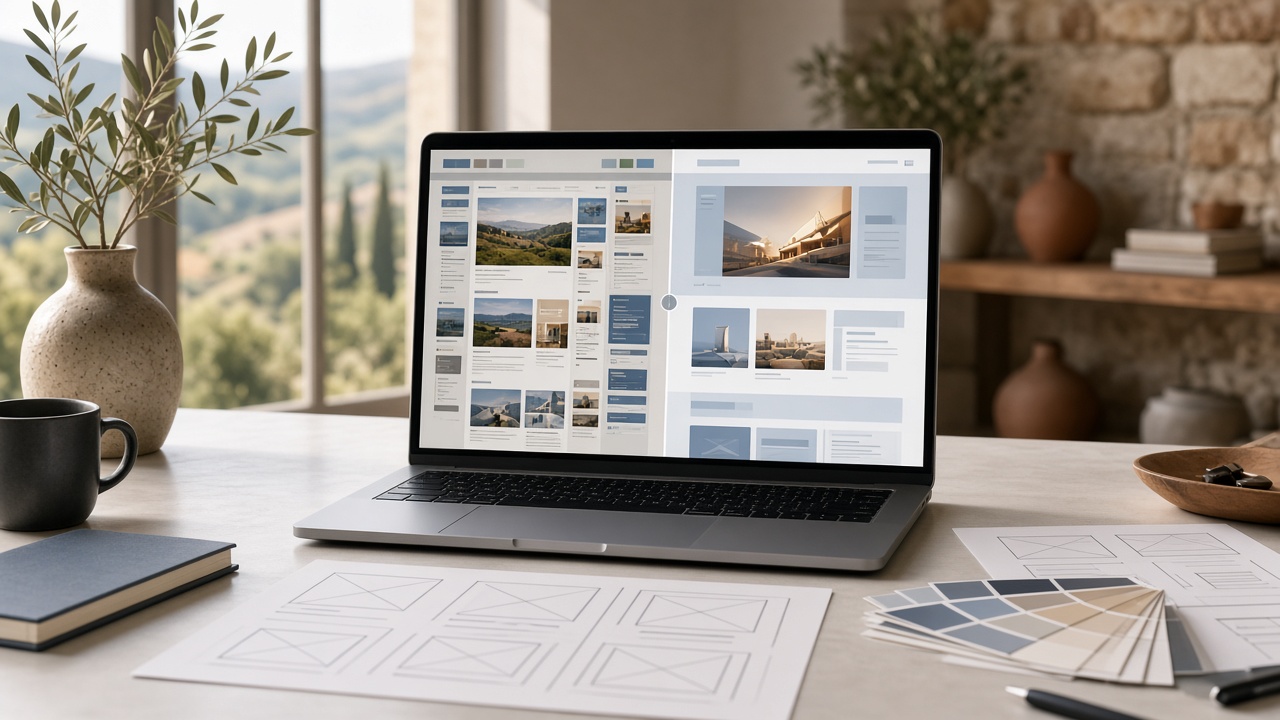
Segnali, metodo e checklist per rifare un sito aziendale a Prato senza perdere contenuti, traffico,…
Rifare un sito web a Prato: q…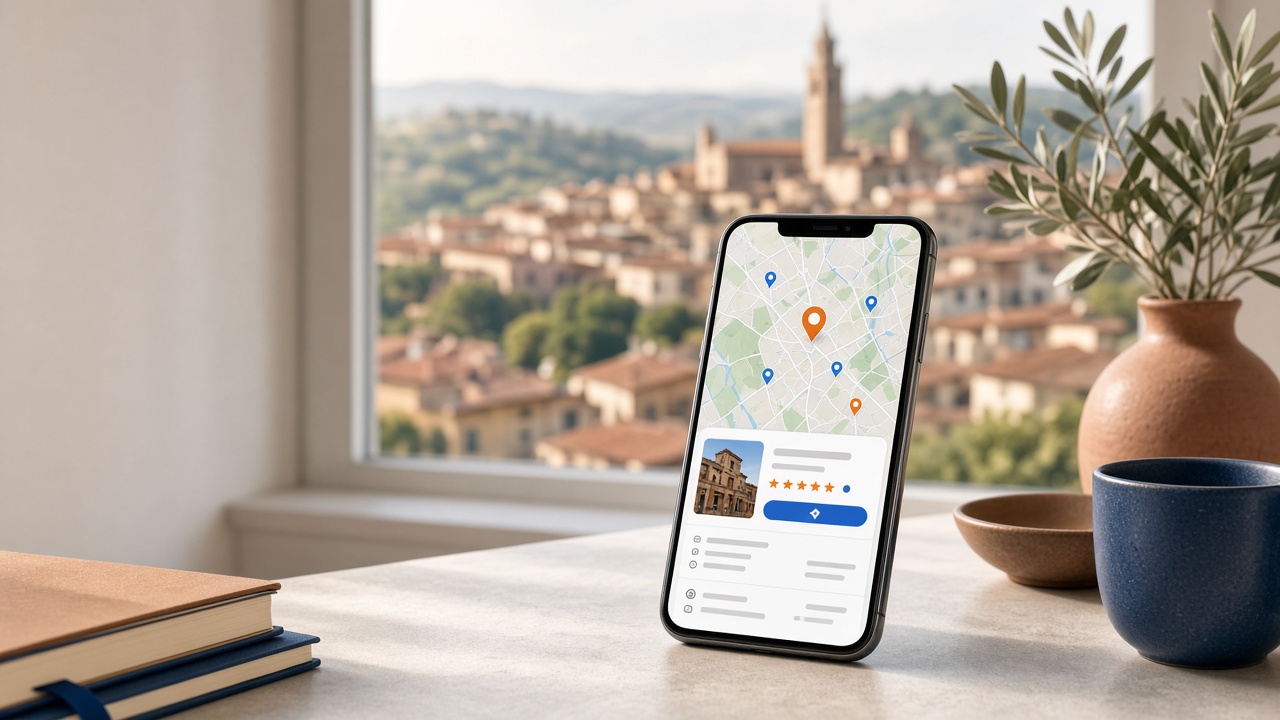
Come configurare e migliorare la scheda Google di un’attività a Prato: categorie, recensioni, foto,…
Google Business Profile a Pra…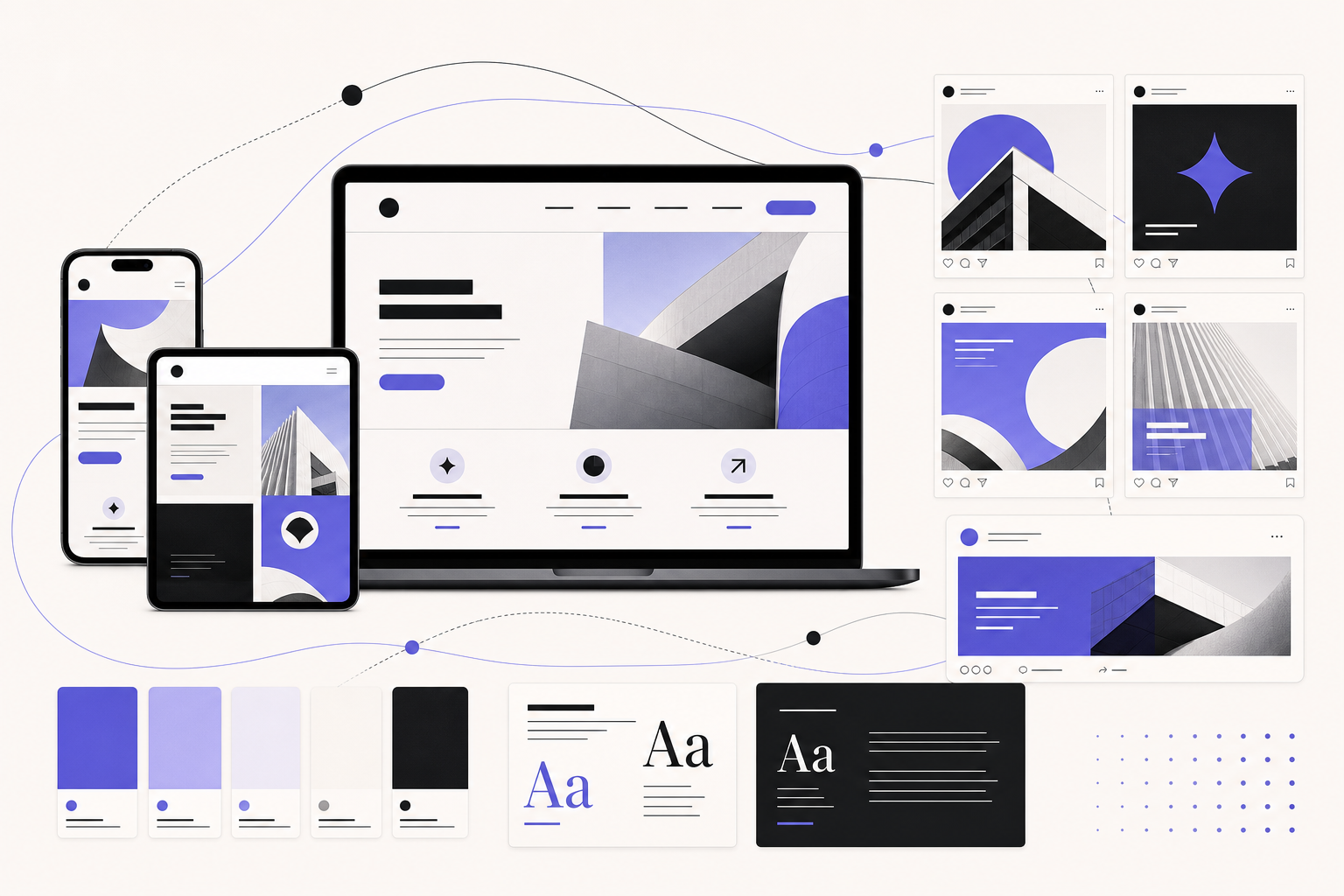
Perché post social, landing e sito devono avere colori, tono e visual coerenti. Metodo pratico per …
Grafica social e sito web: st…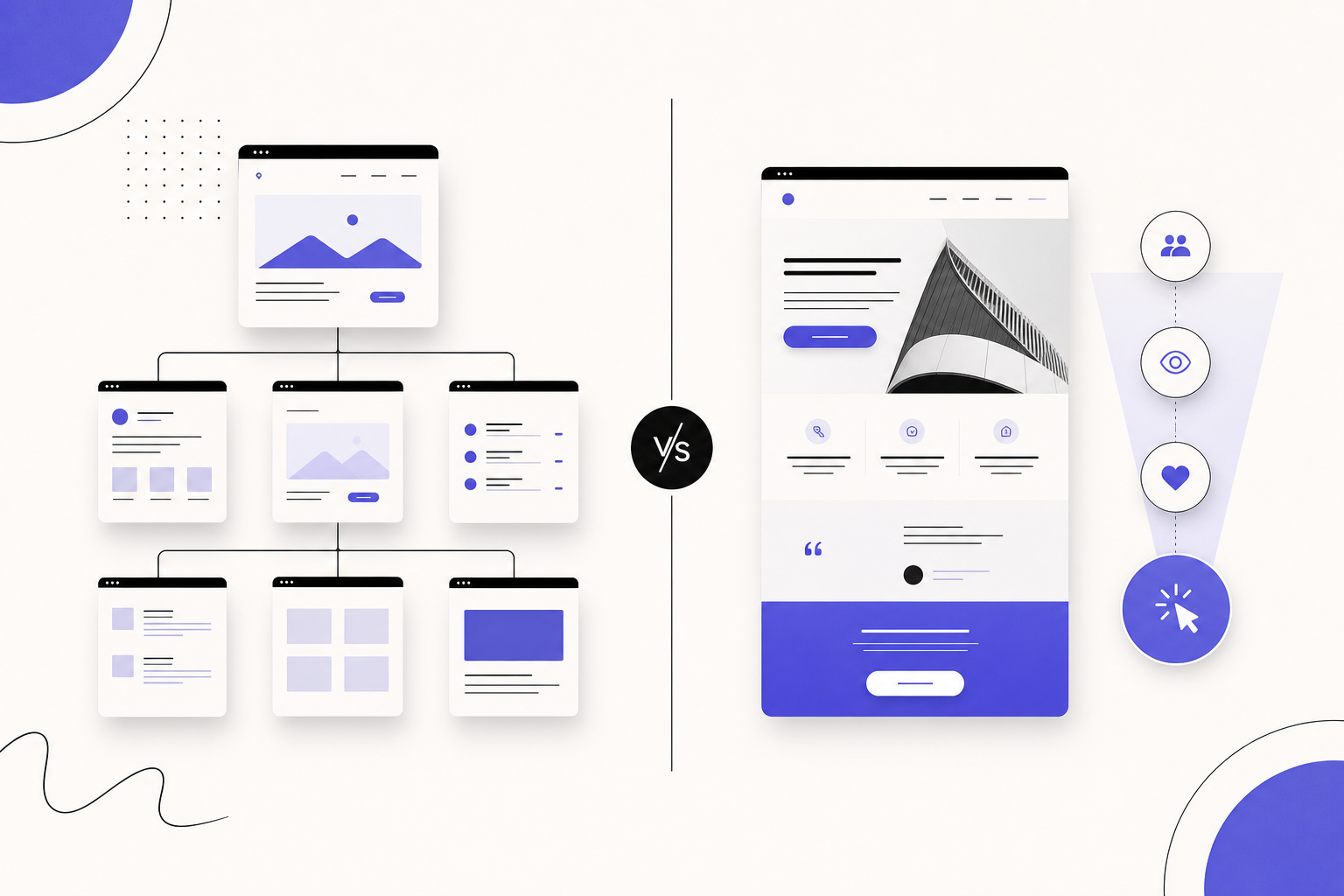
Confronto pratico tra sito web e landing page: quando serve una pagina focalizzata, quando conviene…
Sito web o landing page: cosa…Templates in the builder
Choose a professional foundation, import it into the builder, and adapt colors, typography, sections, and content with full freedom over the outcome.