Meta title and description: a beginner’s guide
How to write a title and description that work on Google, without external SEO plugins: rules, examples and mistakes to avoid.
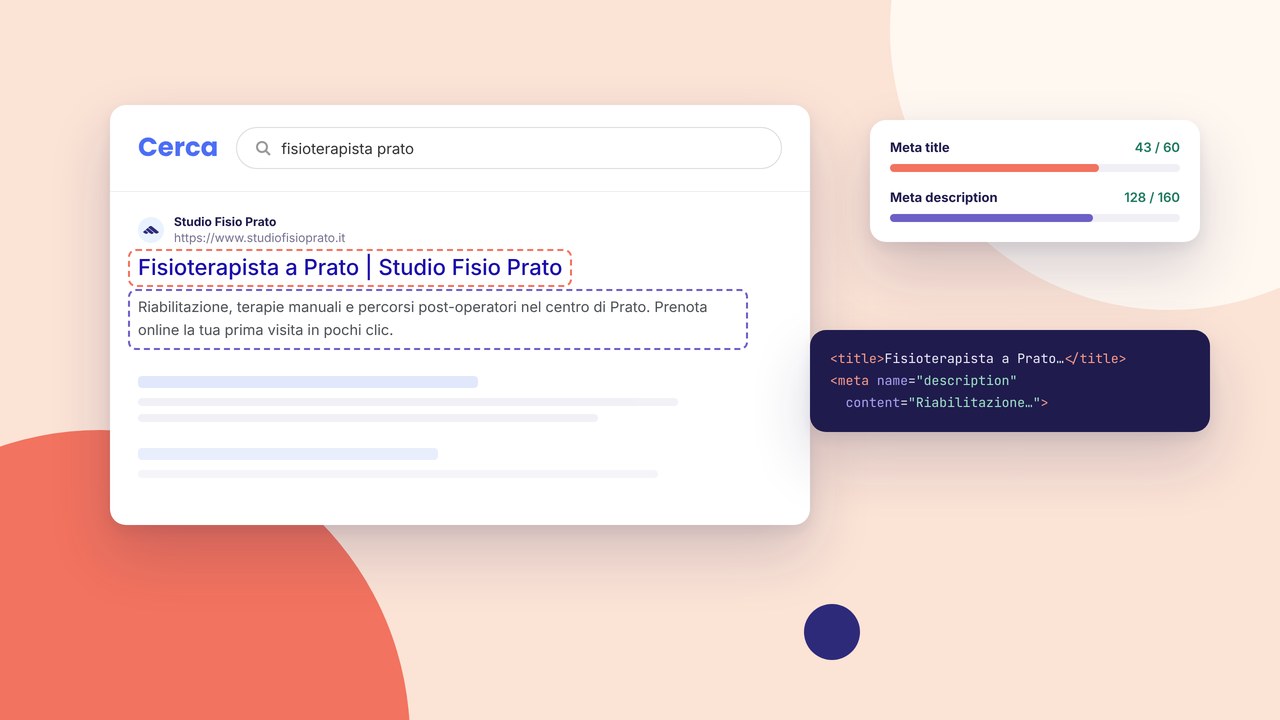
The meta title and meta description are the two lines that appear in Google results. They do not decide rankings on their own, but they have a strong influence on the click-through rate: a clear title and a useful description bring more visits than generic or duplicated copy.
What they are and where you set them
The meta title is the title of the browser tab and the main title in the SERP. The meta description is the summary under the title: Google may rewrite it, but it is still worth offering copy written for the user. On Martini Francesco you set them for every page from the builder inspector, without extra plugins — the same approach described in SEO optimisation.
Recommended lengths
- Title: about 50–60 characters (Google often shows up to ~60). Put the main keyword at the beginning when it makes sense.
- Description: about 140–160 characters. Explain the benefit and, if possible, add a soft call to action (“Find out how…”, “A step-by-step guide”).
Rules that work on brochure websites
A unique title for each URL. Do not copy the same title on the home, services and contact pages. A description that is different from the title: do not just repeat the title with two extra words. Alignment with the content: if the page is about hosting, the description must not promise e-commerce.
Practical examples
A photographer’s services page:
- Title: Photography services in Milan | Studio Name
- Description: Weddings, portraits and corporate work. Portfolio, transparent prices and an online quote. Request availability.
The “About” page of the same site: the title and description should talk about the story and the team, not repeat “photography services” as the only keyword.
Common mistakes
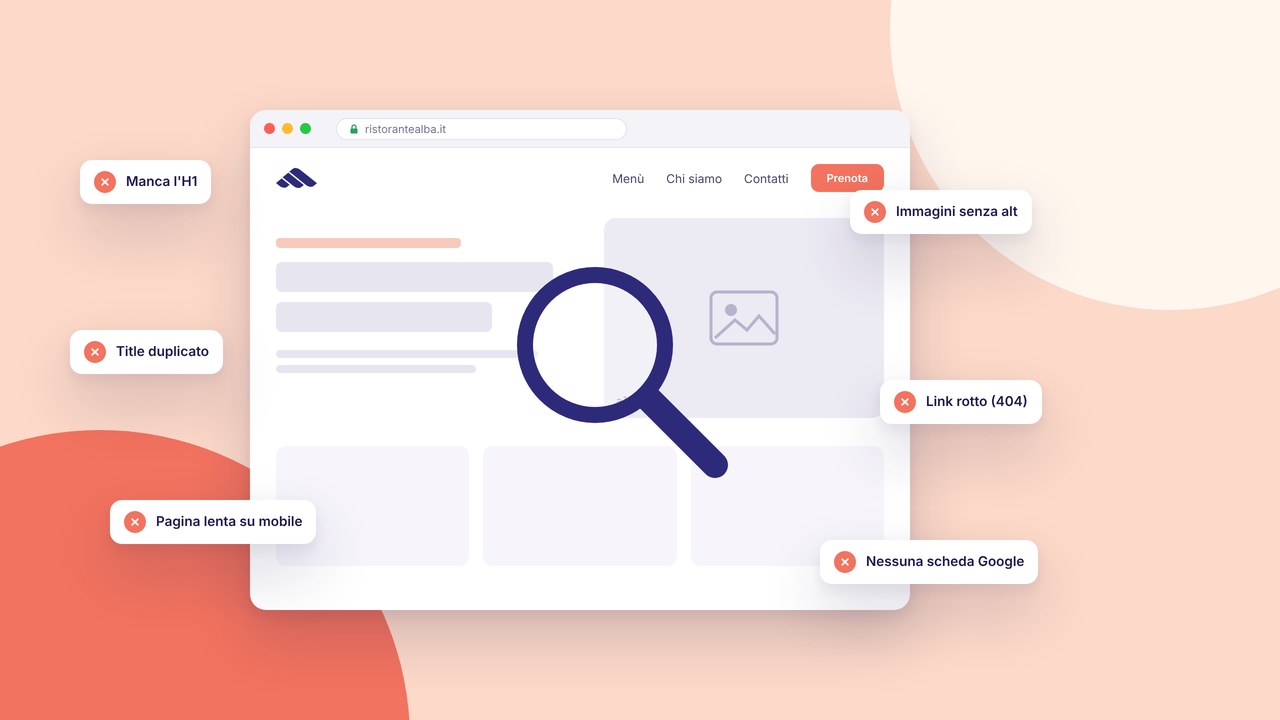
- Titles that are too long and get truncated with an awkward “…”
- Keyword stuffing (“SEO Milan SEO cheap SEO”)
- An empty description → Google invents an excerpt you do not control
- The same title on every page of the site
How to check after publication
After you publish, check indexed pages in Search Console and the queries with impressions. If a URL has many impressions and few clicks, try rewriting the title and description. Tie the page to the pre-go-live checklist and to the tools described in SEO optimisation (sitemap, heading structure).
Next step
Meta tags are the foundation; useful content and a clean structure do the rest. Once you have set the home page and the key pages, move on to HTTPS, cookies and legal pages with the guide HTTPS and cookie banners for GDPR.