How to create a professional blog on your site
Why add a blog, a recommended structure, an editorial calendar and on-page SEO for articles that bring organic traffic.

A professional blog integrated into your site is one of the most lasting investments for visibility, credibility and organic traffic. You do not need to publish every day nor write novels: you need to answer real questions of your audience, with useful articles linked to what you sell or to what you know how to do. In this guide we look at how to structure the blog, plan the content, optimise every article for search engines and publish it with the builder without touching code — with a checklist, operational steps and mistakes to avoid.
Why add a blog to the company or personal site
The home and the services page explain what you offer; the blog explains why they should trust you and how you solve concrete problems. Every well-written article is a new entrance door from Google: informational queries (“how to choose…”, “mistakes to avoid…”, “how much it costs…”) bring visitors who do not yet know you. If the article is useful, a part of them will become leads, newsletter subscribers or clients in the medium term.
The blog also feeds channels you control less: you share extracts on LinkedIn, the newsletter, WhatsApp Business. Unlike a social post that disappears in hours, the blog URL stays indexable and accumulates value. For Tuscan professionals and SMEs, combining it with local SEO amplifies visibility on relevant geographic searches.
Compared with an online portfolio, the blog aims at knowledge and process; compared with a product catalogue, it goes deeper on the “why buy” and the context of use. It can coexist with both in the same multi-page structure.
Blog vs other content formats
Do not confuse a blog with company news for its own sake (“we were at a fair”) without usefulness for the reader. A professional blog privileges guides, comparisons, checklists, analytical case studies, extended FAQs. News has a place in a dedicated section or in short posts, but the SEO heart remains on evergreen content that stays valid for months or years.
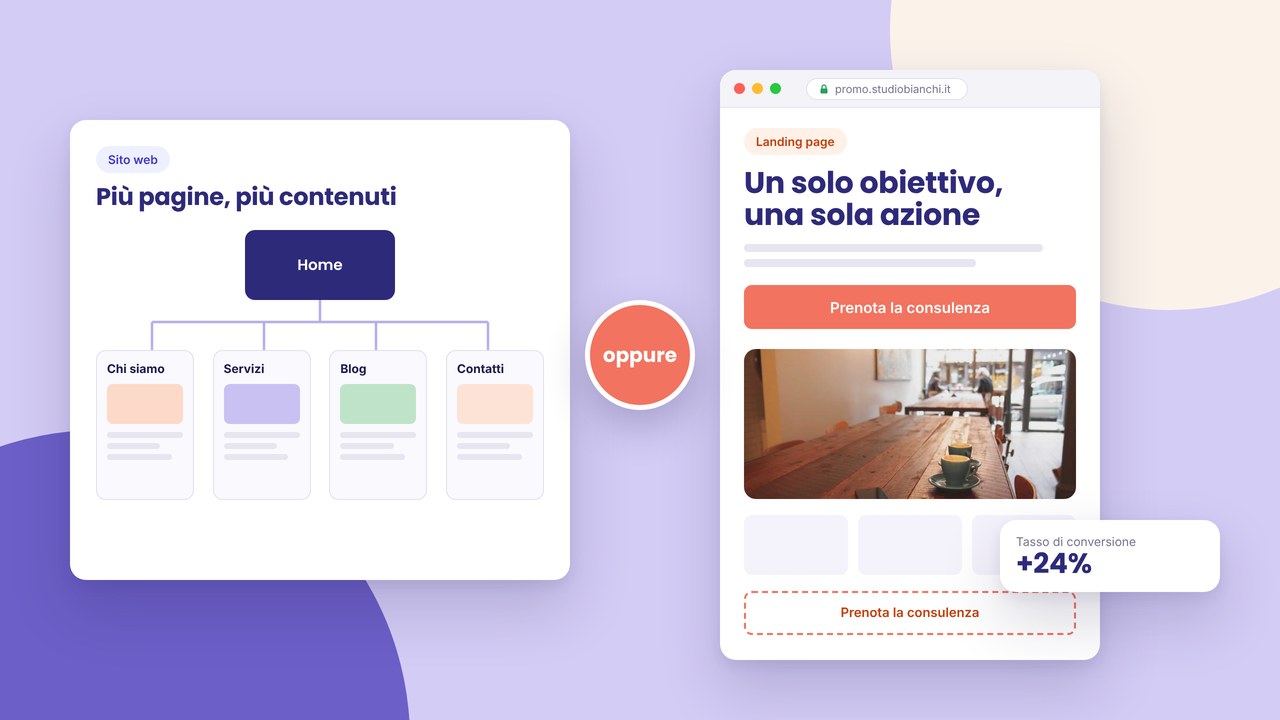
If your goal is a single campaign or a single lead magnet, consider a landing page instead of a complete blog archive. If instead you are building authority in the sector, the blog is the suitable tool. For a structured company, pair it with a business site with clear service pages and consistent CTAs towards contact or a quote.
The technical structure of the blog on the site
Archive and navigation
The archive page lists the articles in reverse chronological order, with title, excerpt, date and a featured image if available. Filters by category or tag help anyone looking for specific topics, but do not multiply empty categories: better three carefully made sections than ten almost without content.
The single article page
Every post has a stable URL, a single H1 (the title), an introduction that anticipates the benefit, a body with H2/H3, a conclusion with a CTA. A sidebar or footer can show related articles and links to services. Avoid walls of text: paragraphs of three–five lines, bullet lists, bold on key concepts.
Categories, tags and consistency
Use categories for macro-topics (“Guides”, “Case studies”, “Regulations”) and tags with parsimony for details. The same logic on every article: it helps Google understand the structure of the site and helps readers explore. Always link related articles with descriptive anchor text, not “click here”.
Editorial planning that works
Start from questions that clients already ask you in a consultation, via email or on the phone. Those are gold mines: answer once on the blog and share the link a hundred times. List 8–12 initial ideas tied to your work: practical guides, common mistakes, comparisons (“builder vs agency”), simple regulatory deep-dives (GDPR and cookies, form privacy).
Define a sustainable frequency: one useful article a month beats four generic posts a week that you abandon after two months. For every idea, write a provisional title, the main keyword, a closing CTA (contact, a service, a sign-up) and internal links to insert. A shared calendar (even a sheet) avoids gaps and repetitions.
Recycle intelligently: a long article can become two shorter posts, a downloadable checklist or a newsletter. Through the builder’s reusable components, keep the author box, the end-of-article CTA and related banners uniform across the whole archive.
Writing for the web: tone, length, format
Write for busy readers: a first clear line on the problem you solve, then the deep-dive. Ideal length depends on the intent: an FAQ on a tight topic can be enough at 800–1000 words; a complete guide like this aims at 2000+ to cover sub-topics and related questions. Use concrete examples, numbers when you have them, screenshots or a schema only if they add clarity.
A professional tone does not mean bureaucratic: direct sentences, the second person singular where appropriate (“you can check…”), avoid unexplained jargon. Reread out loud: if you get out of breath, shorten. Every H2 section must be able to stand alone as a partial answer on Google (featured snippet).
On-page SEO for every article
The keyword in the title and in the first paragraphs, but without forcing. A meta description that invites the click, different from the first paragraph. A logical heading structure: one H1, H2 for the main sections, H3 for sub-points. Learn the fundamentals in the meta title and description for beginners guide.
Internal links towards services, other posts and pillar pages (e.g. the go-live guide, site costs). Avoid the common SEO mistakes: duplicate titles, cannibalisation (two identical articles on the same query), images without alt, URLs changed without a redirect. After publication, include the new URL in the sitemap and monitor impressions in Search Console.
For a periodic rapid check, use the SEO audit in 15 minutes on the whole site, not only on the blog.
Images, media and performance
Every article benefits from a featured image consistent with the topic, light and recognisable in the social preview. Inside, annotated screenshots, simple diagrams or original photos beat generic stock. Compress files, set a maximum width adequate to the layout, write descriptive alts (“company blog SEO checklist”).
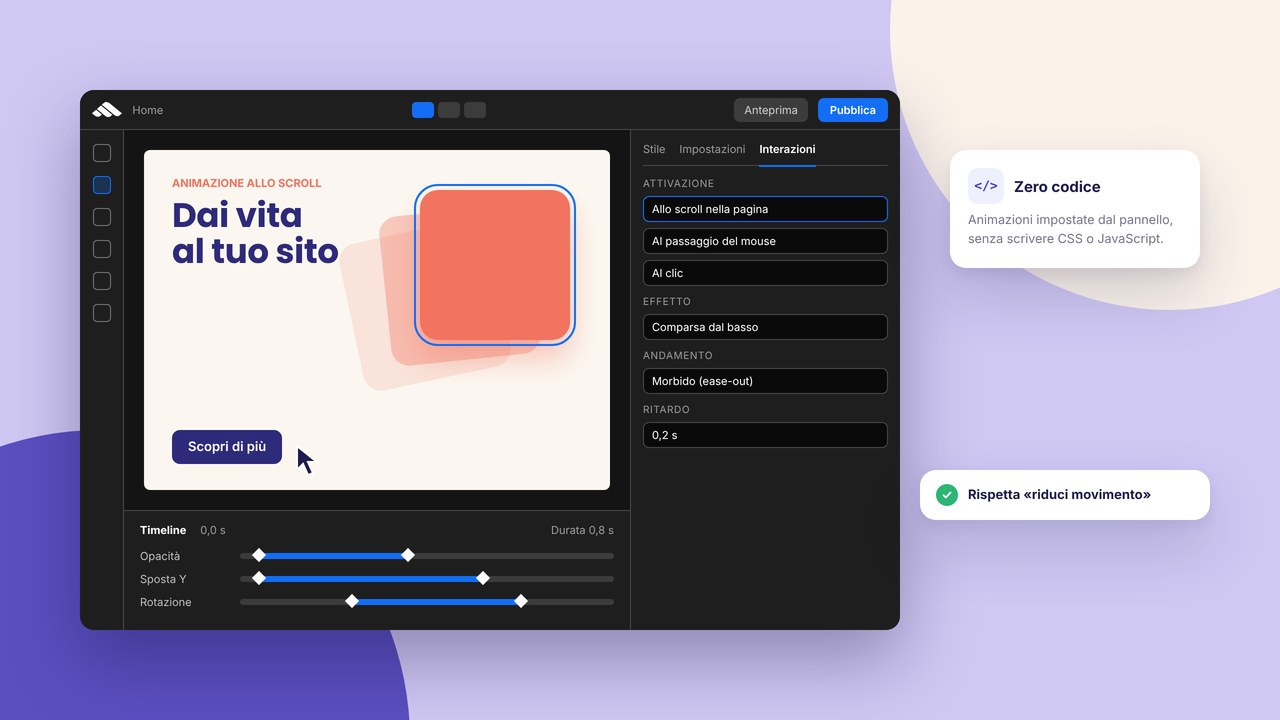
Embedded videos can help, but they do not replace indexable text: summarise the key points in words. Light animations on CTAs or highlight boxes are configured with interactions without code; do not overuse them in long-form articles.
Step by step: launching the blog with the builder
- Create the blog section — an archive page and an article template in the site menu.
- Define categories — few, aligned with the services or the skills you promote.
- Prepare the first pilot article — a useful guide, 1500+ words, a CTA and internal links.
- Set components — an author box, an end-of-post CTA, reusable “related articles”.
- Optimise SEO — meta tags, a clean slug, a featured image with alt.
- Connect to the rest of the site — a link from the home or services towards the blog; from the blog towards contacts.
- Test mobile and forms — comments disabled or moderated if you do not manage them.
- Privacy and analytics — a compliant cookie banner, measurement tools only after consent where required.
- Publish and promote — newsletter, social, email signature; follow the 10 publication steps.
- Plan the second and third post — momentum before you announce the blog “officially”.
Before the global go-live, check the complete checklist. For budget and times, see how much a site costs in 2026 and whether the builder is enough or support is needed (builder vs made-to-measure).
Integration with newsletter and social
The blog without distribution stays invisible at the beginning. Every release deserves at least: an email to subscribers, a LinkedIn post with a practical angle, an extract for Instagram or Facebook if your audience is there. Do not only paste the link: add an insight or a question that invites the click.
Collect emails ethically: a clear form, double opt-in if you use serious providers, an updated privacy page. The blog and the newsletter feed each other: articles become email issues; readers’ questions become new posts.
Blog and sector sites: synergies
If you work in restaurants or events, articles on seasonal menus or course organisation naturally link to a restaurant site or an event site. A photographer can connect post-production tutorials to the portfolio case study. A company with a catalogue can use the blog for product-use guides, pointing to the online catalogue.
Common mistakes to avoid
- Publishing without a strategy — random posts do not build authority or a keyword cluster.
- Copying from other sites — duplicate content penalises; write with your voice and experience.
- Misleading clickbait titles — they increase bounce rate and damage trust.
- No CTA — every article must propose a measurable next step.
- Abandoning after three posts — Google and users reward moderate constancy over time.
- Ignoring dated reviews — update articles with a year in the title or regulatory data.
- Infinite blocks of text — break them with subheadings, lists, bold.
- Forgetting internal links — you lose SEO and navigation opportunities.
A checklist for a ready article and a healthy blog
- A clear title with a benefit or a question
- A single H1; H2/H3 in a logical order
- Meta title and description filled in
- An introduction that anticipates what the reader will learn
- At least one internal link to a service or another post
- A final CTA (contact, a consultation, a related resource)
- An optimised featured image with alt
- A spelling check and working links
- A readable mobile preview
- Publication date and category assigned
- Sharing planned on at least one channel
Frequently asked questions
How often do I have to publish?
Regularity counts more than frequency. One carefully made article a month is an excellent start; two a month if you have resources. Avoid weekly promises if you do not keep them.
How long should an article be?
As long as it takes to answer the target query well. Competitive guides often exceed 1500–2000 words; short news can be 400–600. Do not fill with water to reach a number.
Do I have to sign with an author name?
Yes, for E-E-A-T (experience, expertise, authoritativeness): an author box with role and a link to about increases trust, especially in technical or regulated sectors.
Comments yes or no?
If you do not moderate, better to disable them or use social channels. Spam and toxic links damage perception and SEO.
Does the blog replace Google Ads?
No: they are complementary. The blog builds organic traffic in the medium term; ads bring immediate visibility on specific offers, often towards dedicated landings.
Can I republish on Medium or LinkedIn?
Yes, but with a canonical towards your site or summarised versions that link to the original, so as not to cannibalise the main domain.
Is an external editor needed?
Useful for tone and errors; not obligatory at the beginning. A second internal reading before publish already avoids many problems.
How do I connect the blog to the services I sell?
In every article insert at least one contextual link towards the relevant service page, with a descriptive anchor (“local SEO consulting”) not a generic one. In the close, a CTA towards a consultation or contact if the article has solved a doubt but the reader prefers to delegate.
Perceived quality: beyond the template
A blog on a generic template without care is recognisable: the same fonts as a thousand sites, stock images, superficial articles. Invest in a consistent voice, verifiable data and a readable layout. The builder gives you structure; the content remains your competitive advantage.
Configure a custom domain with the DNS guide so the articles live on URLs that strengthen the brand, not on temporary subdomains.
Measuring the blog’s results
Define simple metrics from the start: organic visits to the articles, average time on the page, clicks on the contact or sign-up CTA, conversions from linked forms. Search Console shows queries and CTR; analytics (after cookie consent) shows entry pages. An article with many impressions but zero clicks has a weak meta description; one with a high bounce and little time perhaps does not keep the promise of the title.
Every quarter review the ten most visited posts: update data, broken links, obsolete screenshots. A paragraph “Updated in [mese anno]” signals freshness to users and engines. Cross the data with real leads: which articles appear in clients’ emails before the first contact? Those deserve deep-dives and sequels.
Do not obsess over the numbers in the first week: indexing takes time. Compare month on month after at least three months of constant publication; only then does it make sense to cut topics that do not perform or double down on those that generate contacts.
Conclusion: building an asset that grows over time
A professional blog is not a diary: it is an archive of usefulness that works for you while you sleep, supports sales, recruiting and relationships with existing clients. Start with a few excellent articles, connect them to the rest of the site, measure what works and update what ages.
Ready to start? Sign up, create the blog section in draft, consult services if you want accompaniment, or book a consultation for a made-to-measure editorial plan. Other guides on the blog and models in templates help you integrate blog, portfolio and business presence in a single consistent project.
The first article can come out within a week if you start from a topic you know by heart: better online and improvable than perfect and never published.