A free SEO audit: check your site’s health in 15 minutes
A practical checklist for brochure and portfolio sites: HTTPS, meta tags, H1, sitemap, mobile and internal links. Includes a free domain analysis tool.
You have published a brochure site, a portfolio or a landing page and you want to know whether Google (and visitors) find it in order? You do not need an SEO agency for the first diagnosis: with a 15-minute checklist you identify the most common problems and understand what to fix first.
This guide is written for freelancers, SMEs and anyone using a visual builder: no useless jargon, only concrete checks on HTTPS, meta tags, structure, mobile and indexing. At the end you can check everything automatically with Martini Francesco’s free domain SEO analysis tool.

When to do an SEO audit (and when it does not make sense)
Do it straight away if you are about to go live, you have redone the design, you have changed domain or you notice a drop in contacts with no explanation. Repeat it every 2–3 months on brochure sites with few pages: a few minutes are enough and you keep regressions under control (duplicated titles, broken links, expired HTTPS).
Do not expect miracles from a single technical check: rankings and traffic also depend on content, competition and domain authority. The audit tells you whether the foundation is solid — the rest is built over time with useful articles, a portfolio and quality external links.
A 15-minute SEO audit: the checklist
Follow this order: first what blocks indexing or trust, then the on-page details.
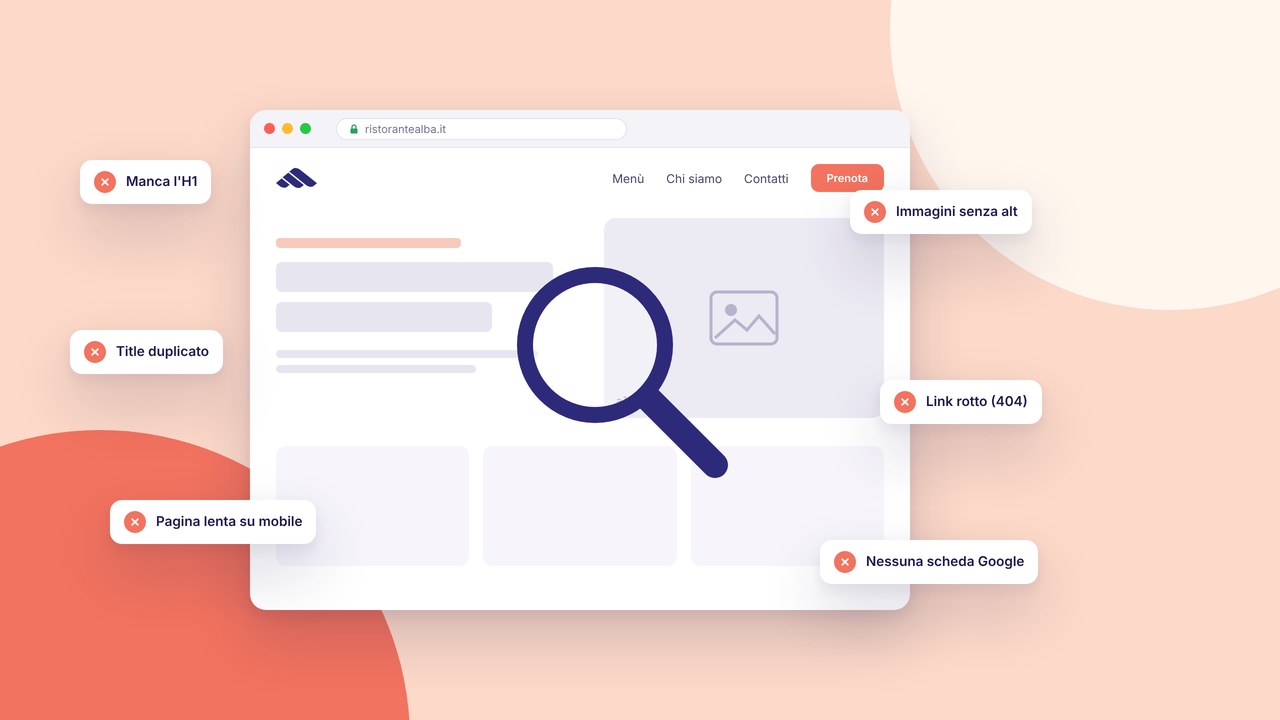
1. Does the site respond over HTTPS?
Open the home with https://. If the browser reports “not secure” or you are redirected in a strange way, fix the certificate and the redirects before any other optimisation. To go deeper on requirements and good practice, see security and HTTPS and the guide HTTPS and cookie banners for GDPR.
2. Are the title and meta description unique for each page?
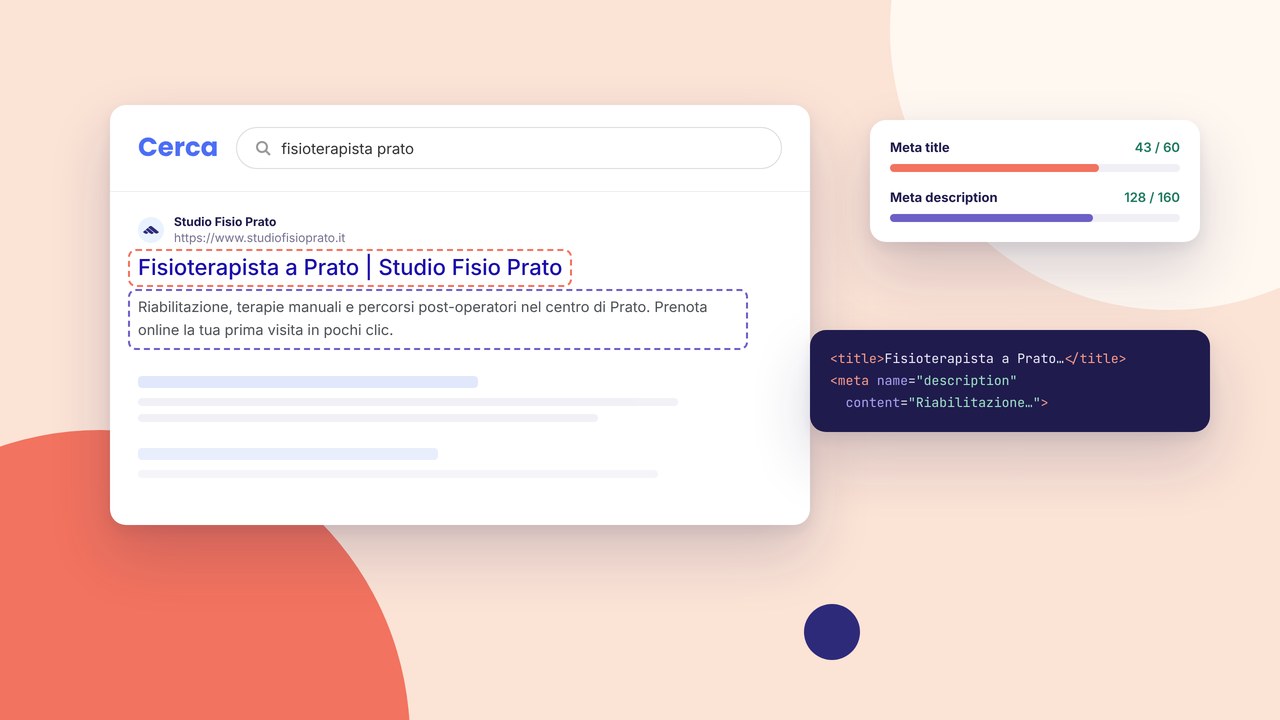
Check at least the home, services, contact and one blog page. Every URL must have a different title (50–60 characters) and a description that explains the benefit (140–160 characters). Typical mistakes: the same title everywhere, an empty description, keywords repeated in a burst. Rules and examples in the guide meta title and description for beginners.
3. Is there a single clear H1 per page?
Inspect the home: an h1 that says who you are and what you offer. Then check that there are not two h1s or jumps in the hierarchy (h1 → h4). The structure helps Google and screen readers.
4. Do robots.txt and sitemap.xml exist?
Visit tuodominio.it/robots.txt and tuodominio.it/sitemap.xml. The robots file must not block public pages by mistake; the sitemap must list the URLs you want to index. After you publish, submit the sitemap in Search Console — steps in SEO optimisation.
5. Do the images have alternative text (alt)?
Hero, logo, screenshots: every meaningful image must have a descriptive alt, not “IMG_1234”. It improves accessibility and context for search engines.
6. Is the site readable on mobile?
From a smartphone: text that is too small, buttons that are too close, a menu that does not open, images that overflow the screen. Google mainly evaluates the mobile experience.
7. Are there internal links towards important pages?
From the home you should reach services, contact, the blog or the portfolio without digging through the menu. From the blog, contextual links towards product pages (not only “click here”). SEO mistakes on brochure sites often include missing internal links.
8. Are forms, cookies and legal pages in order?
A working contact form, reachable privacy and cookie policies, a consent banner if you use analytics or marketing. It is not “pure SEO”, but it affects trust and compliance — and on professional sites it makes a difference.
An automatic check: a free technical analysis
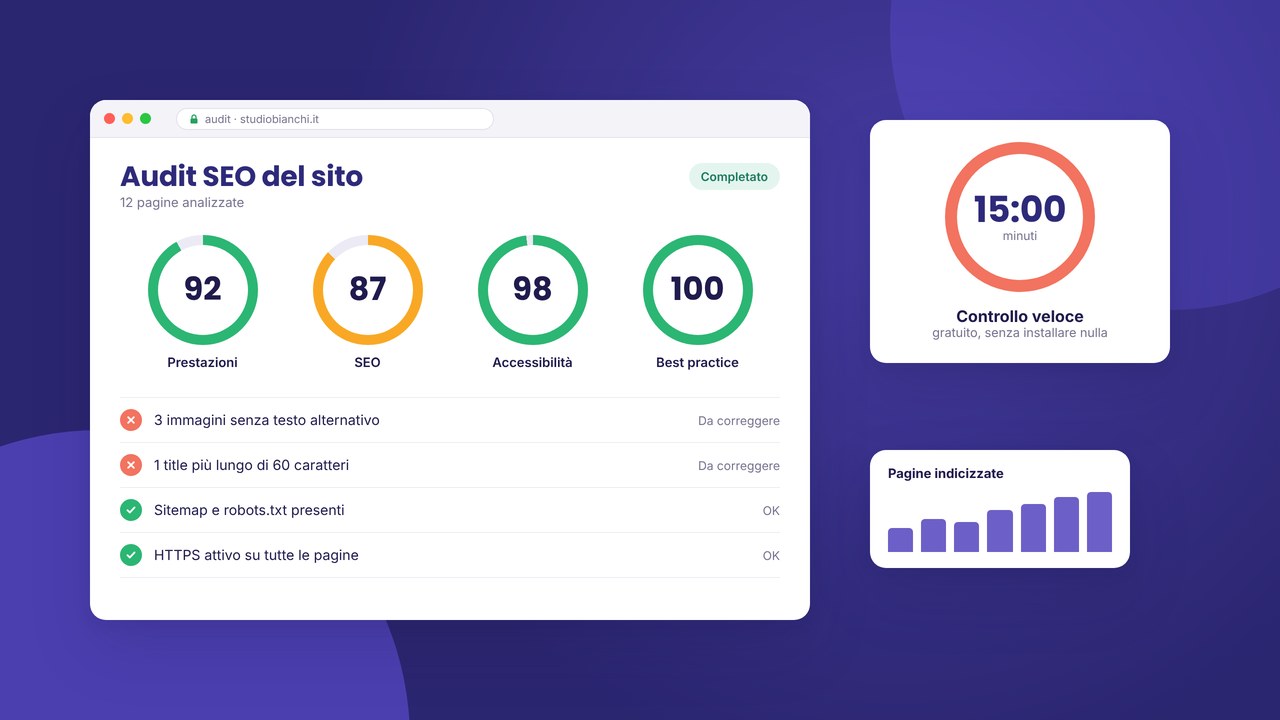
The manual checklist is useful for understanding what to look at. For a first objective score you can use the Domain SEO analysis tool: you paste the domain and get a report on HTTPS, title, meta description, H1, robots, sitemap, Open Graph and other technical signals — without installing anything.

Use it like this:
- Enter the domain or the home URL (e.g.
miosito.it). - Read the checks in red or yellow — they are the immediate to-do list.
- Run the analysis again after the fixes to confirm the improvement.
The tool does not replace Search Console, but it is an excellent first screening before asking for a consultation or investing in content.
What to do with the results (a practical priority)
Sort the work into three bands:
- Blockers: no HTTPS, important pages in noindex, 404 errors on the home, a broken contact form.
- On-page: title/description, h1, image alts, copy that is too short on the services pages.
- Growth: new blog articles, portfolio case studies, internal links from existing content.
If you are using a builder, meta tags and structure are fixed from the inspector without plugins — see SEO optimisation in the builder. For a complete go-live, cross this list with the checklist before you publish.
Google Search Console: the next step
After the technical audit, connect the site to Google Search Console (free). It shows you which queries you appear for, which pages Google has indexed and whether there are coverage errors. Compare the data every month: if a page has many impressions and few clicks, rewrite the title and description.
Do not obsess over “PageRank” as a magic number: what counts is qualified traffic and contacts. A brochure site with 200 targeted visits/month beats 5,000 generic visits without conversions.
Audit done: what now?
If the technical score is decent, move energy onto content: one practical guide a month, a portfolio case study, services pages with real copy (not only empty bullets). It is the safest path to earning visibility and citations from other sites.
Recommended next steps:
- Run the free analysis of your domain and note 3 urgent fixes.
- Fix the meta tags of the main pages with the meta tag guide.
- Publish or update the site with managed hosting and HTTPS included.
Do you have doubts about priorities or structure? You can request a consultation — even just to validate the audit before investing in content or campaigns.
Go deeper: local SEO and choosing a path
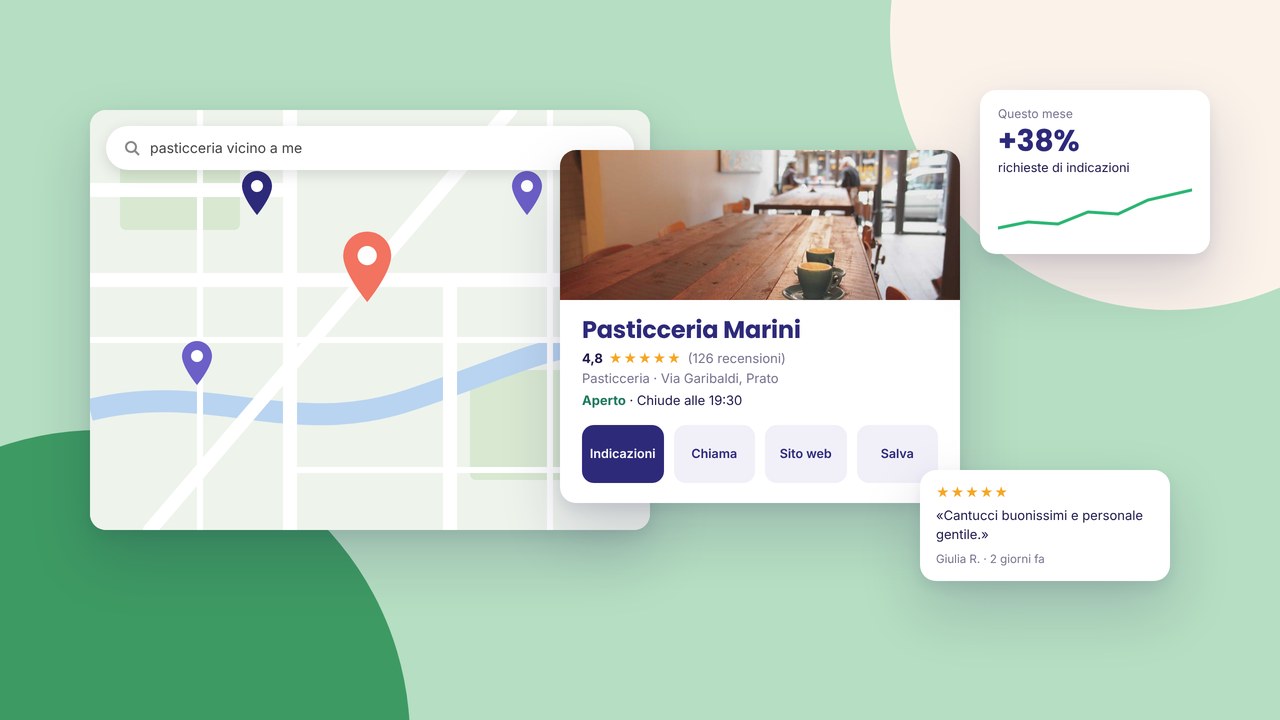
If your business is in Tuscany, after the technical audit it is also worth working on local SEO: a local SEO guide for Prato and Tuscany. Not sure whether a builder is enough or you need a made-to-measure project? Compare in builder vs a made-to-measure project and look at the studio’s services.
If after the audit you want to delegate the work, the page website optimisation in Tuscany explains how I work on the technical audit, meta tags and content; for an ongoing path see SEO consulting in Tuscany.