
Reference palette
Primary, neutrals, and feedback
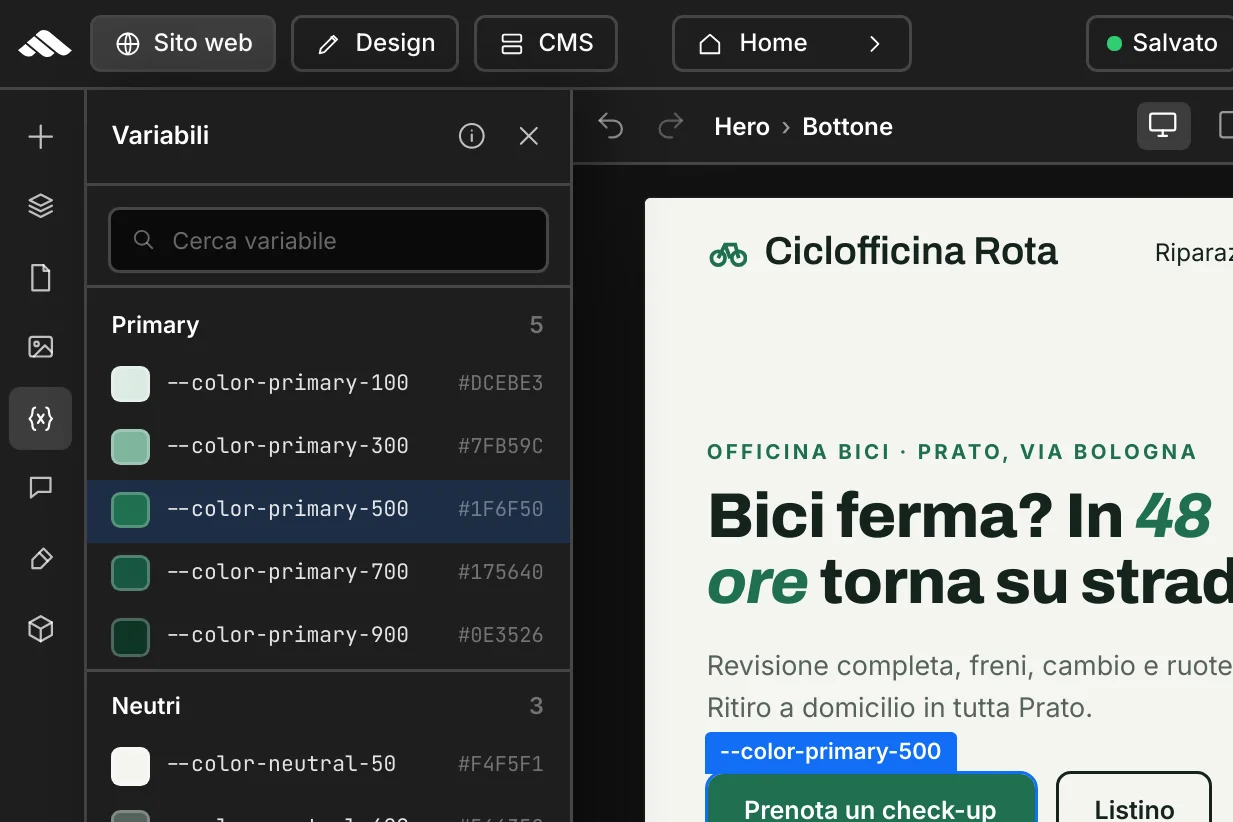
Complete scales with CSS tokens and hex values: the shared base for CTAs, text, surfaces, and semantic states in the builder.
Explore palettesColors and style
Palettes, typography, and CSS tokens that connect Brand identity, canvas, and published site — without guessing hex values or redoing the same styles on every block.
Clear tokens, consistent style
Reference palette
Complete scales with CSS tokens and hex values: the shared base for CTAs, text, surfaces, and semantic states in the builder.
Explore palettes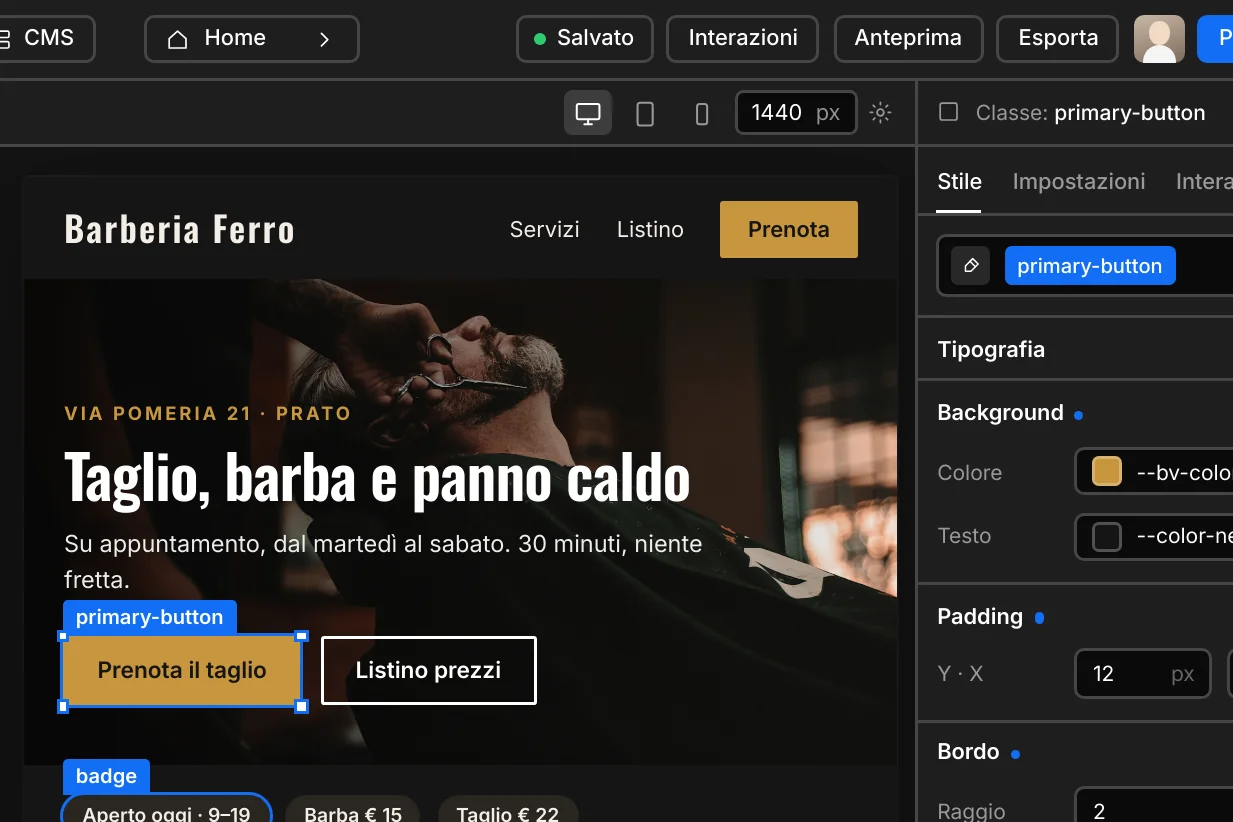
Typography
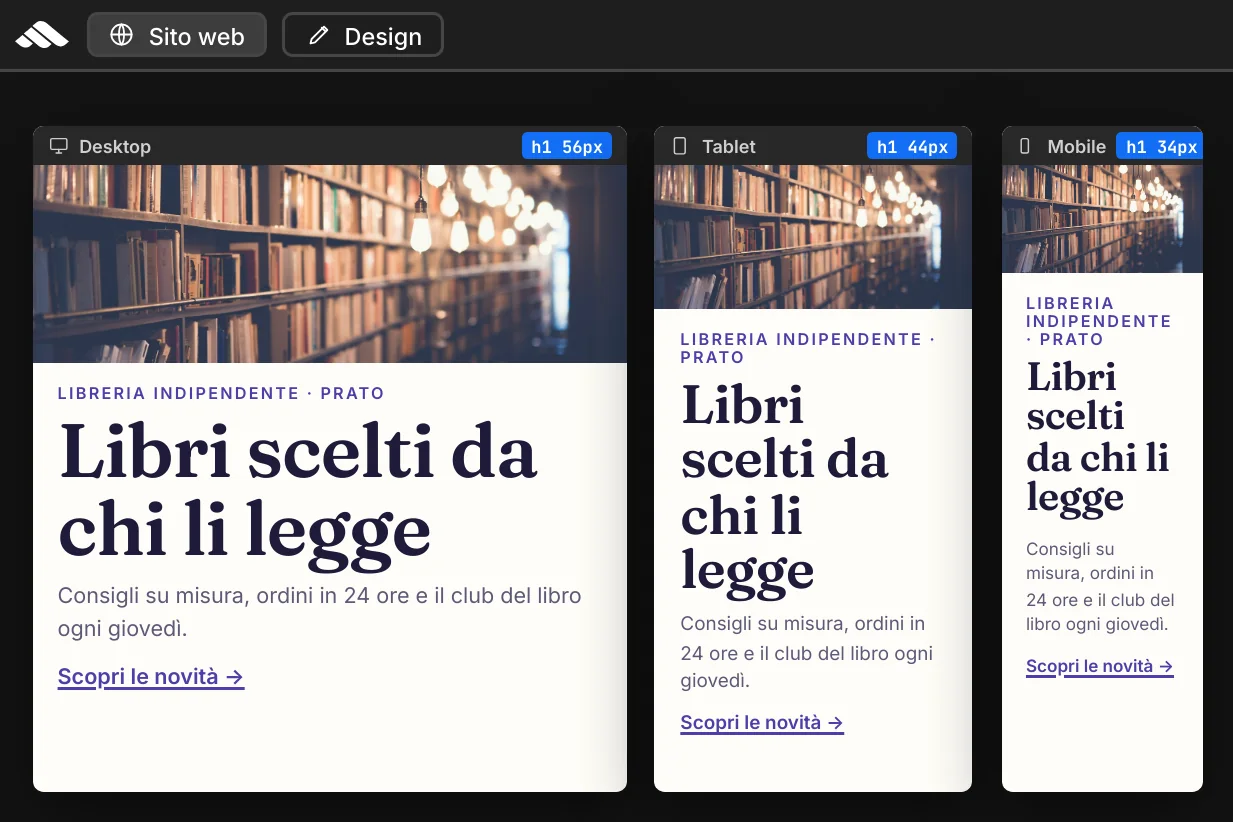
Headings, lead text, captions, and links with consistent scales on desktop, tablet, and mobile — always via shared classes.
View classes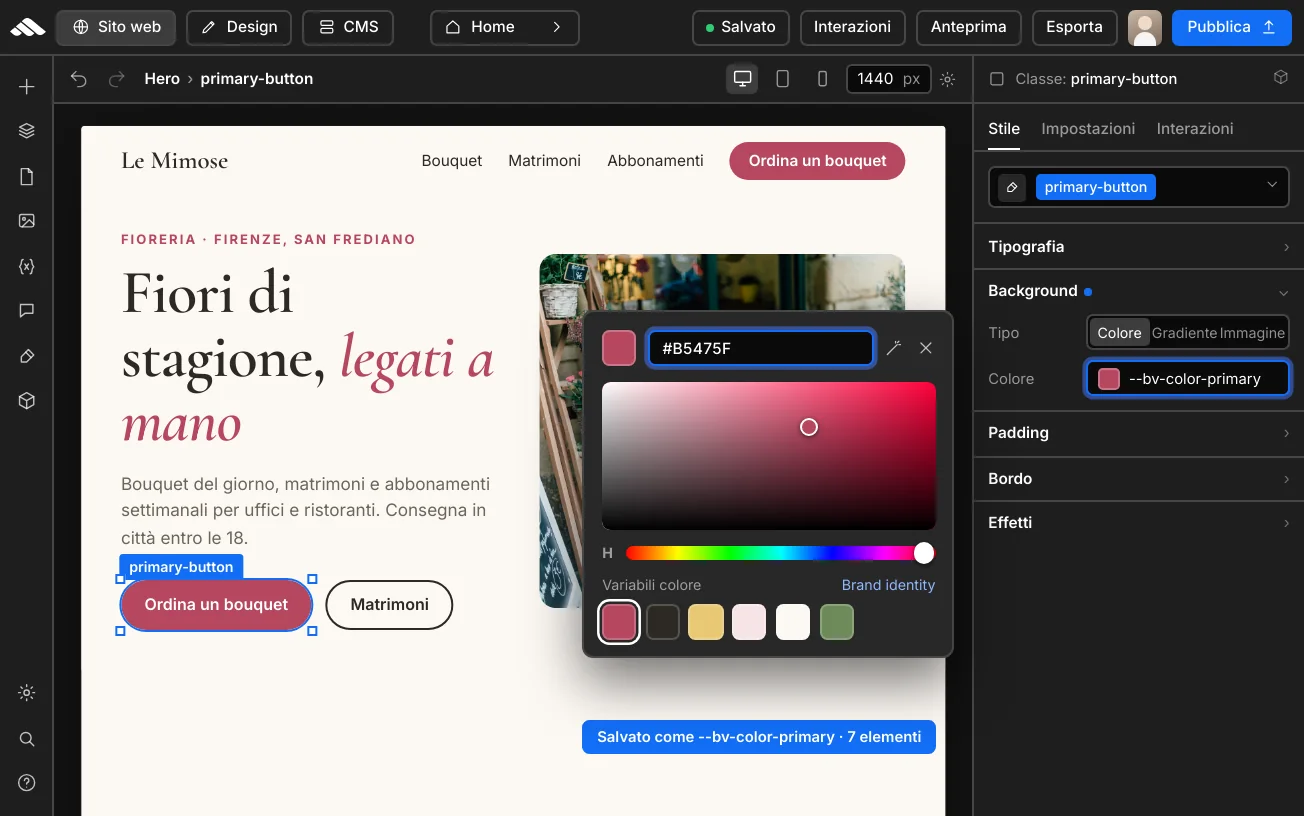
UI and tokens
Semantic components mapped to project colors, linked to --bv-* and --color-* variables.
01
Reference ramps for CTAs, text, surfaces, and builder states. Hover each segment for the CSS token.
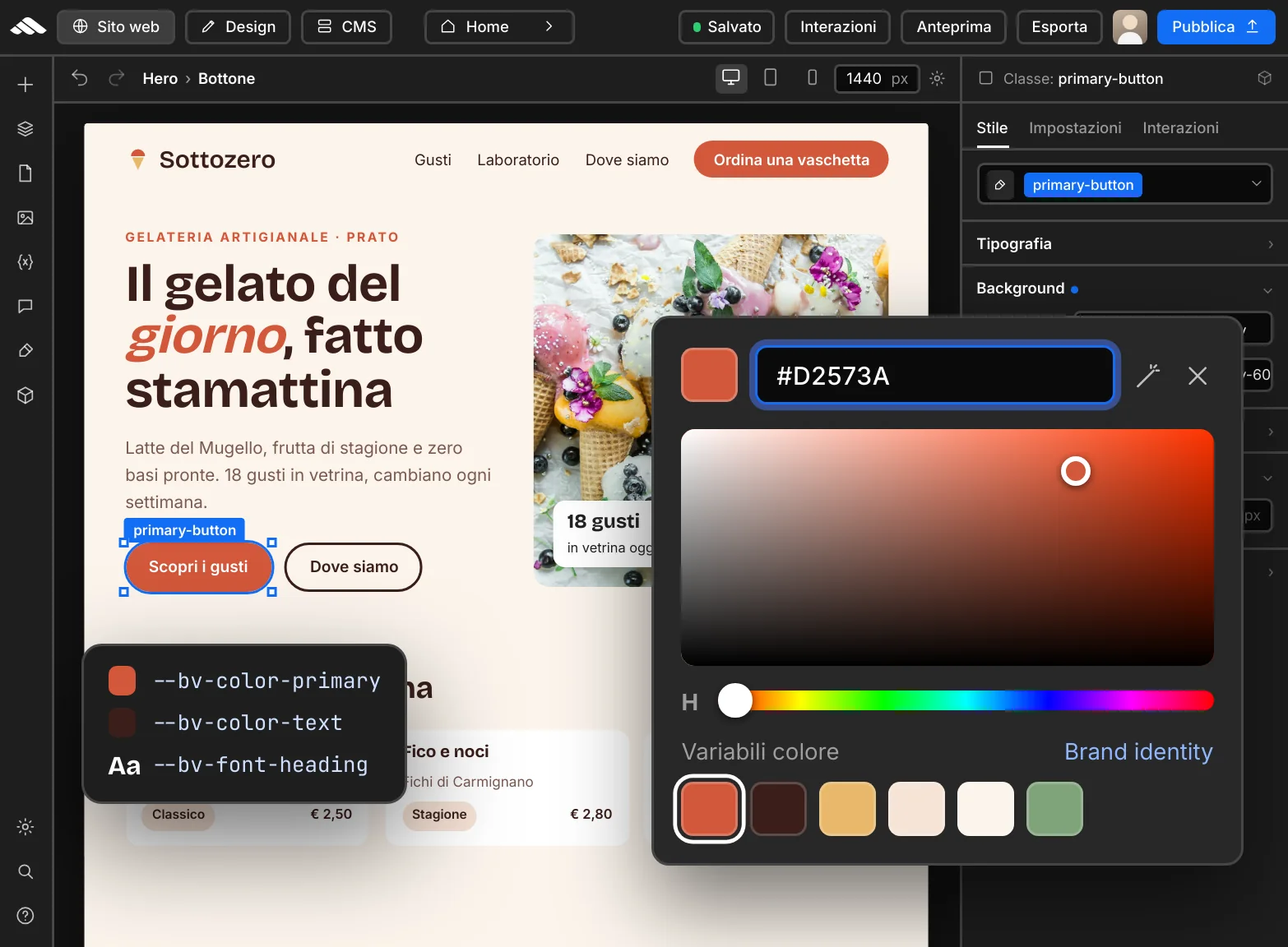
Pick a tint from the Brand panel or paste a hex value: it saves as a CSS variable on the block. Update the palette and the change can propagate everywhere.
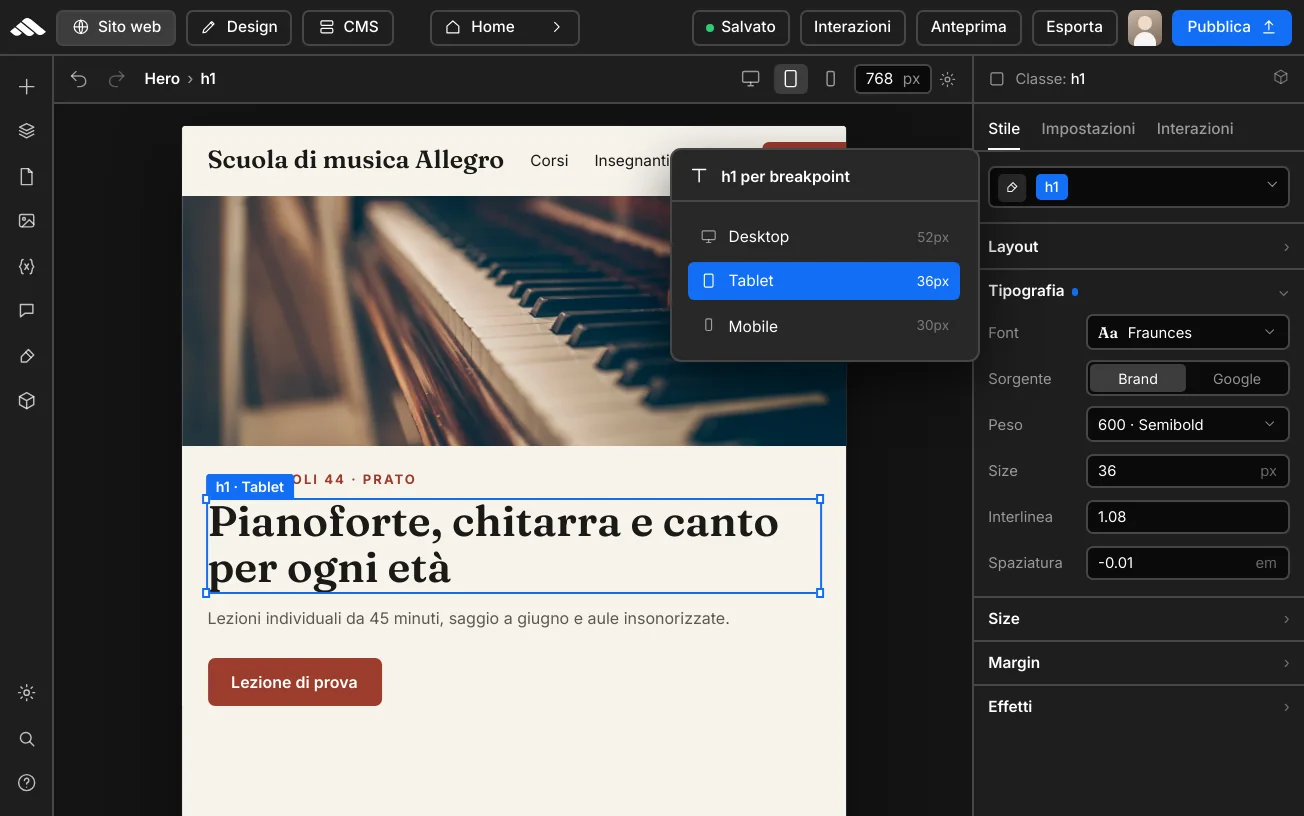
Headings, lead text, and captions with consistent scales on desktop, tablet, and mobile. Fonts from the Google catalog or your brand, always via shared classes.
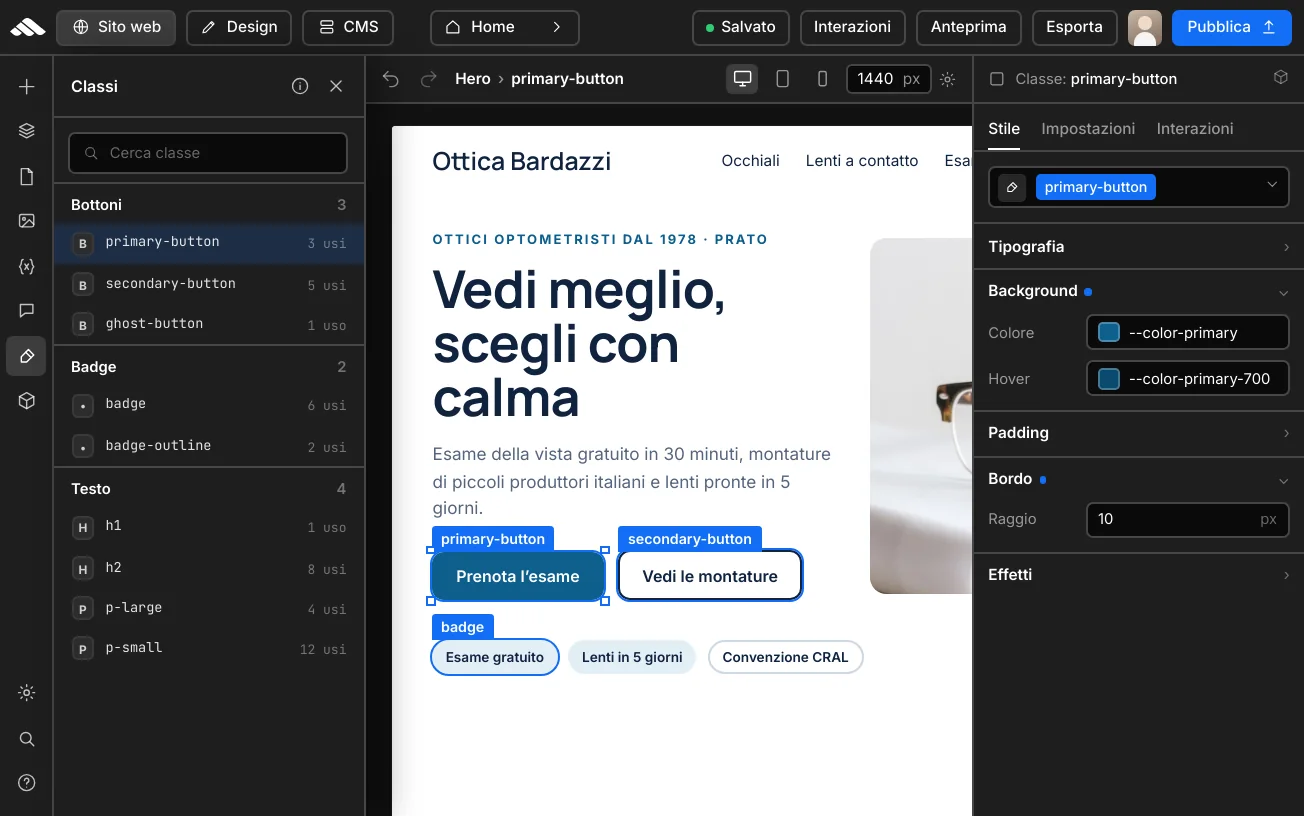
Primary, secondary, link, and badge styles use semantic classes (primary-button, secondary-button) mapped to project colors.
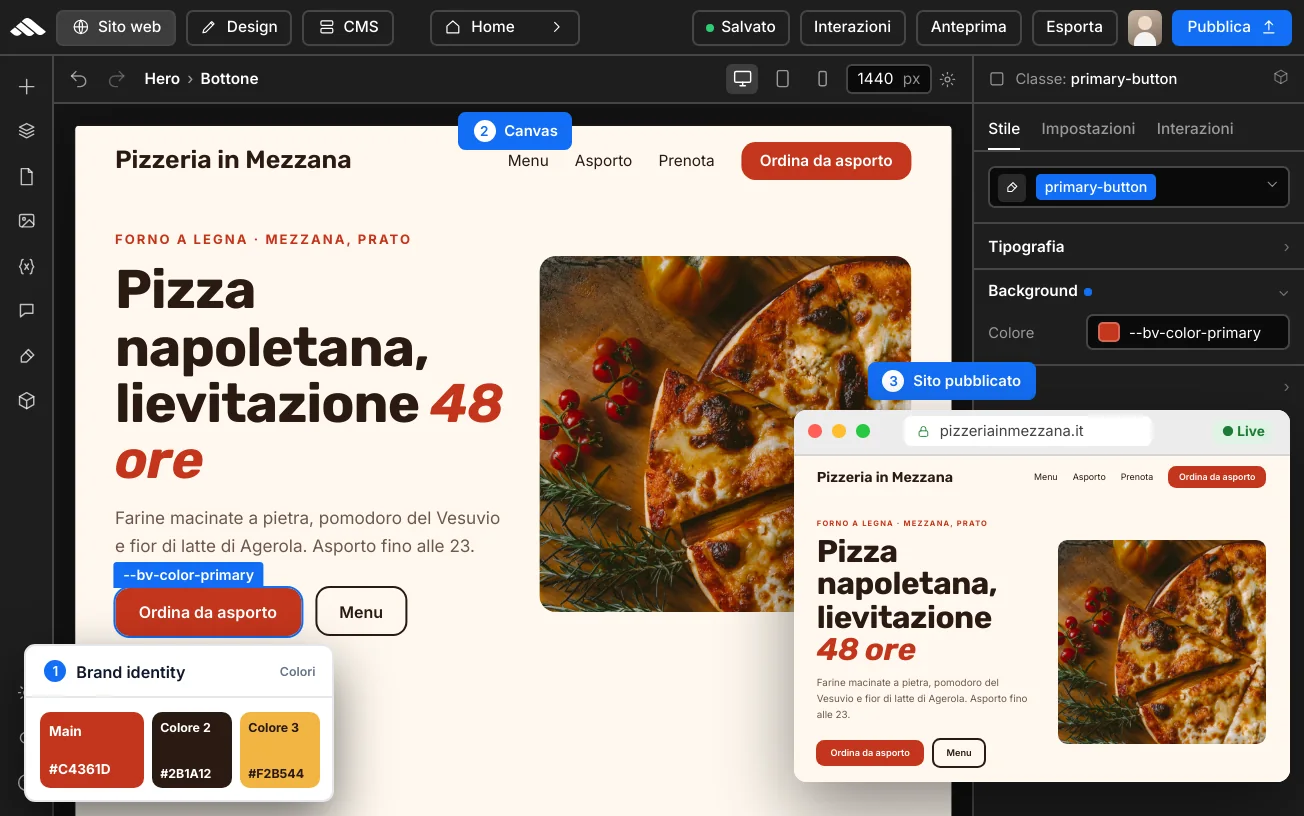
--bv-* variables originate in Brand identity and power canvas and publishing. --color-* tokens are the shared stage theme base.
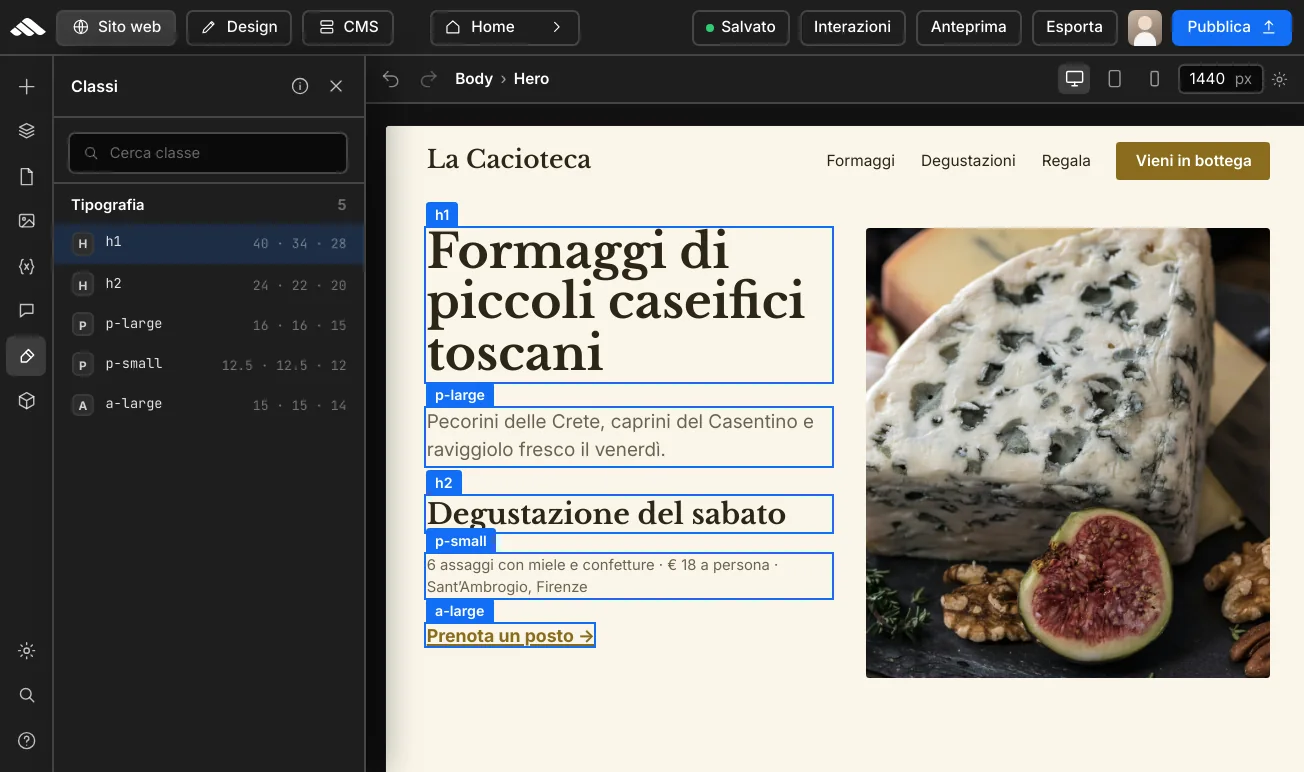
Examples of utilities used on stage pages and recommended in builder layouts: h1, p-large, a-large, and more.
h1 Main headline
h2 Section title
p-large Lead and introductory paragraphs below headings.
p-small Eyebrows, labels, meta, and captions.
a-large Links and text CTAs
Palettes, typography, brand, and optimization: articles to refine your site style and get the most from the platform.
Visit our blog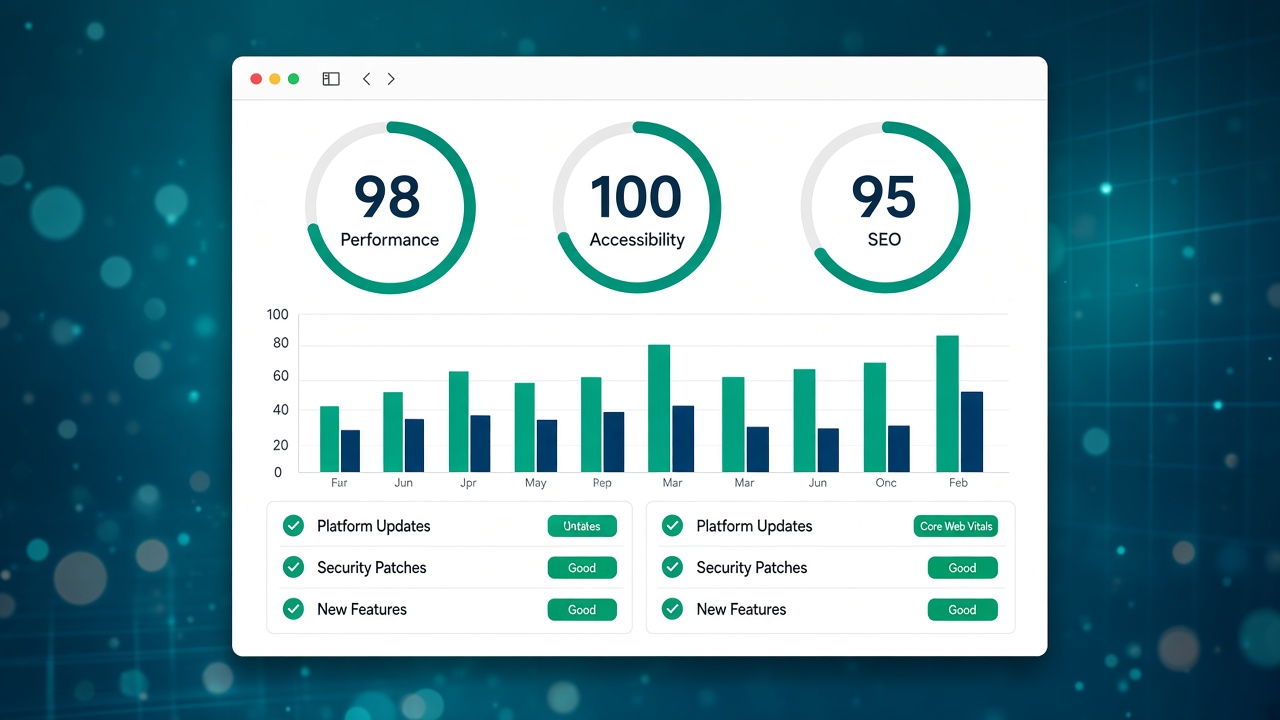
Commento in italiano al digest web.dev di Google: perché conta per performance, browser e SEO opera…
Novità web platform (maggio 2…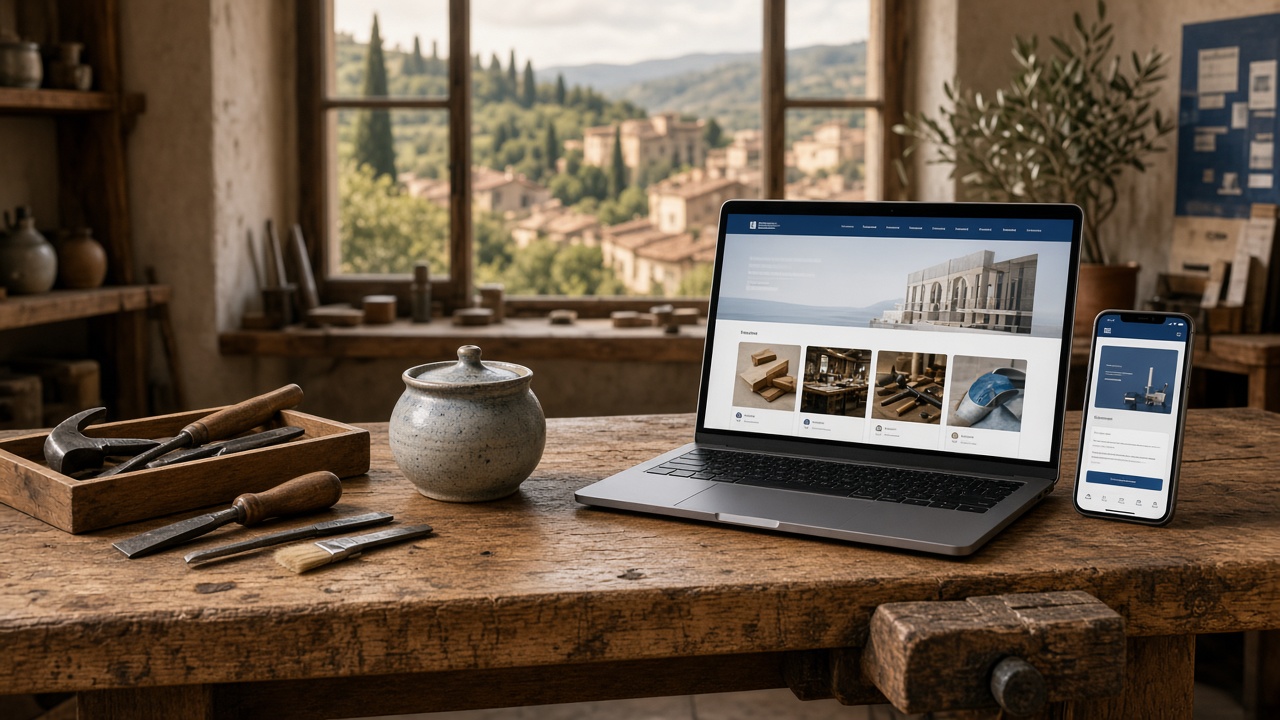
Pagine, progetti, SEO locale, contatti e manutenzione: guida pratica al sito web per artigiani e pi…
Sito web per artigiani e PMI …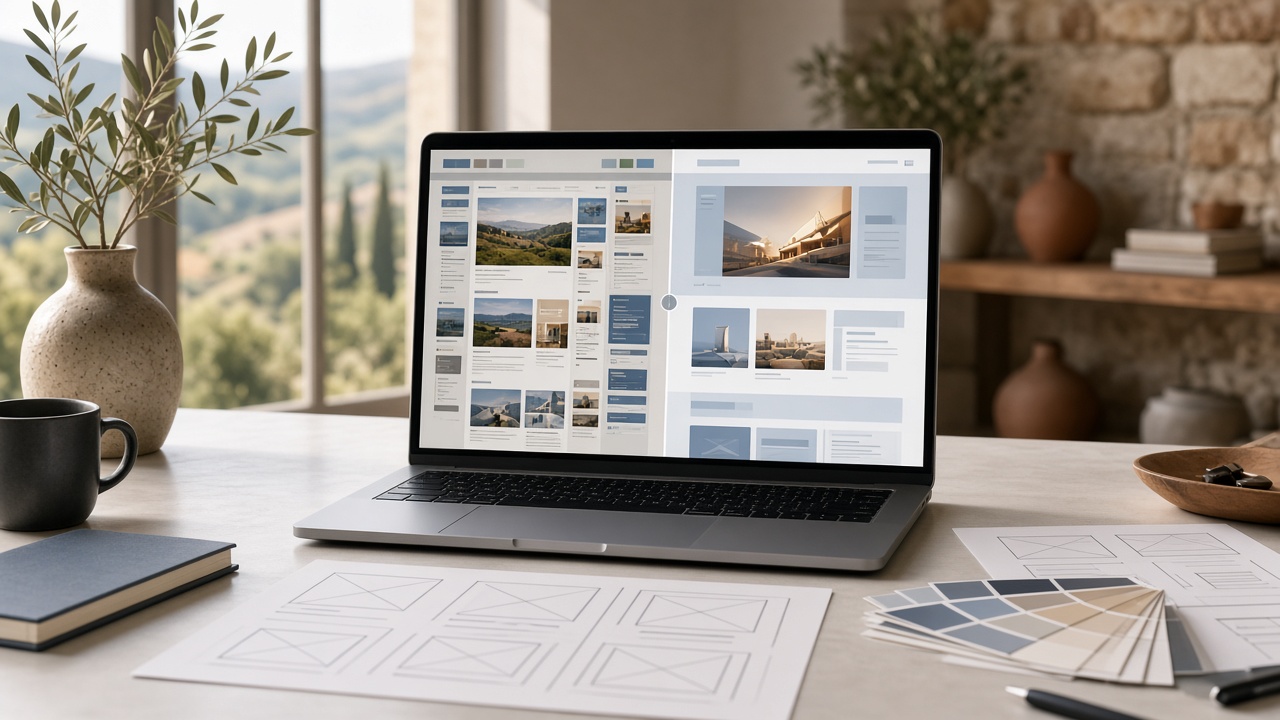
Segnali, metodo e checklist per rifare un sito aziendale a Prato senza perdere contenuti, traffico,…
Rifare un sito web a Prato: q…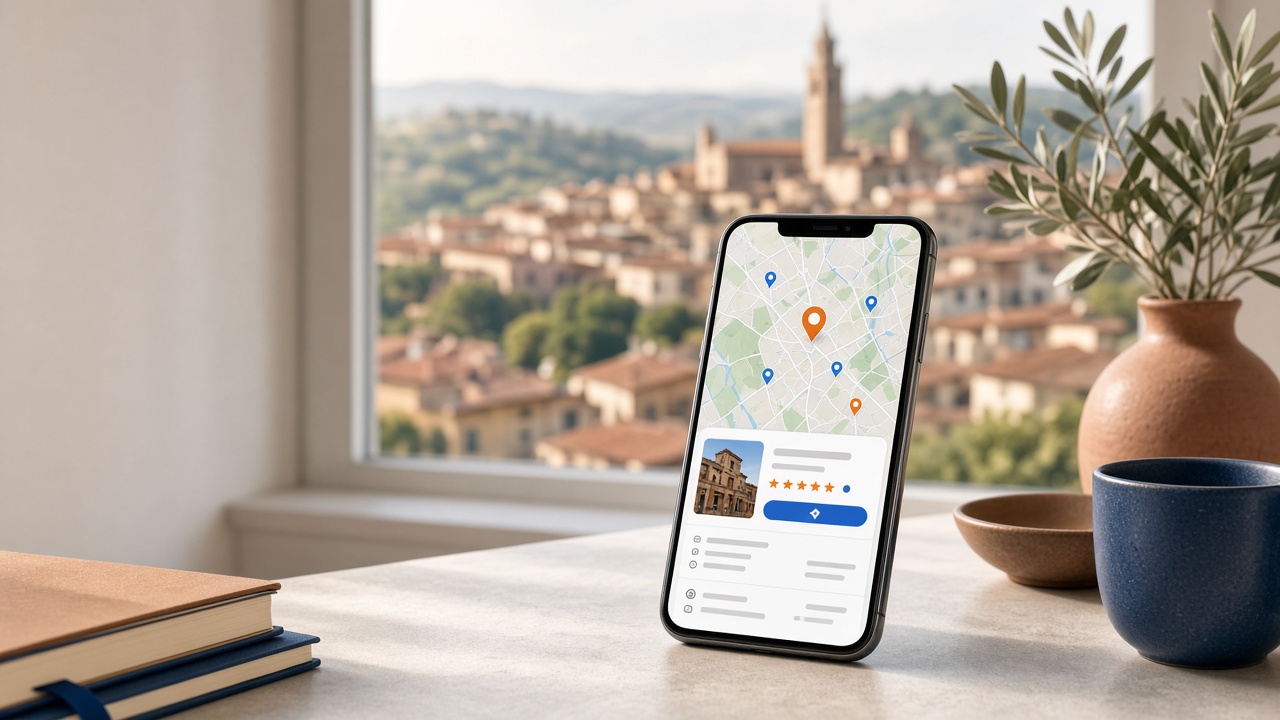
Come configurare e migliorare la scheda Google di un’attività a Prato: categorie, recensioni, foto,…
Google Business Profile a Pra…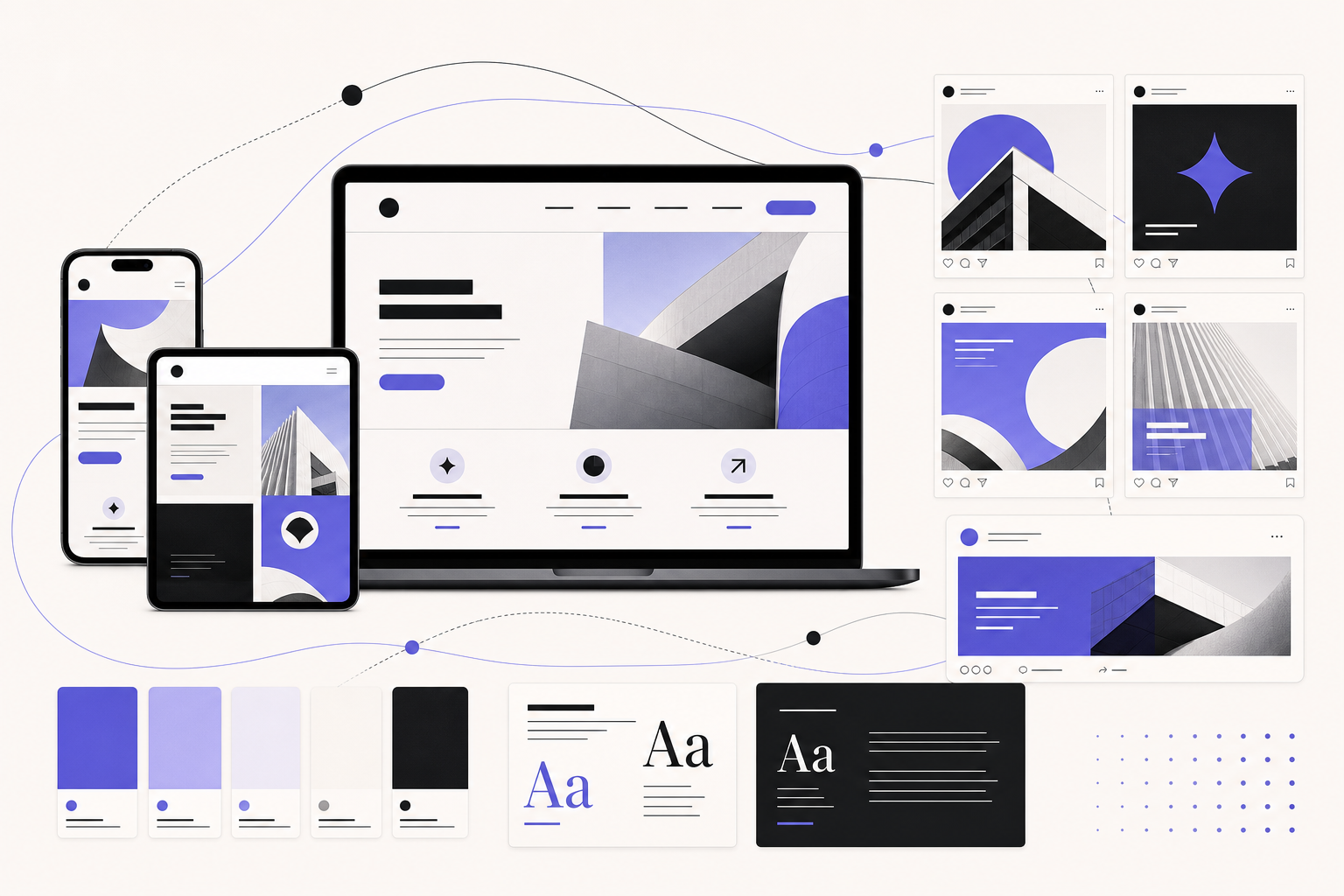
Perché post social, landing e sito devono avere colori, tono e visual coerenti. Metodo pratico per …
Grafica social e sito web: st…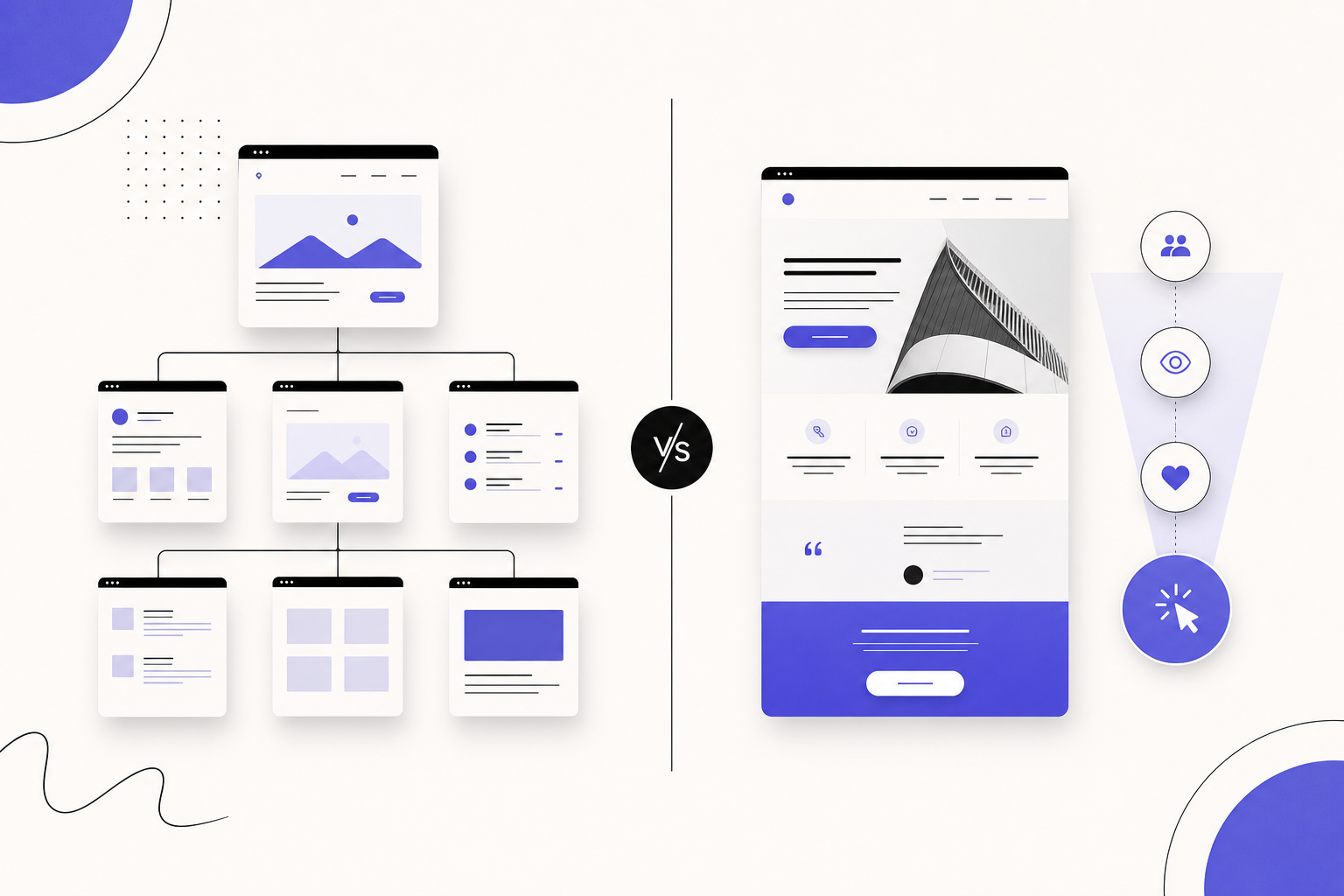
Confronto pratico tra sito web e landing page: quando serve una pagina focalizzata, quando conviene…
Sito web o landing page: cosa…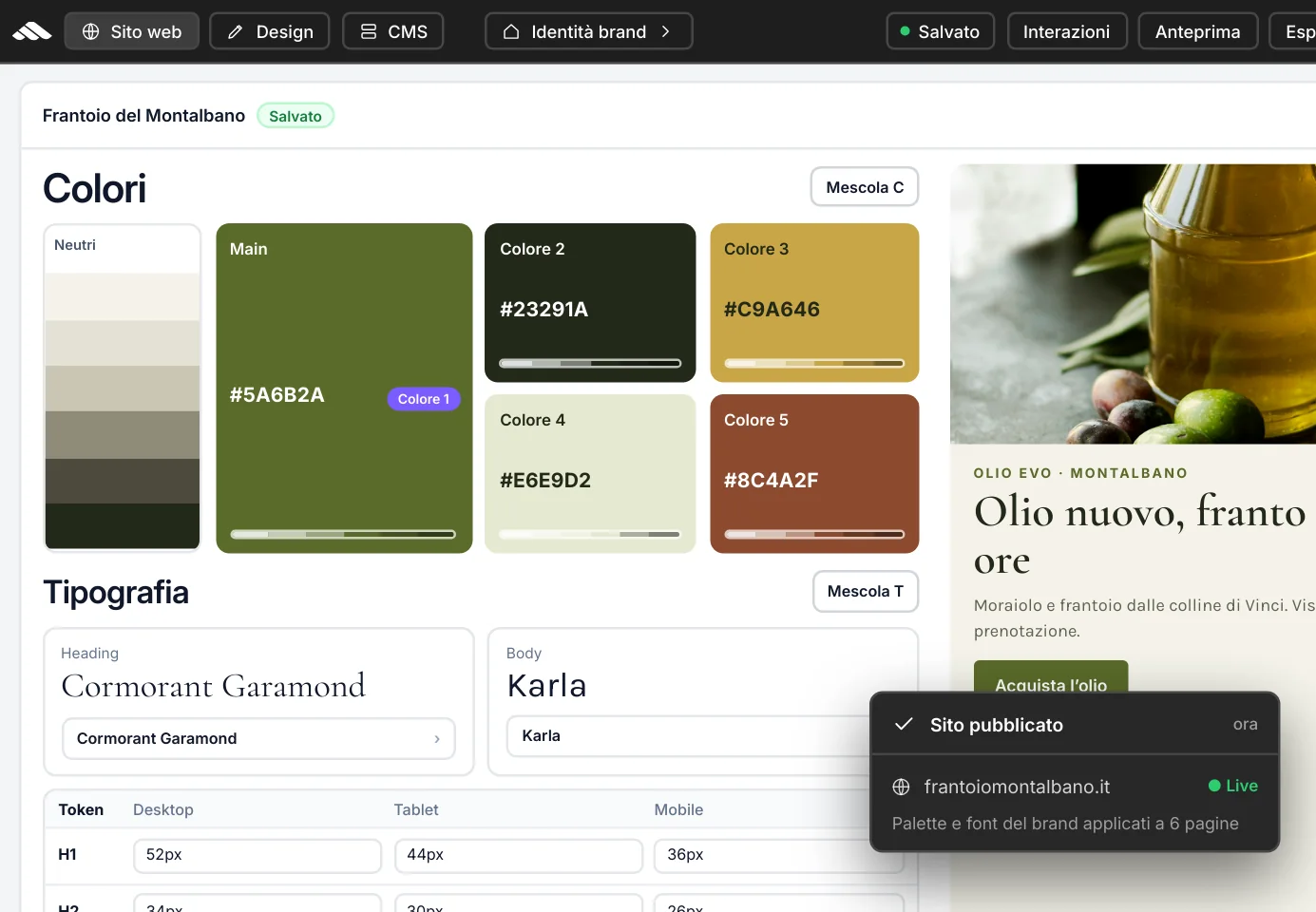
Use this page as a visual reference, then go to Brand identity to configure your project's palette, fonts, and tokens in the builder.
Brand identity
From Colors and style to the Brand panel: set global tokens once and find them on canvas, components, and the published site.