Web platform updates (September 2026): what to do on your site
A comment on the September web.dev digest: performance, Baseline and a checklist for SMEs — without copying the feed.
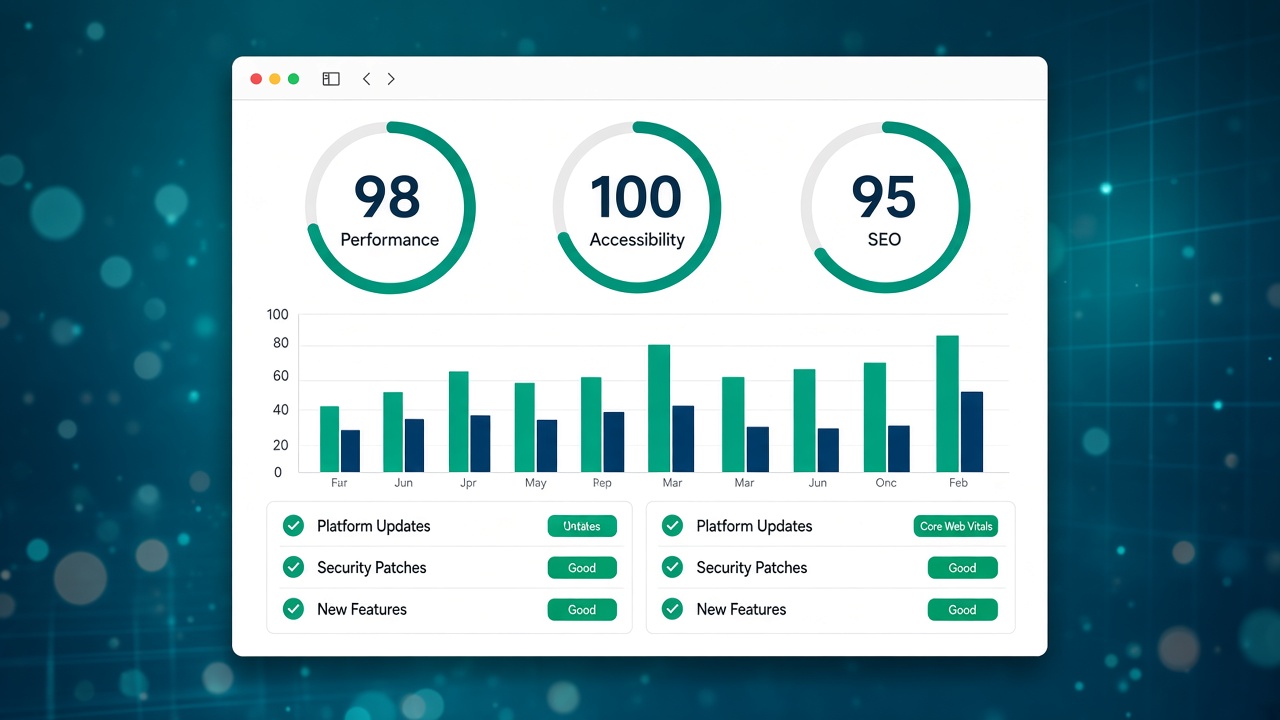
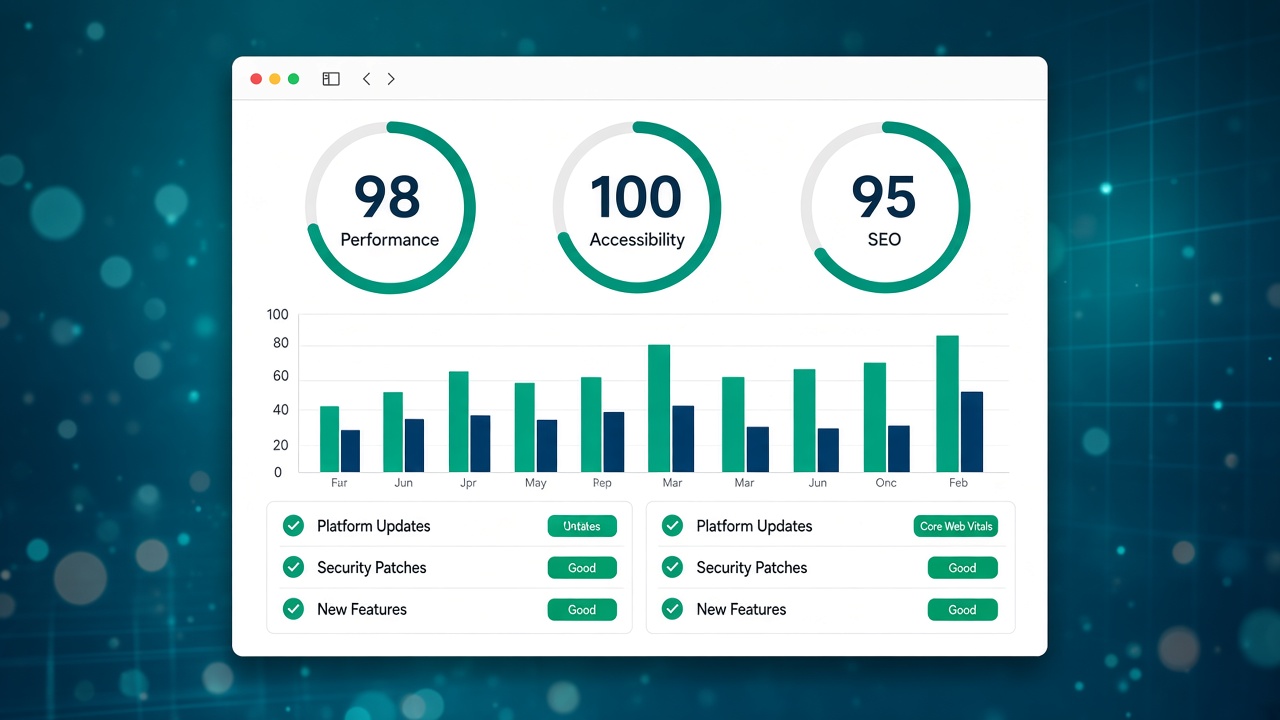
The monthly digest “New to the web platform” on web.dev summarises what Chrome and the other browsers are shipping. The September 2026 edition is not a tutorial for developers: for anyone with a brochure site, a portfolio or a small e-commerce shop, it is a prompt to ask “is my site still holding up?” before users and Google notice slowdowns or errors.
Here you’ll find a commentary written for SMEs and professionals in Tuscany. It does not copy the announcement: it tells you what to check and where to look in your stack (builder, WordPress, managed hosting).
Source (English): web.dev — New to the web platform in September.
What it means for your site, in brief
Every month the web platform evolves on three fronts that affect you even if you do not write code:
- Performance and media — image formats, lazy loading, priority of critical resources.
- Forms and interactions — contact forms, payments, native UI components.
- Security and privacy — isolated contexts, permissions, cookies and third parties.
You do not have to implement every API. You do have to avoid an outdated theme, a forgotten plugin or huge images costing you conversions on mobile.
Post-digest checklist (30 minutes with your contact person)
- Home and contact page on a real smartphone: menu, form, main CTAs.
- Search Console — the Experience tab and Core Web Vitals in the two weeks after the browser update.
- Images — keep the weight under control; if you use the Martini builder, check export and compression on the heroes.
- Third-party scripts — chat, analytics, pixels: remove what you no longer use.
For a first technical snapshot you can use the free SEO audit in 15 minutes or the SEO optimisation page.
Baseline: when it is worth talking it over with a technician
web.dev promotes Baseline to show which web features are supported reliably. If your site uses heavy animations, complex layouts or custom components, ask whether those choices are aligned with Baseline — fewer surprises on Safari iOS and Chrome Android, where most local B2B traffic arrives.
The link with SEO and content
The digest does not change Google’s algorithm on its own, but speed, HTTPS and mobile usability remain pillars. After a month that is “rich” in browser updates, it is worth reviewing the titles and descriptions of the money pages: see meta title and description for beginners.
If you work on local visibility in Prato or in Tuscany, a technically sound site is a prerequisite: website optimisation in Tuscany and SEO consulting.
Builder vs a traditional CMS
Anyone who publishes with a visual builder receives platform updates without managing a chain of plugins; anyone who stays on WordPress needs to plan security patches like the ones described in the other articles in this category. An honest comparison: WordPress vs a builder.
FAQ
Do I have to read the web.dev digest every month?
No: you just need a contact person (in-house or through consulting) who translates the updates into checks on your domain. The RSS radar in the admin dashboard is there so you do not lose the thread.
Does the digest improve rankings on its own?
No. It helps prevent technical regressions that can worsen the experience and indexing.
What should I do if Search Console reports errors after a Chrome update?
Give priority to the URLs with traffic and conversions; open a ticket with the technician, including screenshots and the deploy date.
In short
September 2026 confirms a steady pace: the browser will not wait for your next restyle. Use this article as an operational reminder, link the official source, and come back to the checklist before the next deploy.