Web platform updates (May 2026): what to check on your site
A commentary on Google’s web.dev digest: why it matters for performance, browsers and operational SEO — with a checklist for SMEs and brochure sites.
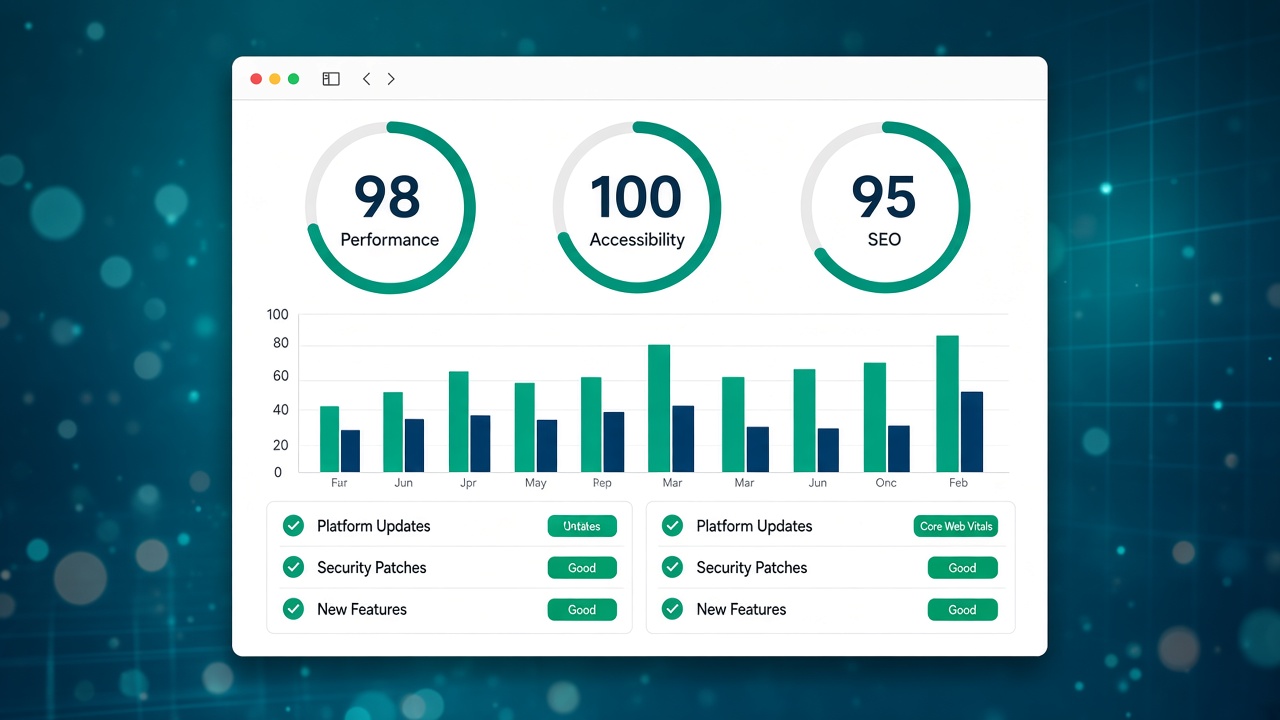
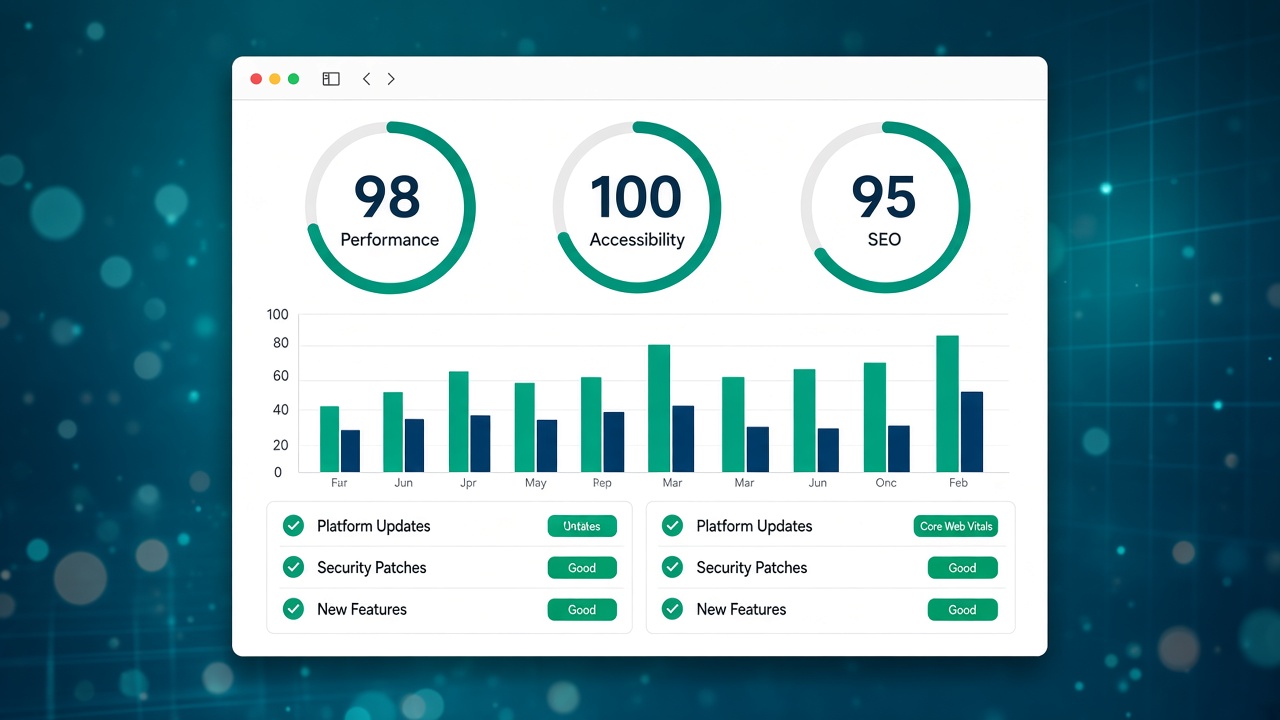
Every month the web.dev team (Chrome and the web platform) publishes a summary of the features arriving in stable and beta browsers. It is not a classic SEO announcement, but for anyone running a brochure site, an e-commerce shop or a CMS project it still matters: faster browsers, new APIs and different behaviours affect performance, accessibility and, indirectly, how Google evaluates the page experience.
This article comments on the May 2026 edition (“New to the web platform in May”) with a practical angle for SMEs and professionals in Italy. It does not replace the official source: read the original post in English and use Search Console to check your domain.
Source: web.dev — New to the web platform in May (Google Chrome / Web Platform).
Why you should follow these updates (even if you are not a developer)
Most visitors use Chrome or Safari on mobile. When the browser changes how it handles images, forms, security or performance metrics, the site can:
- load faster (or worse, if outdated scripts remain);
- show console warnings that your technician will need to fix;
- benefit from native features (forms, payments, media) without heavy plugins.
For SEO there is no “magic button” in the monthly digest, but Core Web Vitals, HTTPS and mobile usability remain real signals. A site that is slow or fragile after a browser update loses clicks even before it drops in the rankings.
What to do in practice after a “web platform” digest
- Ask for a post-update check from your technical contact (or in a consultation): the homepage, the services page and checkout if you have e-commerce.
- Open Search Console and see whether new warnings appear on Core Web Vitals, HTTPS or unindexed pages in the following two weeks.
- Check the theme or the builder: WordPress updates, plugins or custom components need to be aligned; if you use the Martini Francesco platform, make sure publishing and the CDN are active as in managed hosting.
- Do not implement every new API: the digest is there to understand trends (performance, privacy, AI in the browser). Priority = what touches traffic and conversions.
Baseline and browser compatibility
Alongside the monthly post, web.dev promotes Baseline: a way to understand which web features are “safe” to use on modern browsers. If your project uses animations, advanced layouts or interactive components, ask whether the technical choices are aligned with Baseline — fewer surprises on Safari iOS and Chrome Android.
To go deeper on on-page SEO (title, structure, internal links), the guide meta title and description and the page SEO optimisation in the builder remain useful.
The link with Google Search and content
Google Search Central publishes less often than the technical digests, but when it announces changes to indexing, spam or structured data it is worth reacting in days, not months. The RSS radar in the dashboard (sources: web.dev, Chrome Developers, WordPress, MDN, W3C) is there precisely so you do not miss these signals from one article to the next.
If your goal is visibility in Tuscany on local and service searches, a technically sound site is the prerequisite: see SEO audit and website optimisation in Tuscany or SEO consulting in Tuscany for a tailored roadmap.
A quick checklist (to keep for your project)
- Home and money pages: acceptable LCP and CLS on mobile (even with a free domain analysis as a first screening).
- Contact and newsletter forms: a test send after every major CMS or theme release.
- Sitemap and robots: no accidental block after a deploy.
- A backup before platform updates (WordPress 7.x, security plugins, etc.).
In short
The May 2026 digest on web.dev is a reminder: the web moves every month. For a business in Prato or in Tuscany you do not need to become a browser engineer, but you do need a contact person who translates the updates into “what to check on my site”. This article is the first in the Web & digital updates category: a commentary, a link to the source, concrete actions — not a copy of the feed.
Suggested next step: open the post on web.dev, note a feature that could affect your stack (media, forms, performance) and ask in a consultation whether it is worth an intervention or can wait.