JPEG XL in Chrome: what changes for your website images
Why the new format in Chrome matters for speed and SEO, and how not to rush into mass conversions.

Google has announced progressive support for JPEG XL in Chrome. For anyone running a site with a lot of photos — a brochure site, a portfolio, a restaurant, an artisan — this is not just a news item for nerds: it is a chance to cut file size and loading times without sacrificing visual quality.
This piece explains what changes for you, what you should not do in a hurry, and how to stay compatible with visitors on Safari or Firefox. For the technical details, refer to the Chrome Developers source.
Source (English): Chrome Developers — Shipping JPEG XL in Chrome.
What JPEG XL is (without the jargon)
It is a modern image format designed to replace or sit alongside JPEG and PNG in many cases, with lighter files at the same perceived quality. Chrome supporting it means that, over time, you will be able to serve more efficient images to users on Android and desktop — if your site and CMS/builder can produce or convert that format.
Why it matters for SEO and conversions
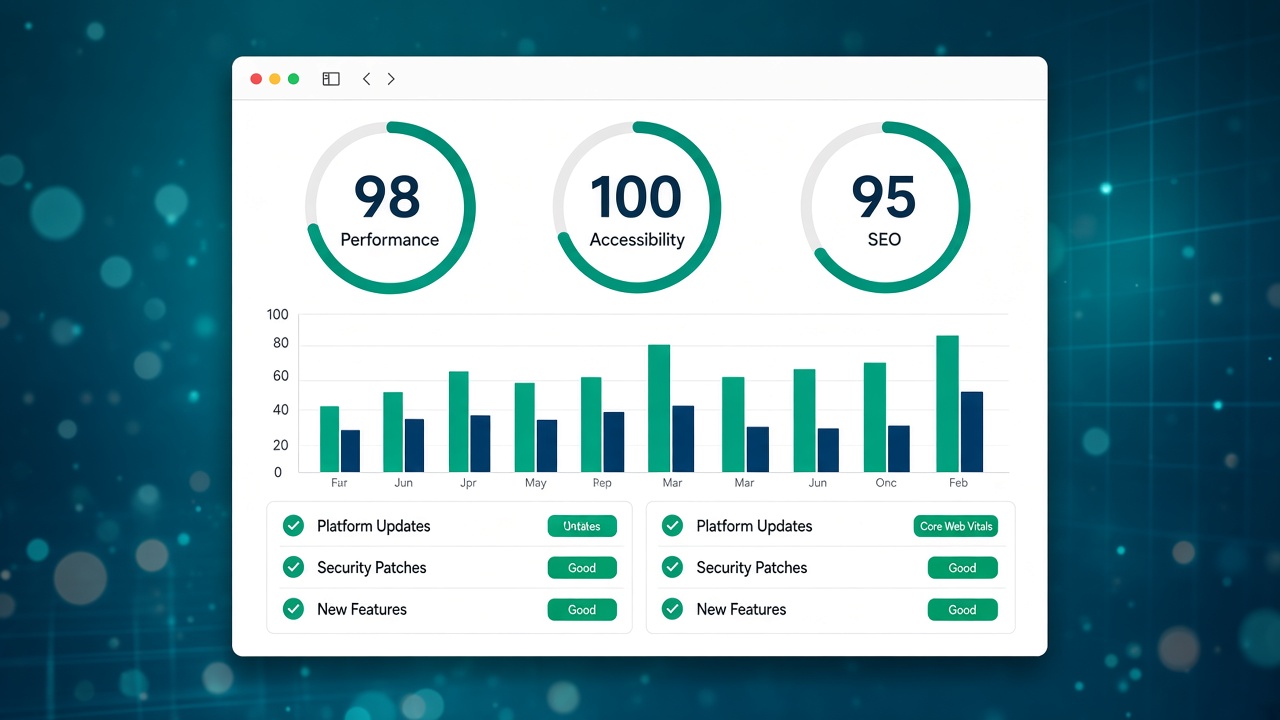
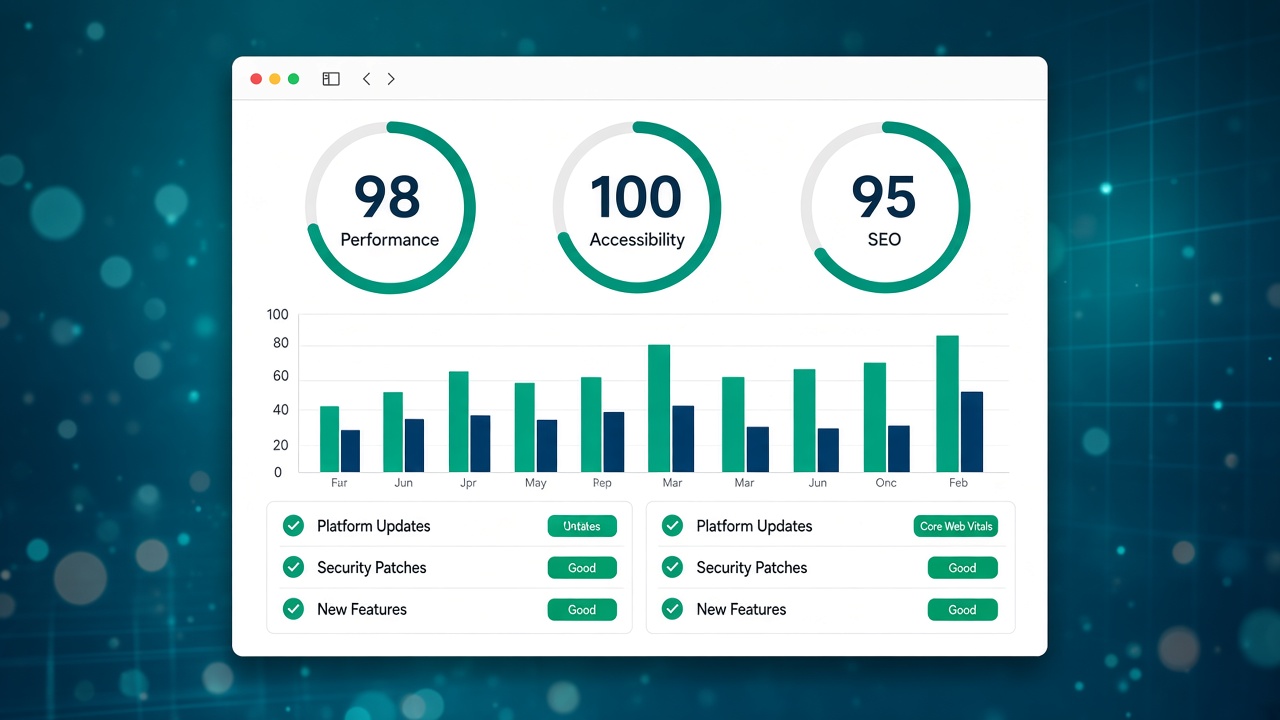
Images are often half the weight of a brochure page. Slow pages on 4G lose contacts before Google updates the ranking. Core Web Vitals (LCP in particular) improve when the hero and the galleries weigh less. You do not have to switch to JPEG XL tomorrow, but it is worth knowing that image optimisation is still the highest ROI after HTTPS and clear copy.
What to do now (a pragmatic plan)
- Do not convert everything in bulk without a backup and a visual check on products and projects.
- Check how you upload images today — builder, WordPress, CDN: ask whether JPEG XL is on the roadmap or whether WebP/AVIF already cover the case.
- Keep a fallback — until every browser supports JXL, serve alternative formats or an optimised JPEG (many stacks already do this automatically).
- Review alt text and dimensions — a new format does not replace accessibility and a responsive layout.
Related guide: SEO mistakes on brochure websites (it includes images without alt text and huge files).
JPEG XL, WebP and your builder
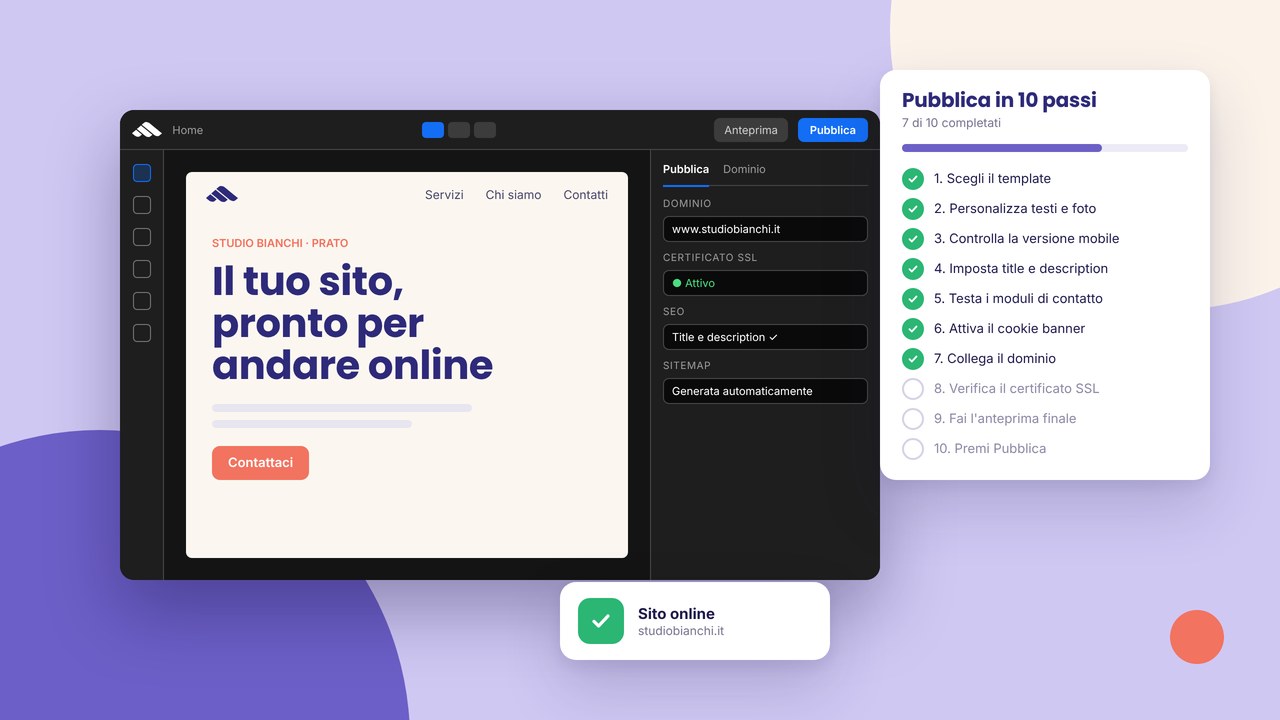
If you publish with the Martini Francesco platform, hosting and the publish flow already handle compression and delivery: the important thing is not to upload 5 MB originals in the hero. On WordPress sites, the image plugin and the theme decide if and when to adopt new formats — often months later than Chrome.
A comparison of approaches: WordPress vs a visual builder.
FAQ
Do I have to redo every photo on the site?
No. Start with the homepage, the services pages and the pages with more traffic; measure before and after with PageSpeed or Search Console.
Will iPhone users see the images?
Safari has different policies on formats: the site must keep serving compatible formats (JPEG/WebP) until you have a multi-format strategy.
Does JPEG XL replace image SEO?
No. Sensible file names, descriptive alt text and context on the page remain essential.
In short
JPEG XL in Chrome is a signal: the web is moving towards lighter media. Use it to talk to whoever manages the site about image performance, not to trigger a migration panic. The official source is in the link above; next step: audit the image weight on the five most visited URLs.