Secure authentication in 2025: sessions, tokens, OAuth2, MFA and passkeys
A practical guide for web developers on secure authentication in 2025: sessions, JWT, OAuth2, MFA, passkeys, rate limiting, GDPR, audits and an operational checklist.
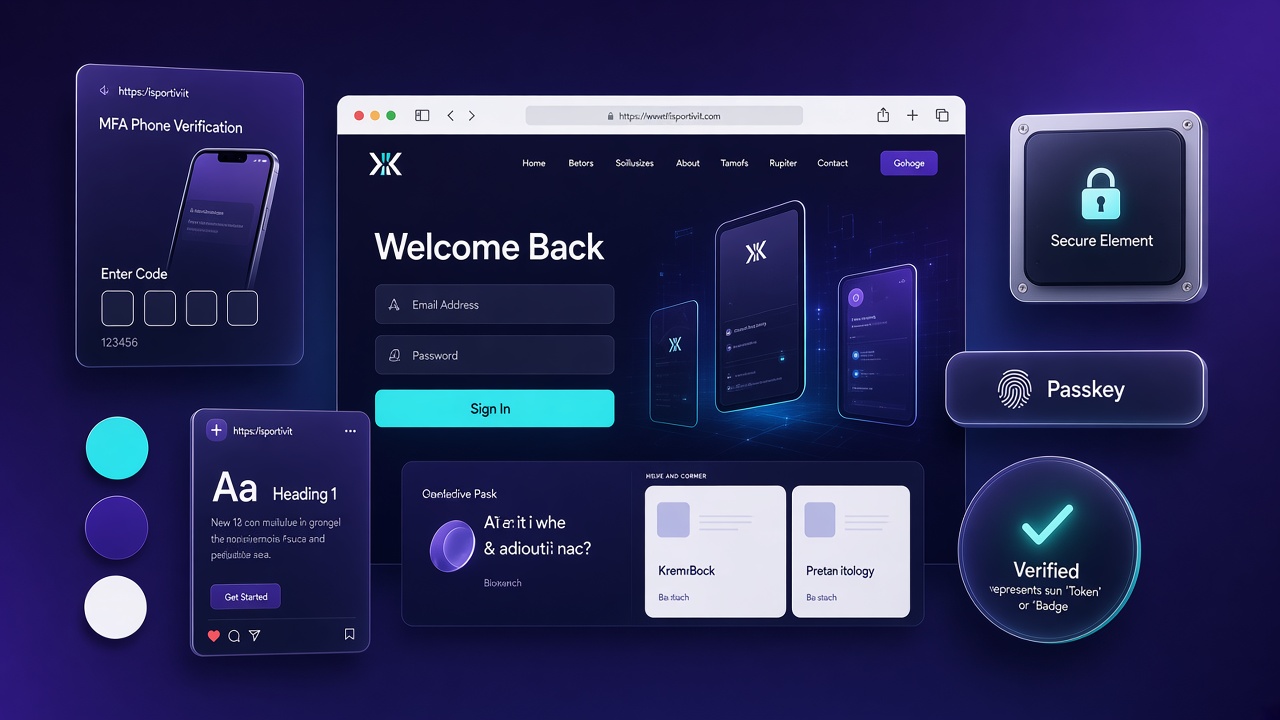
Login, registration and credential recovery are the entrance doors to users’ data. An error here is not “only” a bug: it is a flaw that opens the way to identity theft, a loss of trust and legal problems. The goal is not “to make the login work”, but to make it robust, predictable and defended on more than one level.
Choose the right authentication model
- Server-rendered sites: the most linear solution remains the session with a cookie. It is revocable, simple to manage and integrates well with anti-CSRF protections.
- API-first architectures and more clients (web, mobile): better tokens; if you use JWTs, manage duration, rotation and revocation well. Alternatively, opaque tokens with server-side validation.
- “Sign in with Google/Apple” and Single Sign-On: OAuth2 + OpenID Connect to delegate identity in a standard way.
- High-risk areas (payments, account settings): add MFA and, when possible, passkeys/WebAuthn.
A simple but crucial rule: tokens live in HttpOnly cookies (not in localStorage) and cookies must be secure (HTTPS, Secure, an adequate SameSite).
Sessions done well (and why they still work)
Sessions remain an excellent choice for very many apps:
Protected cookies and clear expiries.
Regeneration of the session identifier after login to avoid fixation.
A logout that really invalidates the session.
Anti-CSRF on sensitive actions.
An inactivity timeout + a “remember me” option managed with judgement. Advantages: simplicity, immediate revocation, fewer attack surfaces. Disadvantages: scaling on many servers requires a shared store, but it is manageable.
Tokens and JWT: useful, but with a cool head
Tokens shine when you have more than one client and microservices. JWTs are convenient because they contain signed information, but they require discipline:
A short duration for the access token and a separate refresh token.
Rotation of refresh tokens and the possibility of immediate revocation (allowlist/denylist).
Serious validation: issuer, audience, expiries.
If you do not need a “self-contained token”, opaque tokens are often simpler and more secure to revoke.
OAuth2 + OpenID Connect: when SSO is needed
Integrating “Sign in with Google/Apple” reduces password management and improves UX. Use the minimum scopes, verify tokens on the server side and keep only the strictly necessary data. Remember: SSO does not eliminate application security; it only moves the identity problem onto a reliable provider.
Passwords: an honest policy, correct storage
A robust hash (e.g. Argon2id or, alternatively, bcrypt) with parameters updated over time.
A clear, realistic policy: a sensible minimum length, a check of passwords known as compromised, limits on attempts.
Email verification and a reset flow with a short-lived, single-use link.
Notifications for password changes, new devices and suspicious activity.
MFA and passkeys: the extra gear
- MFA (TOTP, an authenticator app or push) cuts the risks in the event of a stolen password.
- Passkeys/WebAuthn take the experience to a higher level: login with the device’s biometrics and strong resistance to phishing.
- Provide recovery codes and a fallback path to avoid useless lockouts.
Defences against abuse and bots
- Rate limiting and backoff: more failed attempts, more waiting.
- Temporary lockout and assisted unlock.
- An “intelligent” captcha only after N errors, so as not to ruin the UX.
- Monitoring of anomalous IPs and reports to the user in the event of unusual logins.
Password recovery without leaking anything
The ideal flow never confirms whether an email exists or not. Send the link only if the address is in the archive and keep the message neutral (“If an account exists…”). The token must be unique, short-lived and single-use. At the end of the process, always notify the outcome.
Headers, CORS and Content Security Policy
Think of security headers as a second armour:
HSTS: force HTTPS.
CSP: limit where scripts, styles, fonts and images can come from.
CORS: open only what is really needed.
Referrer-Policy and X-Frame-Options: fewer surfaces for clickjacking and leakage.
They are “boring” details, but they make an enormous difference in the real world.
Authorisation: roles, permissions and common sense
Authenticating says who you are; authorising establishes what you can do.
Define roles and permissions with clarity (RBAC/ABAC).
Always verify on the server side.
Separate the admin area from the rest, log critical actions and apply the principle of least privilege.
An operational checklist
- HTTPS everywhere, HSTS active.
- Secure cookies and no tokens in localStorage.
- A session ID regenerated at login, anti-CSRF on sensitive forms.
- Passwords with a robust hash, checks on compromised passwords.
- MFA that can be activated, passkeys when possible.
- Rate limiting, lockout, captcha only when needed.
- Password reset with a short-lived, single-use token.
- Logs and alerts on unusual logins; an audit for important actions.
- CSP, CORS and security headers configured.
- Clear roles/permissions and server-side checks.
A periodic security audit
Authentication is not “set and forget”. Plan quarterly audits that check: updated dependency versions, password-hash parameters still adequate, token and session expiries, logs of anomalous logins, security-header configuration, role permissions and disabled test accounts. Use the OWASP ASVS or OWASP Top 10 checklists as a reference.
Automate where possible: Dependabot or Renovate for updates, SAST scans in CI, annual penetration tests on critical auth flows. Document every change to the security policy and communicate relevant changes to users (e.g. mandatory MFA).
GDPR, privacy and authentication data
Login data (email, IP, login timestamps, device fingerprint) are personal data. You must: a clear notice on what you collect and why, a legal basis (contract, legitimate interest), minimisation (do not keep logs beyond what is necessary), the right of access and erasure, a breach notification within 72 hours if applicable.
Avoid logging passwords, tokens in the clear or unnecessary sensitive data. Pseudonymise where possible. If you use an OAuth provider, check their DPAs and where the data reside. Technical security and privacy compliance go hand in hand: a secure but opaque login on data processing still erodes trust.
Testing: scenarios to simulate before go-live
Before putting an authentication system into production, test at least these scenarios:
- Login with repeated wrong credentials (is rate limiting active?)
- Password reset with a non-existent email (a neutral message?)
- Session fixation: does the ID change after login?
- CSRF on sensitive forms without a token
- An expired or manipulated JWT token
- Does logout on a device invalidate the session?
- MFA: a wrong code, a recovery code, a lost device
- OAuth: excessive scopes, revocation of permissions on the provider side
Useful tools: OWASP ZAP, Burp Suite Community, manual tests with staging accounts. Better to discover the flaws yourself than for someone else to discover them.
Passkeys in 2025: the state of the art
Passkeys (WebAuthn/FIDO2) are becoming the standard for passwordless login: resistance to phishing, no shared secret to steal, UX with the device’s biometrics. Apple, Google and Microsoft support them natively; modern browsers handle them without plugins.
To implement them: use mature libraries (SimpleWebAuthn, WebAuthn4J), offer a fallback (password + MFA) for legacy users, clearly explain the benefit in onboarding, test on iOS, Android and desktop. It is not yet mandatory everywhere, but for new projects or sensitive areas it is the recommended direction.
Conclusion
Choose the simplest solution that covers your case: sessions for classic apps, tokens for multi-client APIs, OIDC for SSO. Add MFA/passkeys, set cookies and headers well, take care of the “surrounding” flows (reset, lockout, notifications). It is not only security: it is trust that you build with whoever uses your application.