How to create a website in 2025
A complete guide to creating a modern website in 2025: from the choice of technology (Jamstack, headless CMS) to deploy on Vercel, with tips on performance, SEO and PWAs.
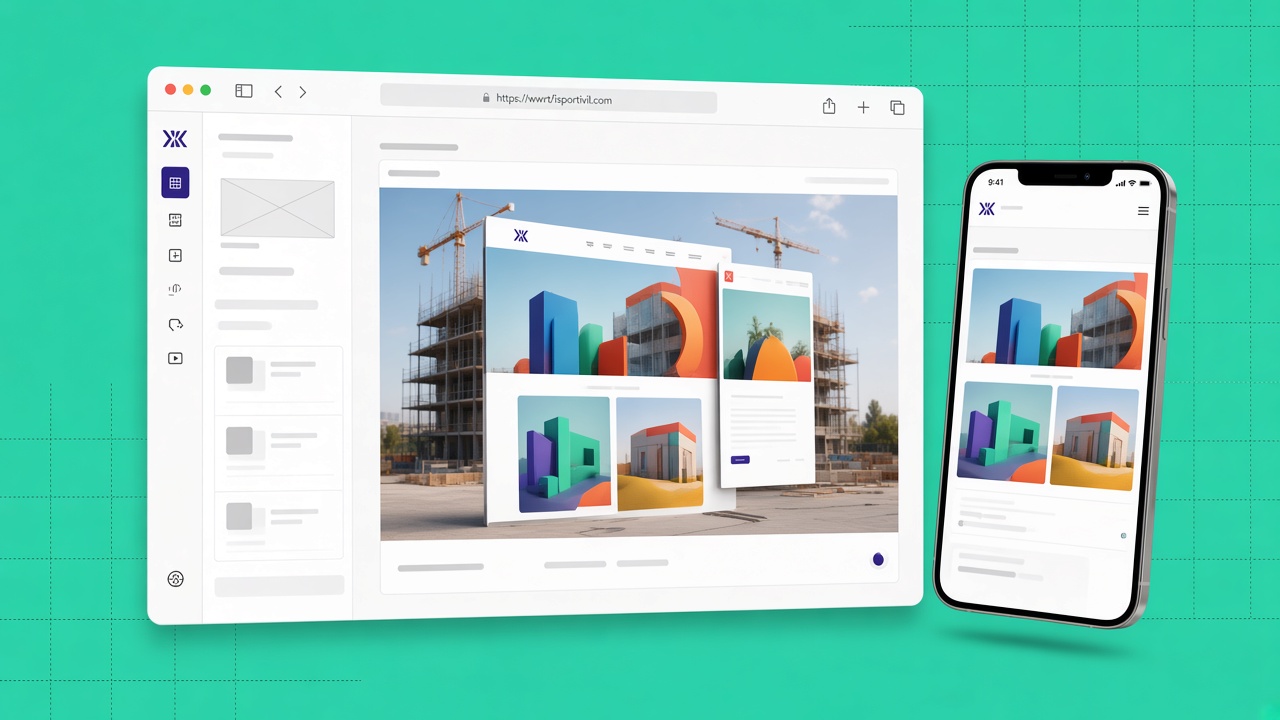
In 2025 the web is no longer a simple digital shop window: it is an experience that combines speed, personalisation, accessibility and artificial intelligence. If you are thinking of launching a blog, a portfolio, a company site or an online shop, this guide accompanies you step by step, with concrete technological choices and a results-oriented workflow.
There is no single recipe valid for everyone, but there are principles and tools that today really make the difference between a mediocre site and a professional, fast project that is ready to grow.
1. From the idea to the project: defining goals and audience
Before you open the editor or choose a framework, stop to clarify what you want to obtain. Do you want to tell stories, sell products, generate contacts or show your skills? Every goal requires different structures, content and features.
Define the reference audience: beginners, sector professionals, local clients or international users. The tone, the content hierarchy and the calls to action change based on who has to use the site. For example, if your target is looking for practical tutorials, you might plan a “Resources” area with downloads, videos and downloadable guides.
Also list the essential features and the optional ones: a contact form, a newsletter, a reserved area, a product catalogue, an integration with a CRM or analytics tools. This phase avoids building a site that is too complex at the beginning or, on the contrary, too limited for your future goals.
2. Choosing the right technology: Jamstack, headless CMS and low-code
Today you do not need to reinvent the wheel. The Jamstack approach (JavaScript, API, Markup) combines static site generators or modern frameworks with APIs and external services, offering high performance, security and scalability.
Among the most widespread solutions we find:
- Next.js: ideal for dynamic sites, e-commerce and React applications with static or server-side rendering.
- Astro: excellent for content-driven sites, blogs and landing pages with an ultra-light load.
- SvelteKit: a reactive, performant framework, suitable for projects that privilege simplicity and speed.
Paired with a headless CMS such as Strapi, Sanity or Contentful, these tools separate content and presentation: the editorial team works on an intuitive panel, while developers keep control of code, performance and design.
If you prefer a low-code approach, platforms such as Webflow or WordPress with Full-Site Editing let you design complex layouts without writing code. The choice depends on budget, in-house skills and the need for customisation over time.
Artificial intelligence can accelerate the work, but it does not replace strategic decisions. Tools such as GitHub Copilot help with code suggestions, while Figma AI can generate interface drafts to refine with judgement.
3. A professional development environment and workflow
Install Node.js (the LTS version) and choose a package manager such as npm or pnpm. Configure an editor such as VS Code with extensions for linting, automatic formatting (Prettier) and Tailwind CSS support if you use it in the project.
Version everything with Git and host the code on GitHub or GitLab. A well-organised repository lets you take advantage of CI/CD pipelines, automatic pull-request previews and team collaboration. Set dedicated branches for development, staging and production.
Document the architectural choices and keep an updated README file: in the future it will save you time and reduce errors during maintenance or handover.
4. Contemporary, mobile-first and accessible design
In 2025 mobile-first is not optional. Use Flexbox or CSS Grid to adapt the layout to all resolutions, testing on real devices and not only on emulators.
Choose a component library (shadcn/ui, Radix, Material UI) or create custom elements with Tailwind CSS for a clean, consistent aesthetic. Keep typographic consistency, spacing and the colour palette on all pages.
Accessibility is a requirement, not an extra: semantic HTML, ARIA attributes where needed, high contrasts and keyboard navigation guarantee an inclusive experience and also improve SEO. Tools such as axe DevTools or Lighthouse help you identify problems before launch.
5. Dynamic features on modern sites
Even with a predominantly static site you can offer quality interactive experiences:
- Dynamic routing: pages generated at build time or on request with Next.js (
generateStaticParams, Server Components) or equivalents in other frameworks. - Forms and authentication: integrations with Netlify Forms, Firebase Auth, Auth0 or similar services to manage registrations and logins without reinventing security.
- PWA: make the site installable on mobile by adding a manifest and a service worker for intelligent caching, partial offline and push notifications where it makes sense.
Evaluate every feature based on the value for the user: more code means more maintenance, a larger attack surface and potential performance problems.
6. Performance and SEO: non-negotiable foundations
Speed has a direct influence on conversions, rankings and brand perception. Optimise images with modern formats (WebP, AVIF), take advantage of a CDN and lazy-loading, reduce non-essential JavaScript and analyse the bundle with tools such as Bundle Analyzer.
From an SEO perspective, take care of meta tags, structured data (JSON-LD), sitemap.xml and robots.txt. Write content that is useful for people, not only for search engines. Run periodic audits with Lighthouse to monitor performance, accessibility and best practices.
Monitor Core Web Vitals (LCP, INP, CLS): Google considers them signals of user-experience quality and they affect organic rankings.
7. Deploy without worries: Vercel, Netlify and Cloudflare Pages
Platforms such as Vercel, Netlify or Cloudflare Pages offer instant deploys, a preview for every branch and native integration with Git. Connect the domain with a free SSL certificate (Let’s Encrypt) and check that DNS and records are configured correctly.
Set notifications for failed builds and automate dependency updates with Dependabot or Renovate. Plan backups of the CMS content and of the source code: a professional site must be recoverable in the event of incidents.
Conclusion: an iterative path
Creating a website in 2025 means embracing modern technologies, optimised workflows and constant attention to the user experience. You do not need to do everything perfectly at the first release: launch a solid version, collect feedback, measure the results and improve over time.
- Choose the tools based on goals, skills and budget.
- Design mobile-first, accessible and performant from the start.
- Automate deploy, monitoring and security updates.
- Keep optimising with periodic audits and quality content.
The web evolves rapidly, but the principles remain valid: clarity, speed, usefulness and trust. A site built with method is an investment that grows with your project.