An efficient workflow for web developers and designers: optimising the work process
Discover how to optimise the workflow for web developers and designers with tools, methodologies and good practices to work more productively in 2024.
Improving your workflow is essential to increase productivity and reduce the time spent on repetitive activities. With the right tools and effective methodologies, web developers and designers can optimise the workflow, improve collaboration and deliver projects with less stress and more quality.
An efficient workflow does not mean working more, but working with less friction: fewer lost files, less confused communication, fewer errors discovered at the last minute.
1. Organisation of work and planning
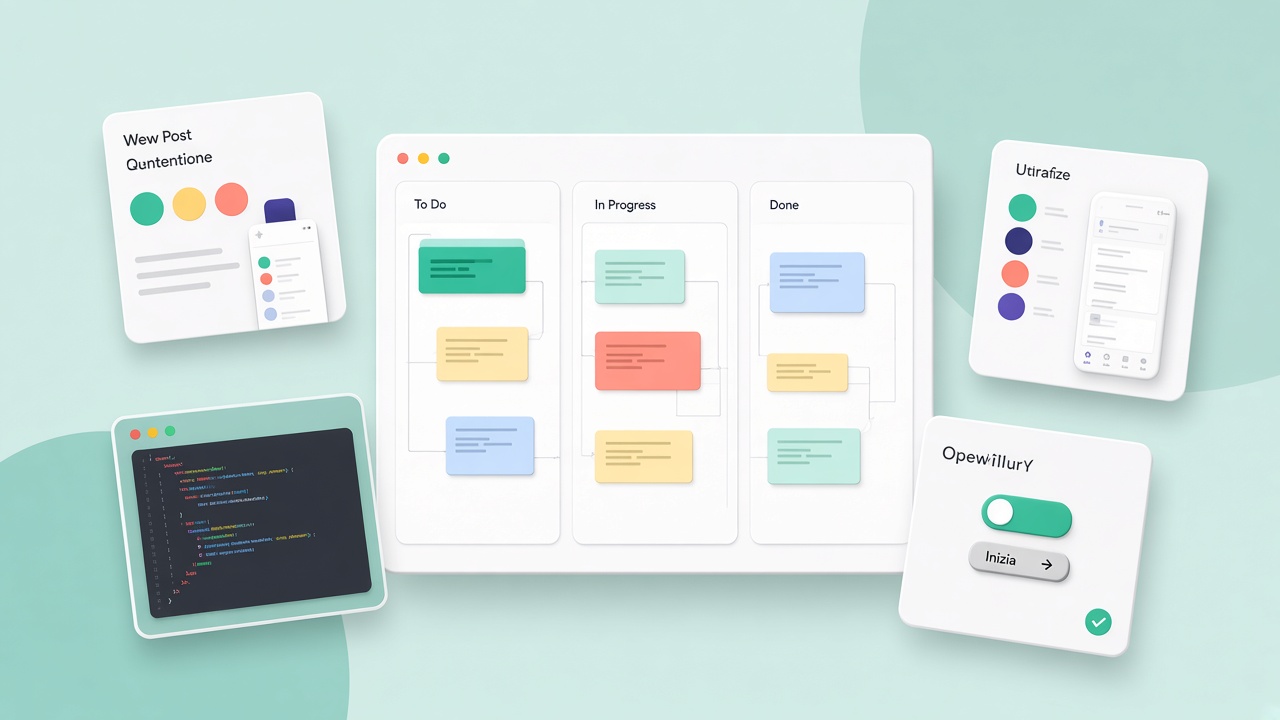
The planning phase is crucial. Project-management tools help you keep track of activities, deadlines and responsibilities:
- Trello and Asana: organise tasks and projects with an intuitive interface
- Notion: an all-in-one workspace with notes, databases and activity management
- Jira: ideal for teams that follow Agile and Scrum methodologies
Before you open the editor, define the goal, the scope, the priorities and the acceptance criteria. A clear brief avoids expensive rework in the development phase.
2. The development environment and writing code
A well-configured editor increases speed and effectiveness:
- Visual Studio Code: light, customisable, with extensions for debugging and version control
- Sublime Text: a fast, minimalist alternative
- PHPStorm: a powerful environment for PHP and frameworks such as Laravel
Configure a formatter, linting and recurring snippets. A consistent setup in the team reduces style differences and trivial errors.
3. Version control and collaboration
Managing code in a structured way is essential:
- Git and GitHub: distributed version control and a repository for team work
- GitLab: an alternative with built-in CI/CD
- Bitbucket: useful for teams that use Atlassian Jira
Adopt clear conventions: branches for features, descriptive commits, pull requests with a review. Code quality improves when the code is read by other eyes.
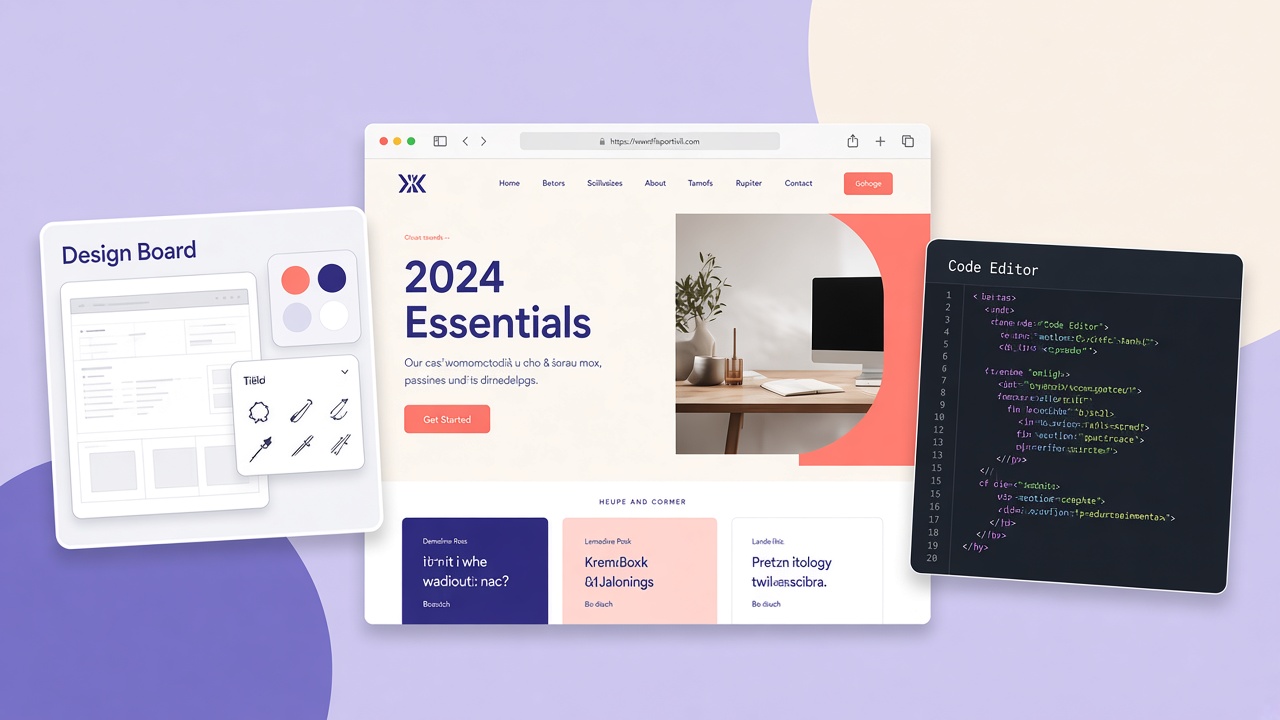
4. Design and UI/UX prototyping
Designers and developers must collaborate to turn concepts into functional interfaces:
- Figma: real-time collaborative design and interactive prototypes
- Adobe XD: advanced prototyping in the Adobe ecosystem
- Sketch: popular among macOS designers with UI libraries
Share design tokens (colours, spacing, typography) between design and code to reduce visual discrepancies.
5. Testing and debugging
Testing and optimisation guarantee high quality:
- Chrome DevTools: debugging and performance analysis built into the browser
- Lighthouse: reports on SEO, accessibility and performance
- Postman: API tests and frontend-backend integration
Integrate automatic tests (Jest, Cypress) on projects that grow: intercepting regressions before the deploy saves days of corrections.
6. Workflow automation
Automating repetitive activities reduces human errors:
- Gulp and Webpack: automated management of CSS, JavaScript and images
- Docker: isolated, reproducible development environments
- CI/CD with GitHub Actions or GitLab CI: automated deploys and tests
7. Hosting and deployment
Choosing the right hosting is fundamental for stability and speed:
- Netlify: deployment of static sites with Git integration
- Vercel: ideal for Next.js and React
- DigitalOcean and AWS: scalable solutions for the cloud and complex applications
A weekly workflow checklist
- a review of the backlog and of the team’s priorities
- a design-developer sync on components in progress
- a performance audit on critical pages
- a backup and a check of staging environments before releases
Common questions about the workflow
What is the best method to organise a web project? Tools such as Trello or Notion with a clear view of the activities. With Agile methodologies, divide the work into sprints with measurable goals.
Which tools improve productivity? VS Code with useful extensions, Figma for collaborative design, GitHub for version control and Lighthouse for pre-release quality.
How do you avoid errors and compatibility problems? Automated tests with Jest or Cypress, debugging with DevTools and an audit with Lighthouse before going online.
Conclusion
Optimising the workflow for web developers and designers means choosing the best tools for every phase, from planning to deployment, and continuously improving your method. Investing in the process leads to more efficient, collaborative and professional results, with less stress and more solid projects.
Documentation and handoff
A mature workflow includes readable documentation: the project README, notes on environment variables, build and deploy instructions. For the design-developer handover, export assets at the correct sizes, indicate spacing and specify animations only when they are needed. Less ambiguity, fewer corrections afterwards.
Time management and reducing context switching
Dedicated blocks of time (deep work) for development or design, with reduced notifications, increase the quality of the output. Group reviews, calls and message replies into defined windows instead of interrupting the flow every few minutes. Tools such as a Pomodoro timer or shared calendars help protect productive hours.
A retrospective and continuous improvement
At the end of a sprint or a project, dedicate thirty minutes to what worked and what did not: estimates, communication, recurring bugs, bottlenecks. An efficient workflow is not static: it is refined project after project with small, measurable adjustments.
The local environment and parity with production
Docker or similar containers guarantee that “it works on my PC” does not become a problem in staging. Align PHP/Node versions, extensions and environment variables. make dev or npm run dev scripts documented in the README accelerate the onboarding of new collaborators.
Effective code review
Small pull requests, a description of why the change was made, screenshots for UI changes and a pre-merge checklist (lint ok, tests passed, no secret in the diff). The review is not a personal criticism: it is a shared quality guarantee.
A detailed design handoff
For every component indicate states, spacing, breakpoints and long-text behaviour. Specify fonts, weights and fallbacks. Less free interpretation in the dev phase, fewer rounds of correction.
Post-launch monitoring
After the deploy: uptime, JS errors in Sentry or an equivalent, Core Web Vitals from Search Console. A workflow does not end at go-live: maintenance is part of the cycle.
Freelancers: contract and delivery
For solo projects: milestones with a partial payment, a private repository, delivery of files and documented access. A pre-delivery checklist: responsive, tested forms, 404, favicon, basic meta, a backup.